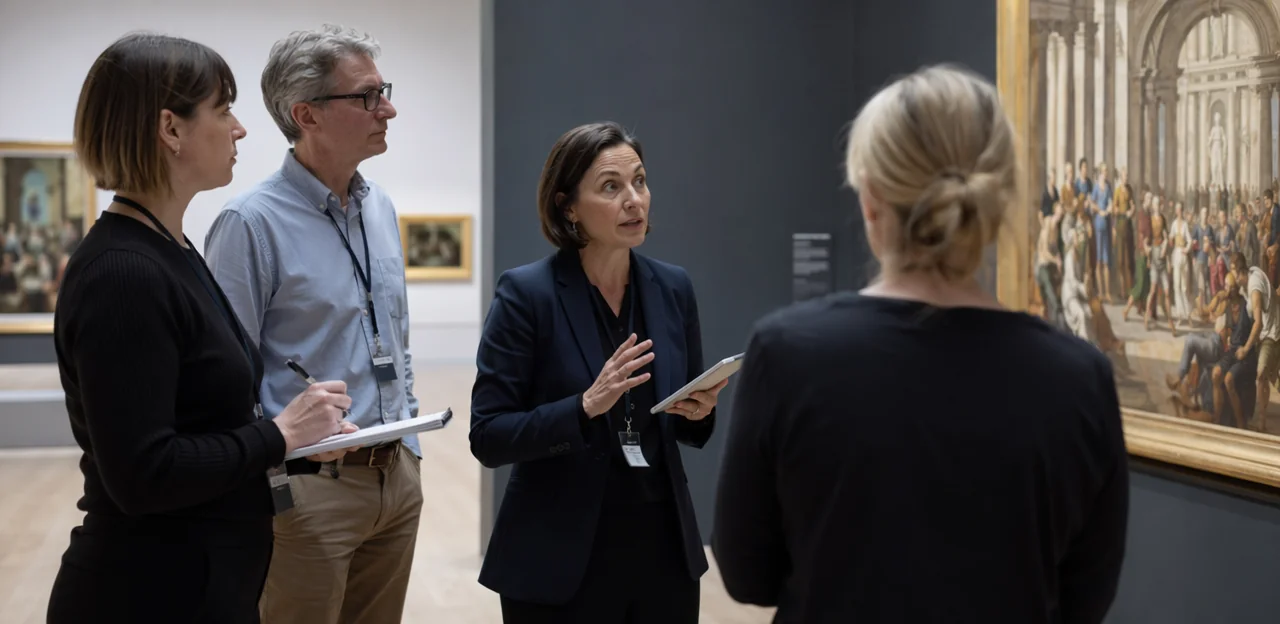
A great museum experience is never shaped by exhibitions alone. It’s built in the transitions between spaces, the clarity of the signage, the comfort of shared facilities, the pace of tours, and the small operational details visitors notice immediately. That is why museum operations feedback is so valuable when it is captured by zone rather than as a single end-of-visit score. When teams can see how people feel at the entrance, in galleries, near restrooms, in cafés, or at the exit, they gain a far clearer picture of what is working and where friction is affecting the visitor journey.
For museum and attraction operations teams, zone-based feedback turns broad satisfaction data into practical action. It helps identify crowding hotspots, wayfinding issues, accessibility barriers, service gaps, and maintenance concerns while the experience is still fresh in visitors’ minds. Tools such as Tapsy can support this approach by making it easier to collect quick, location-specific feedback without adding friction for guests.
In this article, we’ll explore how museums can use visitor feedback by zone to improve daily operations, support frontline teams, respond faster to issues, and create more consistent, enjoyable experiences across the entire venue.
Why zone-based museum operations feedback matters
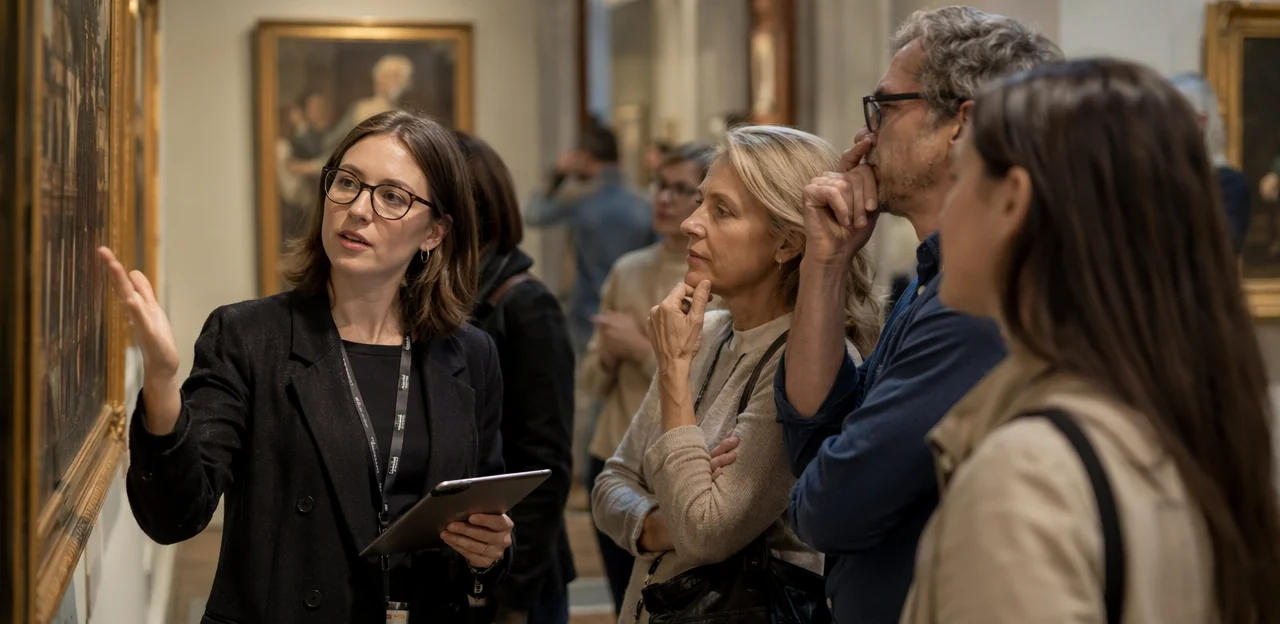
What “by zone” means in a museum context
In museums, visitor feedback by zone means collecting comments at specific points in the museum visitor journey, rather than asking for one general review at the end. A “zone” can include:
- Entry and ticketing
- Permanent galleries
- Temporary exhibitions
- Restrooms
- Retail or gift shop
- Cafés and seating areas
This makes museum operations feedback far more actionable. Instead of a vague comment like “the visit felt confusing,” teams can see whether the issue came from signage at entry, queues at ticketing, crowding in galleries, or cleanliness in restrooms. Zone-level insight helps operations, front-of-house, and facilities teams prioritize fixes faster and measure improvements more accurately.
How feedback supports operational decision-making
Zone-level museum operations feedback helps teams act on issues before they damage ratings or repeat visits. Instead of relying only on end-of-visit surveys, museum operations teams can monitor feedback from entrances, galleries, cafés, restrooms, and exits to spot patterns early.
- Identify bottlenecks: Repeated comments about queues, crowding, or slow entry highlight flow problems by zone and time.
- Catch service gaps: Low scores at help desks or cafés can reveal unclear signage, inconsistent service, or poor handoffs.
- Flag maintenance issues: Restroom cleanliness, broken interactives, lighting, and temperature complaints show where rapid fixes are needed.
- Plan staffing better: Feedback trends support smarter rota decisions for peak periods, improving visitor experience operations and overall museum service improvement.
Tools like Tapsy can help collect this insight in real time.
The link between visitor experience and operational efficiency
Strong museum operations feedback shows that visitor sentiment is often a direct reflection of back-of-house performance. To improve museum visitor experience and museum guest satisfaction, operations teams should track feedback by zone against core service metrics:
- Queue times: Long waits at entry, cafés, or restrooms reduce satisfaction and can limit spend.
- Cleanliness: Low scores in toilets, galleries, or dining areas often signal staffing or scheduling gaps.
- Signage and accessibility: Confusing routes, poor wayfinding, or access barriers increase frustration and staff interruptions.
- Exhibit uptime: Broken interactives or closed displays weaken engagement and repeat visits.
Better operational efficiency in museums means smoother visits, stronger reviews, higher dwell time, and more revenue opportunities.
How to collect visitor feedback across museum zones
Best feedback channels for different zones
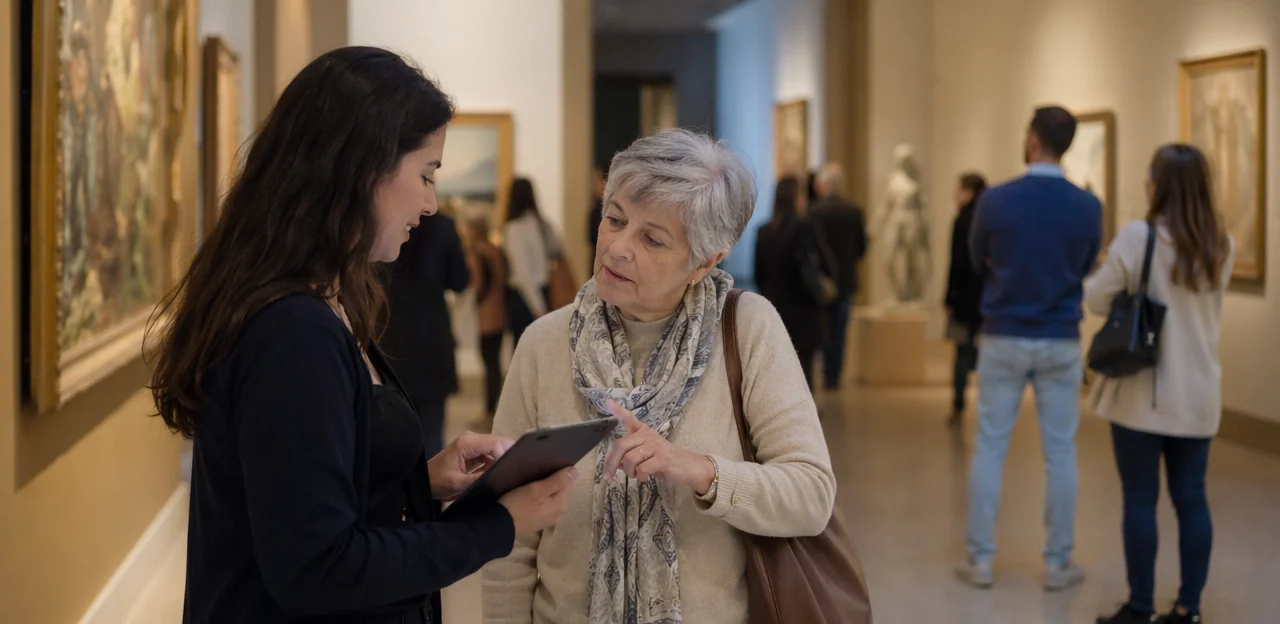
Use different museum feedback tools by zone so feedback is fast, relevant, and easy to act on. Strong museum operations feedback depends on matching the channel to the visitor moment.
- High-traffic zones such as entrances, exits, cafés, shops, and exhibition end points: use QR codes, kiosk prompts, and app-based tools for quick ratings or one-question check-ins.
- High-friction zones like ticketing, cloakrooms, restrooms, wayfinding pinch points, and accessibility touchpoints: use SMS surveys or instant QR prompts to capture issues while they are fresh.
- Service-led areas such as guided tours, information desks, and family spaces: encourage staff-captured comments for context-rich feedback.
- Post-visit moments: send email follow-ups for deeper visitor survey methods, especially after events or special exhibitions.
Platforms like Tapsy can help streamline museum feedback collection across these touchpoints.
Using integrations to centralize feedback data
To act on museum operations feedback quickly, teams need one shared view of what visitors experienced, where, and when. Strong museum integrations connect ticketing, CRM, survey tools, digital signage, and facilities or task-management systems so feedback is no longer trapped in separate dashboards.
- Link ticketing and CRM data to identify visit date, entry time, membership status, and exhibition attended.
- Connect survey tools to specific zones such as galleries, cafés, entrances, restrooms, or gift shops.
- Feed responses into operations platforms so low scores trigger cleaning, staffing, or maintenance actions automatically.
- Combine with digital signage data to see whether queue messages, wayfinding updates, or exhibit notices affected sentiment.
This kind of centralized visitor feedback and operations data integration helps museums spot repeat issues by location and time, prioritize resources, and improve the visitor journey with evidence rather than guesswork.
Questions that generate actionable zone-level insights
To make museum operations feedback useful, keep prompts short and tied to the exact zone a visitor just experienced. The best museum survey questions help teams spot operational issues fast and compare performance across galleries, entrances, cafés, restrooms, and retail spaces.
- Wait times: “How acceptable was the wait time in this zone?”
- Navigation: “Was it easy to find this area and the next step in your visit?”
- Comfort: “How comfortable was this space for seating, temperature, and crowding?”
- Accessibility: “Did this zone meet your accessibility needs?”
- Staff helpfulness: “How helpful was our team in this area?”
- Exhibit clarity: “Was the exhibit information clear and easy to understand?”
These zone-based feedback questions improve visitor insight collection by linking responses to specific locations, making it easier to prioritize signage, staffing, layout, and facility improvements.
Turning zone feedback into operational improvements

Prioritizing issues by impact and frequency
A simple museum operations feedback framework helps teams move from raw comments to clear action. In practice, score each feedback theme by four factors, then fix the highest total first.
- Visitor volume – How many people pass through that zone each day?
A small issue at the main entrance may matter more than a larger issue in a low-traffic gallery. - Severity – Does the problem damage the visit, cause frustration, or block access?
Examples include poor signage, long queues, broken interactives, or inaccessible routes. - Repeat mentions – How often does the same issue appear in comments, ratings, or staff logs?
Strong visitor issue tracking reveals patterns, not just one-off complaints. - Operational risk – Could it create safety, compliance, revenue, or reputation problems?
These should move to the top of feedback prioritization.
Use a simple red-amber-green scorecard in your museum operations planning meetings. Tools like Tapsy can help teams capture zone-level issues quickly and spot recurring problems sooner.
Examples of improvements by zone
Using museum operations feedback at specific touchpoints helps teams turn comments into clear, measurable actions. Here are practical museum operations feedback examples that support smarter museum zone improvements and stronger attraction operations best practices:
- Entrance and ticketing: If visitors report long waits or confusion, add staff during peak arrival windows, open a fast-track line for pre-booked tickets, and improve queue guidance.
- Galleries and exhibitions: When feedback shows visitors are missing key stories or routes, update gallery signage, simplify directional markers, and add clearer labels near major objects.
- Restrooms and shared facilities: If cleanliness scores dip at busy times, increase restroom checks, restocking, and cleaning frequency based on hourly demand patterns.
- Retail spaces: Use feedback to refine shop layouts, reduce bottlenecks near bestsellers, and make checkout points easier to find.
- Café and dining areas: If guests mention slow service, redesign café service flows, separate ordering from collection, and adjust staffing at lunch peaks.
Tools like Tapsy can help capture this feedback by zone in real time.
Creating closed-loop workflows for action
To turn museum operations feedback into measurable improvements, every issue needs a clear path from insight to resolution. Strong closed-loop feedback processes prevent comments from sitting in dashboards without action.
- Assign an owner by zone and issue type: Map galleries, entrances, cafés, restrooms, and retail areas to specific team leads. Define who handles cleaning, wayfinding, staffing, accessibility, or maintenance concerns.
- Set response timelines: Create service-level targets based on urgency. For example, safety and cleanliness issues may require same-day action, while signage or exhibit flow changes can follow a weekly review cycle.
- Track completion visibly: Use shared dashboards or museum workflow management tools to log status, actions taken, due dates, and outcomes. This strengthens operations accountability across departments.
- Close the internal loop: Share recurring themes and completed fixes in shift handovers, weekly ops meetings, and leadership updates so teams see what changed and why.
Tools like Tapsy can help route zone-based alerts to the right owners in real time.
Using feedback to improve staffing, scheduling, and resources

Matching staffing levels to zone demand
Combining museum operations feedback with attendance trends helps teams make smarter zone staffing decisions instead of relying on fixed rotas alone. When feedback repeatedly highlights long waits, unclear signage, or unavailable help in specific areas, and footfall data shows peak times, managers can target support where pressure builds fastest.
- Review feedback by zone for recurring issues such as queueing, confusion, or slow service.
- Compare this with hourly attendance patterns to spot high-risk periods.
- Reassign guides, front-of-house, or support staff to those zones before bottlenecks form.
- Adjust break schedules and float staff to improve visitor flow management during surges.
This approach strengthens museum staffing optimization and improves the visitor experience.
Improving maintenance and housekeeping response
Zone-level museum operations feedback helps teams turn repeat complaints into faster action. When visitors repeatedly mention poor cleanliness, uncomfortable temperatures, dim lighting, or broken interactives, those patterns should feed directly into museum maintenance operations and daily service checks.
- Tag feedback by zone and issue type so facilities, front-of-house, and technical teams can see where problems repeat.
- Set alert thresholds for urgent issues such as spills, faulty displays, or overheating galleries.
- Create response standards by issue: housekeeping within minutes, technical fixes within hours, and environmental adjustments on the same shift.
- Review trends weekly to improve housekeeping feedback processes and strengthen facility management in museums.
Tools like Tapsy can help route real-time issues to the right team.
Supporting frontline teams with better insight
Sharing museum operations feedback by zone helps teams respond more effectively where visitor needs actually arise. When visitor services, security, and floor staff can see location-specific patterns, they gain stronger frontline staff insights and can act with more confidence during peak periods.
- Use zone reports to highlight recurring issues such as unclear signage, congestion, noise, or accessibility barriers.
- Turn findings into practical museum staff training focused on real visitor questions and pressure points.
- Brief teams before busy sessions so they know which galleries or facilities may need extra support.
- Give supervisors simple talking points to improve cross-team communication and faster escalation.
This approach drives visitor services improvement by making support more proactive, consistent, and calm.
Measuring success with zone-based visitor experience metrics

KPIs that matter for museum operations feedback
To turn museum operations feedback into action, track a focused set of museum KPIs at zone level rather than relying on one overall score. Key visitor experience metrics include:
- Satisfaction by zone: compare galleries, entrances, cafés, shops, and restrooms to find weak points.
- Queue complaint rate: measure how often waiting times trigger negative feedback.
- Dwell time: identify where visitors stay longer or leave quickly, then compare with sentiment.
- Repeat issue rate: flag recurring problems such as signage, temperature, or cleanliness.
- Response and resolution time: monitor how quickly teams acknowledge and fix issues.
- Accessibility sentiment: track comments on lifts, seating, wayfinding, and inclusive design.
Tools like Tapsy can help capture these metrics in real time by zone.
Building dashboards for ongoing monitoring
A strong museum dashboard turns raw inputs into clear action for daily teams and leadership. To make museum operations feedback useful, combine visitor surveys with attendance counts, incident logs, queue times, and operational alerts in one view. This improves feedback analytics and makes zone performance reporting far more precise.
- Track sentiment by zone, such as galleries, entrances, cafés, restrooms, and shops
- Compare results by daypart, weekday/weekend, event, or temporary exhibition
- Overlay feedback with footfall to spot crowding, staffing, or wayfinding issues
- Flag patterns where low scores align with incidents, closures, or cleaning alerts
Tools like Tapsy can help teams capture real-time signals at the touchpoint level.
Testing and refining changes over time
To turn museum operations feedback into better outcomes, teams should test changes in small, measurable steps rather than making broad assumptions. Use visitor feedback analysis to compare results before and after each update by zone, time slot, or visitor type.
- Set a baseline for queue times, satisfaction scores, and common complaints.
- Run small A/B testing operations such as new signage, adjusted staffing, or revised gallery flow in one zone first.
- Review short-term and weekly feedback to confirm whether the change improved the experience.
- Keep a continuous feedback loop so teams can refine, repeat, or reverse decisions based on evidence.
This approach supports continuous improvement in museums and reduces risk while making operational decisions more reliable.
Best practices for sustainable feedback programs in museums

Avoiding common feedback collection mistakes
To make museum operations feedback useful, avoid these common pitfalls:
- Prevent museum survey fatigue: keep zone-based surveys short, relevant, and timed to key touchpoints.
- Improve response quality: ask specific questions tied to the visitor’s location, not generic satisfaction prompts.
- Reduce biased sampling: collect input across busy and quiet periods, visitor types, and zones.
- Act quickly: delayed follow-up weakens trust and limits service recovery.
- Start with an action plan: define owners, review cycles, and next steps before collecting data.
These feedback program best practices help teams overcome common visitor feedback challenges.
Ensuring accessibility, privacy, and inclusivity
To make museum operations feedback useful and representative, design every collection point for broad participation:
- Offer accessible museum feedback in multiple formats: QR, NFC, paper, large print, audio, and staff-assisted options.
- Use inclusive visitor surveys with plain language, multilingual choices, and short questions that respect different literacy levels and communication preferences.
- Protect museum data privacy by collecting only necessary data, explaining consent clearly, and allowing anonymous responses.
- Review feedback by zone and visitor type to spot barriers affecting families, older adults, tourists, and disabled visitors.
Creating a culture of operational listening
To make museum operations feedback useful, museums need habits, not just dashboards. Build a strong voice of visitor program by embedding feedback into daily operations:
- Leadership ownership: Set clear goals tied to the museum operations strategy and review visitor insights alongside staffing, maintenance, and programming metrics.
- Cross-team action: Share zone-based feedback with front-of-house, facilities, curatorial, and learning teams so issues are solved collaboratively.
- Regular review routines: Hold weekly check-ins and quarterly planning sessions to spot patterns, prioritize fixes, and support a culture of continuous improvement.
Tools like Tapsy can help capture timely, location-specific insight.
Conclusion
In the end, the most effective visitor experience improvements happen when museums stop treating feedback as a single end-of-visit metric and start using it by zone. Entrance areas, galleries, tours, cafés, restrooms, retail spaces, and exits all reveal different operational realities. When teams collect and compare insight at each touchpoint, they can identify friction faster, prioritize resources more confidently, and make changes that genuinely improve the visitor journey.
That is the real value of museum operations feedback: it turns broad satisfaction scores into practical, location-specific action. Instead of guessing why a visit felt confusing, crowded, or memorable, operations teams can see where issues begin, which zones consistently perform well, and how staffing, signage, cleanliness, accessibility, and flow affect outcomes. Over time, this creates a stronger foundation for better planning, faster service recovery, and more informed cross-team decision-making.
The next step is to build a simple zone-based feedback process, define clear owners for each area, and review results regularly. If you want to streamline collection at physical touchpoints, tools like Tapsy can help capture real-time responses without adding friction for visitors. Start small, measure consistently, and use museum operations feedback to turn everyday insights into better experiences, stronger reputation, and more repeat visits.
Frequently Asked Questions
- What does visitor feedback by zone mean in a museum?
It means collecting feedback at specific points in the visitor journey instead of relying on one overall score at the end. Zones can include entry and ticketing, galleries, temporary exhibitions, restrooms, cafés, seating areas, and retail spaces.
- Why is zone-based feedback more useful than a single end-of-visit survey?
Zone-based feedback shows exactly where confusion, delays, or discomfort happened. That makes it easier for operations, front-of-house, and facilities teams to prioritize fixes and measure whether improvements worked.
- Which museum areas should operations teams monitor most closely?
High-impact areas include entrances, ticketing, galleries, restrooms, cafés, gift shops, and exits. These spaces often reveal issues with flow, staffing, cleanliness, wayfinding, accessibility, and service quality.
- How can visitor feedback help museum operations teams make better daily decisions?
It helps teams identify bottlenecks, service gaps, maintenance issues, and staffing pressure by location and time. With that insight, managers can adjust rotas, respond faster to problems, and improve the visitor journey while the experience is still fresh.
- What types of operational problems can zone-level feedback reveal?
It can highlight long queues, crowding, unclear signage, accessibility barriers, poor cleanliness, broken interactives, lighting issues, and temperature complaints. These are easier to address when they are tied to a specific zone instead of a general satisfaction score.
- What feedback channels work best in different museum zones?
High-traffic zones often suit QR codes, kiosk prompts, and app-based tools for quick ratings. High-friction areas can use SMS surveys or instant QR prompts, while service-led spaces may benefit from staff-captured comments and post-visit email follow-ups for deeper input.
- What questions should museums ask to get actionable zone-level insight?
Useful prompts focus on the exact experience in that location, such as wait times, navigation, comfort, accessibility, staff helpfulness, and exhibit clarity. Short, specific questions make it easier to compare performance across entrances, galleries, cafés, restrooms, and retail areas.
- How should museums prioritize which zone issues to fix first?
A practical approach is to score issues by visitor volume, severity, repeat mentions, and operational risk. Problems affecting many visitors or creating safety, compliance, revenue, or reputation concerns should move to the top.
- What are some examples of improvements museums can make from zone feedback?
At entrances, teams can add staff during peak periods, open fast-track lines, and improve queue guidance. In galleries they can update signage and labels, while in restrooms they can increase cleaning frequency and in cafés they can redesign service flow and adjust staffing.
- How do closed-loop workflows improve museum operations?
They give every issue a clear path from feedback to action by assigning owners, setting response timelines, and tracking completion. Sharing recurring themes and completed fixes in handovers and meetings also strengthens accountability across departments.
- How can museums use feedback to improve staffing and scheduling?
Teams can compare recurring complaints such as queueing, confusion, or slow service with hourly attendance patterns. That helps managers reassign guides, front-of-house, or support staff to the zones and times where pressure is highest.
- How can zone feedback support maintenance and housekeeping response?
Feedback can be tagged by zone and issue type so facilities, technical, and front-of-house teams can see where problems repeat. Museums can then set alert thresholds and response standards, such as rapid housekeeping action for spills and same-shift adjustments for environmental issues.
- Which KPIs matter most when measuring visitor experience by zone?
Useful metrics include satisfaction by zone, queue complaint rate, dwell time, repeat issue rate, response and resolution time, and accessibility sentiment. Tracking these at zone level gives a clearer picture than one overall score.
- How should museums test whether operational changes are actually working?
They should set a baseline for queue times, satisfaction, and common complaints, then test small changes in one zone first. Comparing feedback before and after updates like new signage, staffing changes, or revised gallery flow makes decisions more evidence-based.
- What makes a museum feedback program sustainable, accessible, and inclusive?
The program should keep surveys short, collect input across different visitor types and times, and define owners and review cycles before gathering data. It should also offer multiple formats such as QR, NFC, paper, large print, audio, and staff-assisted options, while using plain language, multilingual choices, and clear consent.