A great museum experience is made up of countless small moments: the welcome at the entrance, the clarity of exhibition signage, the pace of a guided tour, the comfort of shared spaces, and the feeling visitors take away when they leave. When something falls short, even slightly, it can shape the entire visit. That is why collecting the right feedback — and knowing how to act on it — has become essential for museums and visitor attractions focused on improving the visitor experience.
This article explores practical museum feedback examples that help institutions move beyond generic surveys and toward meaningful, actionable insight. Rather than simply asking whether visitors “enjoyed their visit,” the best feedback prompts uncover what worked, what caused friction, and where teams can make measurable improvements across exhibitions, tours, accessibility, wayfinding, cafés, and retail spaces.
We will look at the kinds of questions and feedback formats that reveal useful patterns, how to gather responses while the experience is still fresh, and how museums can turn comments into operational, curatorial, and customer experience improvements. We will also touch on modern approaches, including tools like Tapsy, that make it easier to capture in-the-moment feedback at key touchpoints.
Why museum feedback matters for visitor experience
How visitor feedback shapes museum strategy
For museums, galleries, and cultural attractions, visitor feedback museum data is more than a satisfaction metric; it is a practical planning tool. Strong museum feedback examples show how comments, surveys, and online reviews uncover what visitors value most in the museum visitor experience and where friction appears.
- Comments reveal emotional reactions, clarity of interpretation, and accessibility concerns.
- Surveys identify satisfaction drivers such as staff helpfulness, exhibition flow, and amenities.
- Reviews highlight recurring operational issues, from signage and queues to café service and cleanliness.
Leadership teams can use this insight to prioritise improvements, allocate budgets, train staff, and refine programming. Tools like Tapsy can help capture feedback in real time, making customer experience in museums easier to measure and improve.
The link between feedback, satisfaction, and repeat visits
Strong museum customer satisfaction rarely happens by accident. The best museum feedback examples show that when visitors feel heard, they are more likely to return, recommend the venue, and deepen their relationship with it.
- Act on pain points quickly: Improve signage, queue flow, accessibility, or café service to remove barriers that reduce a repeat visits museum rate.
- Turn positive moments into loyalty actions: After high satisfaction scores, invite visitors to join memberships, book upcoming exhibitions, or support with donations.
- Use insight to build museum loyalty: Identify which exhibitions, tours, or family experiences drive advocacy and word-of-mouth.
Tools like Tapsy can help capture in-the-moment insight, making improvements measurable in both cultural impact and revenue.
Common feedback channels museums should monitor
To turn museum feedback examples into practical action, museums should track multiple visitor feedback channels rather than relying on one source alone:
- Post-visit surveys: Use short questionnaires to gather structured data and test different museum survey examples by exhibition, event, or audience type.
- On-site kiosks and QR codes: Capture in-the-moment reactions at exits, galleries, cafés, and gift shops while details are still fresh.
- Email follow-ups: Send a simple survey within 24 hours to improve response quality.
- Social media and museum reviews: Monitor comments, tags, and public sentiment for recurring praise or complaints.
- Frontline staff observations: Log what staff hear daily about signage, queues, accessibility, and visitor flow.
Tools like Tapsy can help collect quick QR-based feedback at key touchpoints.
Museum feedback examples by common visitor pain point
Exhibit clarity, interpretation, and wayfinding feedback examples
Strong museum feedback examples often reveal where visitors feel lost, overwhelmed, or unsure what an exhibit is trying to say. Comments like these are especially useful:
- “The labels were too academic and hard to follow.”
- “I wasn’t sure what order to view the galleries in.”
- “The signs to the exhibition entrance and toilets were confusing.”
- “The map looked helpful, but it didn’t match what I saw on site.”
These insights can drive practical improvements in both exhibit interpretation and museum wayfinding. For example, museums can rewrite labels in plain language, add short summaries for key objects, and use layered interpretation for different knowledge levels. Navigation issues may point to the need for clearer directional signage, colour-coded routes, landmark-based maps, or better placement of “You are here” boards.
To capture this feedback while the visit is still fresh, some venues use quick on-site tools like Tapsy. The result is a smoother, more accessible visitor journey with less confusion and stronger engagement.
Queueing, ticketing, and staff service feedback examples
Strong museum feedback examples often highlight friction before visitors even reach the galleries. Comments about long lines, confusing prices, or uneven service are especially useful because they point to operational fixes.
- Long entry lines: “We waited 25 minutes despite pre-booking.” This kind of museum ticketing feedback can lead to timed-entry rebalancing, separate fast-track lines for online bookings, and extra front-of-house staff at peak times.
- Unclear ticket options: “I wasn’t sure which ticket included the special exhibition.” Museums can simplify signage, rewrite booking pages, and train staff to explain options consistently.
- Slow check-in: “The queue moved slowly because only one desk was open.” Better queue management museum practices include opening overflow counters, adding self-scan stations, and reviewing arrival patterns by hour.
- Inconsistent staff helpfulness: “One team member was great, another seemed unsure.” Improving museum staff service may require clearer service standards, refresher training, and live issue alerts through tools like Tapsy.
Used well, this feedback improves flow, clarity, and first impressions.
Accessibility, amenities, and comfort feedback examples
Strong museum feedback examples often highlight practical issues that directly affect satisfaction and dwell time. Use museum accessibility feedback and comfort comments to spot patterns, then assign fixes to facilities, front-of-house, or catering teams.
- Seating shortages: Visitors may say, “There were not enough benches in longer galleries.” Action: add seating at key pause points, especially near large exhibitions and audio-guide stops.
- Poor wheelchair access: Comments such as “Some routes were difficult to navigate” signal a need for wider pathways, clearer lift signage, ramp checks, and regular accessibility audits.
- Limited family facilities: Feedback about a lack of changing tables, buggy parking, or child-friendly rest areas should lead to upgraded family zones and better wayfinding.
- Temperature issues: If visitors mention galleries being too hot or cold, review HVAC settings by room and monitor problem areas during peak hours.
- Café dissatisfaction: Complaints about queues, prices, or limited options suggest menu reviews, faster service processes, and more inclusive choices.
Tools like Tapsy can help capture this visitor comfort museum insight in real time across entrances, cafés, and rest areas.
How to collect better museum feedback
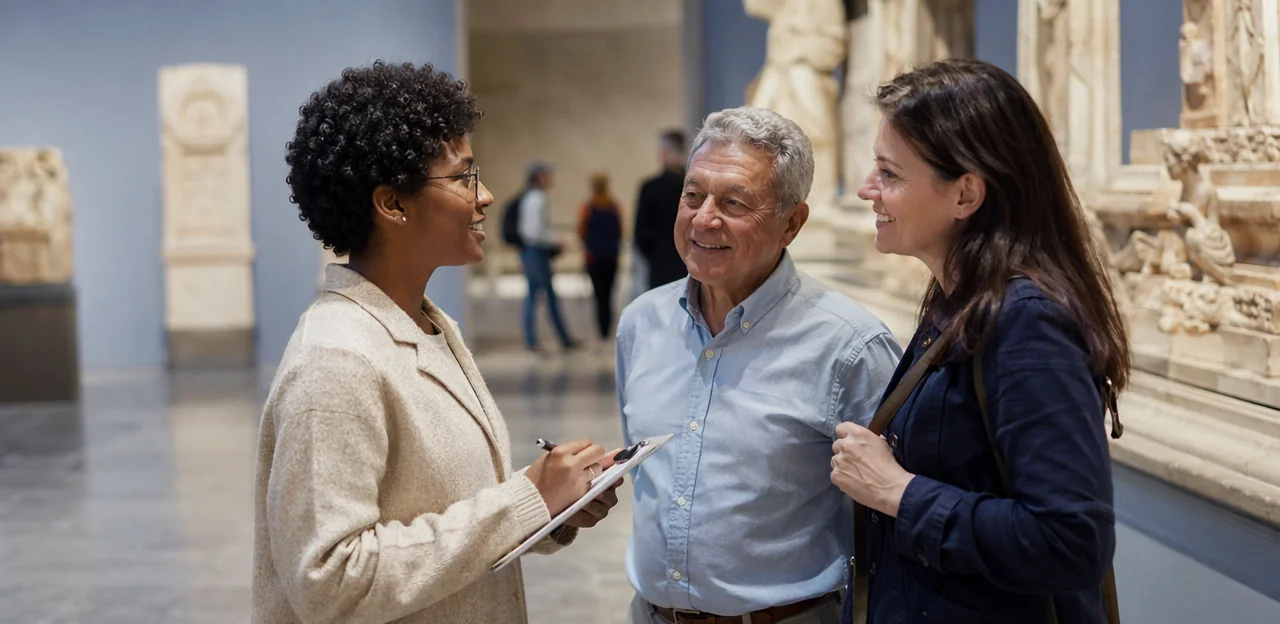
Ask the right survey questions at the right time
Strong museum feedback examples start with short, focused prompts that are easy to answer. To collect museum feedback that leads to action, use a mix of ratings and comments:
- Ask 1–3 core museum survey questions, such as overall satisfaction, exhibit clarity, and staff helpfulness
- Add one open-text prompt like: “What could we improve today?”
- Keep wording specific, neutral, and tied to moments you can actually improve
Follow visitor survey best practices by matching timing to the experience:
- On-site: ask immediately after exhibitions, tours, or café visits for fresh, accurate reactions
- Post-visit: send a short follow-up within 24 hours to capture broader reflections
Tools like Tapsy can help trigger quick, touchpoint-based responses.
Use multiple feedback methods for richer insight
Relying on one channel rarely shows the full visitor journey. The best museum feedback methods combine numbers with context, helping teams turn museum customer feedback into clear action.
- Quantitative surveys reveal patterns in satisfaction, queues, signage, and accessibility.
- Short interviews explain why visitors scored an experience positively or negatively.
- Observation highlights behaviour visitors may not report, such as confusion at entrances or dwell time at exhibits.
- Comment cards and staff notes capture in-the-moment issues and recurring questions.
- Review monitoring adds unfiltered public sentiment and highlights reputation risks.
Using several museum feedback examples together creates stronger visitor insight museum teams can trust. Tools like Tapsy can help capture quick touchpoint feedback in real time.
Encourage honest responses without adding friction
To increase survey response rate, make feedback fast, simple, and low-pressure. Strong museum feedback examples often start with a short, well-designed museum feedback form that visitors can complete in under a minute.
- Keep it short: Ask 3–5 focused questions, with one optional comment box.
- Make it mobile-friendly: Use QR codes and responsive layouts so the visitor feedback survey works easily on any phone.
- Offer clear incentives: Small rewards, such as a café discount or prize draw entry, can lift participation without skewing results.
- Allow anonymous responses: This helps visitors share honest views more comfortably.
- Use accessible language: Avoid jargon, keep questions neutral, and make answer choices easy to understand.
Tools like Tapsy can support quick, no-app feedback collection at key touchpoints.
Turning museum feedback into practical improvements
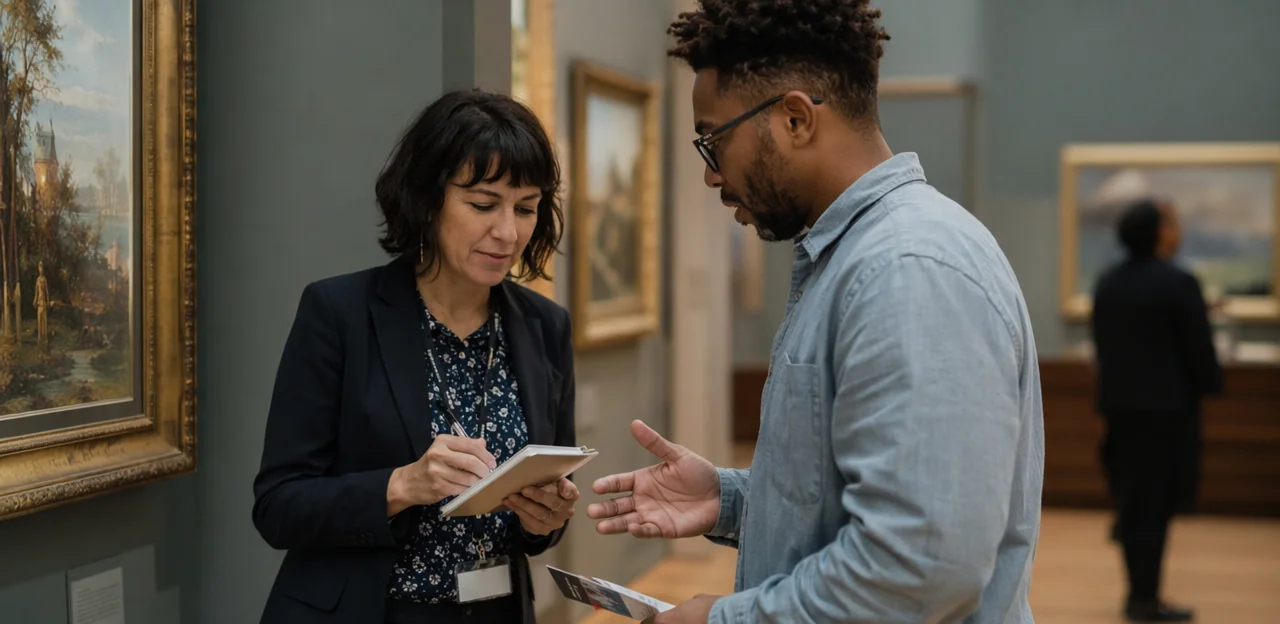
Prioritize issues by impact and feasibility
To turn museum feedback examples into action, sort every issue by visitor impact and ease of delivery. This makes feedback prioritization clearer and helps teams build a realistic museum improvement plan.
- Quick wins: Fix low-cost, high-impact issues immediately, such as unclear signage, missing labels, broken seating, or confusing queue instructions.
- Medium-term fixes: Schedule improvements that need budget or coordination, like updating gallery lighting, revising audio guide content, or retraining front-of-house staff.
- Strategic projects: Plan larger investments over time, including step-free access, sensory-friendly routes, or major wayfinding redesigns.
A simple matrix helps museums improve museum visitor experience without overwhelming teams. Tools like Tapsy can help capture real-time feedback at touchpoints, making it easier to spot urgent issues and prioritize what matters most.
Close the loop with staff and visitors
Collecting comments is only useful if museums close the feedback loop. The best museum feedback examples lead to action that staff understand and visitors can see.
- Share findings internally: Summarise weekly themes by gallery, tour, café, or facilities team so everyone knows the biggest pain points and wins.
- Turn patterns into museum staff training: If feedback repeatedly mentions unclear signage, inconsistent welcome, or accessibility gaps, build short coaching sessions and practical checklists around those issues.
- Show visitors what changed: Use signs, email updates, social posts, or on-site screens for visitor communication museum efforts such as “You asked, we added more seating” or “Based on feedback, we improved wayfinding.”
This builds trust, increases response rates, and proves visitor feedback has real impact. Tools like Tapsy can help teams spot recurring issues quickly and act faster.
Measure whether changes actually worked
Collecting museum feedback examples is only useful if you can prove the fix improved the visitor experience. Set a clear baseline before making changes, then review the same museum KPIs 30, 60, and 90 days after implementation.
- Measure visitor satisfaction: Track overall satisfaction scores, post-visit ratings, and recommendation intent by gallery, exhibition, or touchpoint.
- Monitor complaint volume: Compare the number, type, and severity of complaints before and after the change.
- Check dwell time: Use footfall or exhibit analytics to see whether visitors stay longer in improved spaces.
- Review museum review sentiment: Analyse Google, TripAdvisor, and social comments for recurring positive or negative themes.
- Watch repeat visitation indicators: Measure return bookings, membership renewals, and redeemed follow-up offers.
Tools like Tapsy can help capture real-time feedback at specific touchpoints, making before-and-after comparisons more accurate.
Best practices for museums and attractions teams
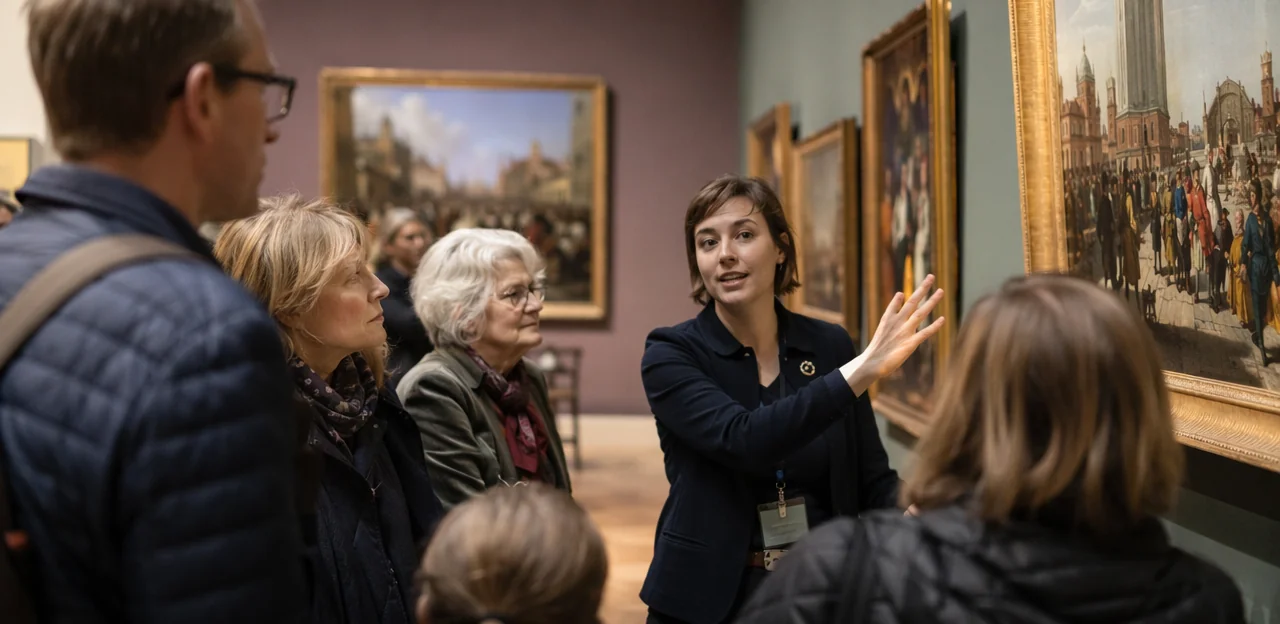
Create a visitor-centered feedback culture
A visitor-centered museum improves faster when feedback is shared across departments, not trapped in reports. The goal of museum culture change is to align every team around visitor needs while protecting scholarship and interpretive standards.
- Leadership should define feedback as part of the customer experience strategy, with clear priorities and regular review rhythms.
- Frontline teams should log recurring questions, confusion points, and emotional reactions from visitors.
- Curators can use museum feedback examples to refine labels, flow, and interpretation without diluting institutional mission.
- Operations staff should act on practical issues like wayfinding, seating, queues, and accessibility.
Tools like Tapsy can help capture real-time insight at key touchpoints and route it to the right team quickly.
Avoid common mistakes when interpreting feedback
Strong museum feedback analysis depends on balanced judgment, not quick reactions. Use these tips to avoid common feedback analysis mistakes:
- Don’t overreact to one complaint: A single negative comment may highlight an isolated issue, not a trend.
- Don’t ignore patterns: Repeated comments about signage, queues, or accessibility often reveal where practical improvements are needed.
- Don’t collect data without action: Feedback should lead to ownership, follow-up, and visible changes.
- Don’t focus only on ratings: Scores show what visitors felt, but comments explain why.
When reviewing museum feedback examples, combine ratings, written comments, timing, and location for better visitor data interpretation. Tools like Tapsy can help teams capture context-rich feedback at key touchpoints.
Adapt feedback strategies for different attraction types
Strong museum feedback examples are never one-size-fits-all. An effective museum visitor feedback strategy should reflect each venue’s experience, audience, and operational pressures.
- Art museums: Ask about interpretation, gallery flow, lighting, and emotional impact; respond by improving labels, seating, and wayfinding.
- History museums: Focus on clarity, storytelling, authenticity, and accessibility of context; use feedback to refine exhibits and guided tours.
- Science centers: Measure interactivity, queue times, broken exhibits, and staff support; prioritize maintenance and crowd management.
- Heritage sites: Gather heritage site feedback on signage, terrain, preservation balance, and tour quality; adjust paths, safety, and interpretation.
- Family attractions: Ask about child engagement, facilities, food, and stroller access to improve overall attraction customer experience.
Tools like Tapsy can help capture location-specific feedback in real time.
Conclusion: using museum feedback examples to build better experiences
Key takeaways for practical action
The most useful museum feedback examples do more than showcase what visitors said. They reveal where action is needed and help teams turn opinions into measurable change. In practice, the goal is not to collect more comments for their own sake, but to use feedback to drive consistent museum visitor experience improvement across exhibitions, services, and shared spaces.
Here are the key lessons to apply:
- Treat feedback as operational data, not just testimonials.
A comment about confusing labels, poor lighting, or long café queues should trigger a review, not just sit in a report. - Group feedback into improvement themes.
Sort responses into categories such as:- exhibit clarity and interpretation
- staff helpfulness and service
- accessibility and wayfinding
- crowd flow and comfort
- amenities such as cafés, restrooms, and gift shops
- Link comments to measurable actions.
For example:- “Signage was hard to follow” → update directional signs and track wayfinding complaints over 30 days
- “The interactive display was not working” → improve maintenance checks and monitor downtime
- “Staff were friendly but hard to find” → adjust floor coverage and compare satisfaction scores by shift
- Prioritize high-impact fixes first.
Focus on issues that affect many visitors or create friction for key groups, including families, tourists, older visitors, and guests with accessibility needs. - Collect feedback at the moment of experience.
Exit surveys are useful, but touchpoint feedback near galleries, tours, entrances, and facilities often produces more specific and actionable insight. Tools like Tapsy can help capture this in real time. - Measure the result of every change.
Strong customer experience museums teams compare scores before and after updates, tracking satisfaction, repeat visits, complaints, and recommendations.
The main takeaway: the best museum feedback examples are starting points for action, accountability, and better visitor outcomes.
Conclusion
In the end, the best museum feedback examples do more than collect opinions—they uncover practical ways to improve every part of the visitor journey. From exhibition layout and signage to guided tours, accessibility, café service, and exit flow, the most useful feedback is specific, timely, and easy to act on. When museums ask the right questions at the right touchpoints, they gain clearer insight into what delights visitors, what causes friction, and where small operational changes can make a big difference.
The key takeaway is simple: effective museum feedback examples should be short, relevant, and tied to real decisions. Combining ratings with open comments, reviewing patterns across touchpoints, and responding quickly to recurring issues helps museums turn visitor voices into measurable improvements in satisfaction, loyalty, and repeat visits.
Now is the time to review your current feedback process and identify where better questions—or better timing—could produce more useful insight. Start by mapping your highest-impact visitor moments, testing a few targeted prompts, and tracking the changes that follow. If you want a faster, no-app way to capture feedback in the moment, tools like Tapsy can help museums gather real-time insight across exhibitions and services.
Use these museum feedback examples as a foundation, then keep refining your approach as visitor expectations evolve.
Frequently Asked Questions
- Why is visitor feedback important for museums and attractions?
Visitor feedback helps museums identify what people value most and where friction appears during the visit. Comments, surveys, and reviews can guide budget decisions, staff training, programming, and operational improvements across exhibits, amenities, and services.
- What kinds of museum feedback are most useful for practical improvements?
The most useful feedback is specific, timely, and tied to parts of the visitor journey that teams can improve. Strong examples include comments about label clarity, signage, queue times, accessibility, café service, seating, and staff helpfulness.
- Which feedback channels should museums monitor regularly?
Museums should use multiple channels rather than relying on a single source. Useful channels include post-visit surveys, on-site kiosks and QR codes, email follow-ups within 24 hours, social media and review platforms, and observations logged by frontline staff.
- How can museums collect better feedback without overwhelming visitors?
Keep feedback short, focused, and easy to complete in under a minute. A good approach is to ask 3–5 clear questions, include one optional comment box, make the form mobile-friendly, and allow anonymous responses.
- When is the best time to ask museum visitors for feedback?
Timing should match the experience being measured. On-site prompts work well immediately after exhibitions, tours, or café visits, while a short follow-up sent within 24 hours can capture broader reflections while the visit is still fresh.
- What are good survey questions for a museum visitor feedback form?
Useful core questions focus on overall satisfaction, exhibit clarity, and staff helpfulness. Adding one open-text prompt such as “What could we improve today?” helps uncover specific issues that ratings alone may miss.
- How can museums use feedback to improve exhibit clarity and wayfinding?
Feedback about confusing labels, unclear gallery order, or mismatched maps points to practical fixes. Museums can rewrite labels in plain language, add short summaries, improve directional signage, use colour-coded routes, and place clearer “You are here” boards.
- What should museums do with feedback about queues, ticketing, and check-in?
Operational complaints should lead to direct process changes. Museums can rebalance timed entry, create separate lines for online bookings, simplify ticket explanations, open overflow counters, add self-scan stations, and review arrival patterns by hour.
- How can accessibility and comfort feedback improve the visitor experience?
Comments about seating, wheelchair access, family facilities, temperature, or café options highlight issues that affect satisfaction and dwell time. Practical responses include adding benches, improving lift and ramp access, upgrading family areas, adjusting HVAC settings, and reviewing menus or service speed.
- What is the benefit of using multiple feedback methods instead of one survey?
Different methods reveal different parts of the visitor journey. Quantitative surveys show patterns, while interviews, observation, comment cards, staff notes, and review monitoring explain why problems happen and add context that numbers alone cannot provide.
- How should museums prioritize feedback issues once they collect them?
A simple way is to sort issues by visitor impact and ease of delivery. Quick wins like unclear signage or broken seating can be fixed immediately, while larger projects such as step-free access or major wayfinding redesigns should be planned over time.
- What does it mean to close the feedback loop in a museum setting?
Closing the loop means turning feedback into visible action for both staff and visitors. Teams should share recurring themes internally, build training around repeated issues, and show visitors what changed through signs, emails, social posts, or on-site screens.
- How can museums measure whether feedback-led changes actually worked?
Museums should set a baseline before making changes and then review the same KPIs after 30, 60, and 90 days. Useful measures include satisfaction scores, complaint volume, dwell time, review sentiment, return bookings, membership renewals, and redeemed follow-up offers.
- What common mistakes should museums avoid when interpreting visitor feedback?
Museums should not overreact to a single complaint or ignore repeated patterns across touchpoints. They should also avoid collecting data without assigning ownership and should not rely only on ratings when written comments explain the reasons behind visitor reactions.
- How can tools like Tapsy support museum feedback collection?
Tools like Tapsy are presented as a way to capture in-the-moment feedback at key touchpoints such as exits, galleries, cafés, and shops. They can support quick QR-based responses, help teams spot recurring issues faster, and make before-and-after comparisons more precise.