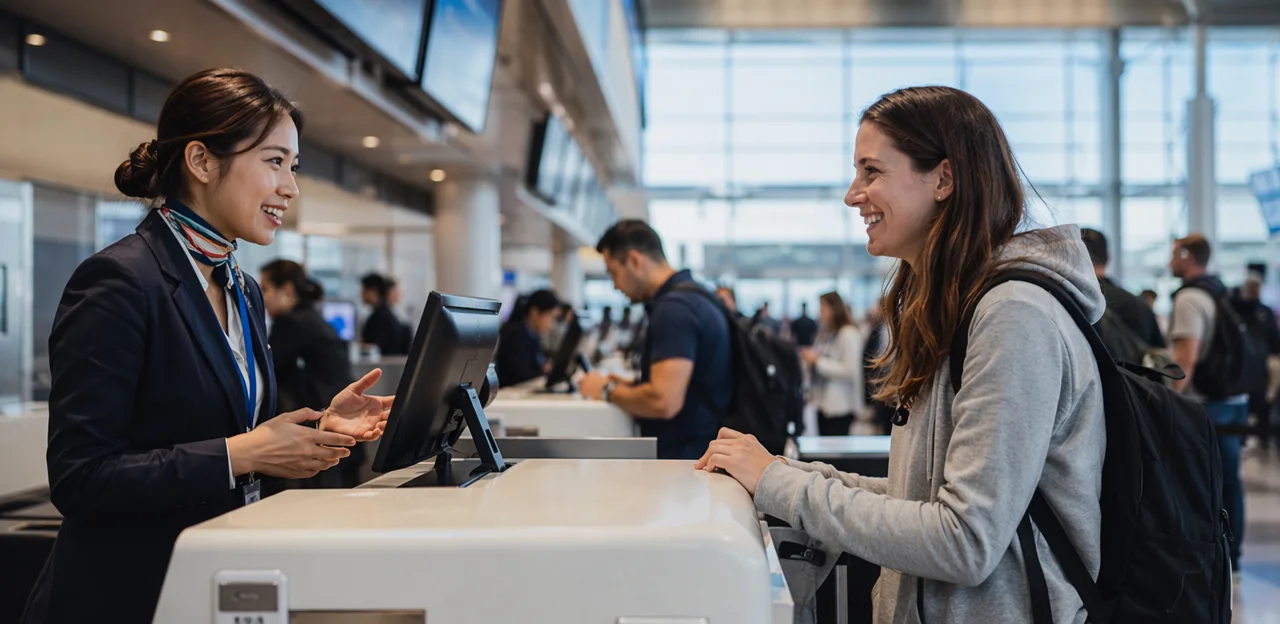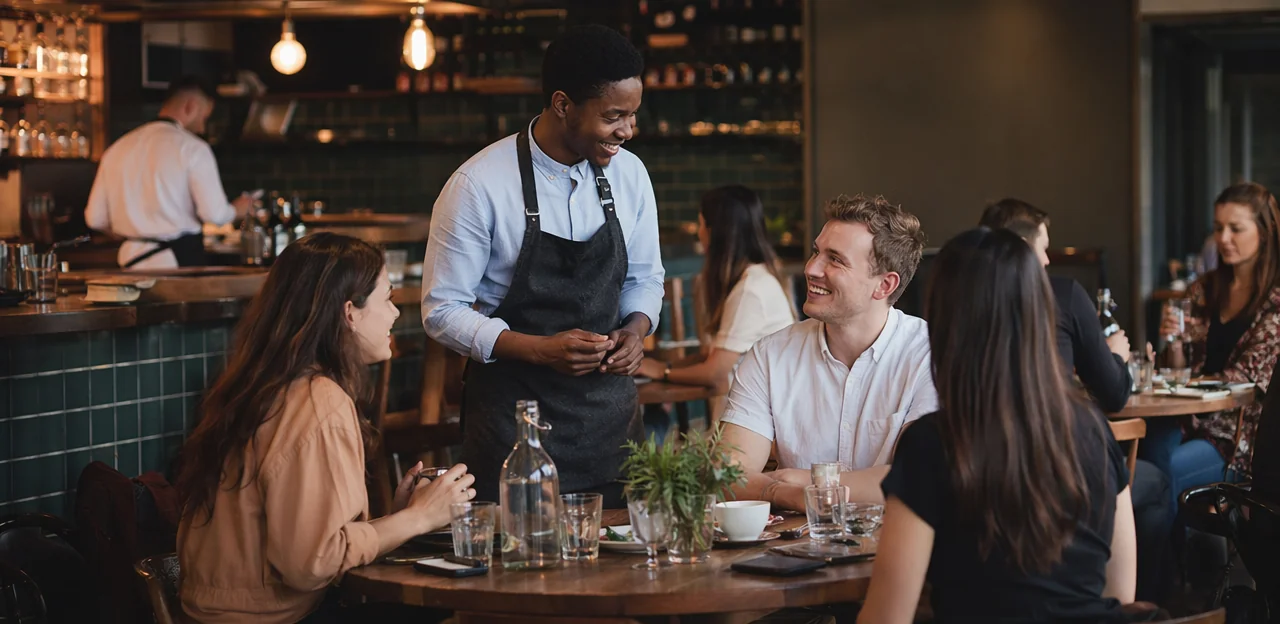
A great meal can be undone by a long wait, a forgotten order, or a table left uncleared for too long. In restaurants and cafés, guest impressions form moment by moment—which is why collecting feedback after the experience is often too late. The real opportunity lies in capturing insights while customers are still engaged, when small issues can be fixed quickly and positive experiences can be reinforced.
That’s where well-placed restaurant feedback touchpoints make a measurable difference. Whether it’s a QR code on the table, an NFC stand at the counter, or a prompt on the receipt, the right touchpoint in the right location can turn everyday interactions into valuable operational insight. Instead of relying only on online reviews or occasional surveys, restaurants can gather timely feedback that helps improve service, refine menus, and strengthen customer loyalty.
In this article, we’ll explore where to place feedback touchpoints throughout the customer journey—from entrance and ordering areas to tables, takeaway stations, and payment points. We’ll also look at how NFC and QR tools can support faster service recovery, higher response rates, and better guest experiences overall, with solutions like Tapsy offering a practical example of how real-time engagement can work in hospitality settings.
Why feedback touchpoint placement matters in restaurants and cafés

How timing influences response quality
The best restaurant feedback touchpoints are not just about location—they’re about timing. When you ask at the right moment, customer feedback in restaurants becomes more accurate, more complete, and easier to act on.
- After ordering: Guests can comment on menu clarity, wait-time expectations, and staff helpfulness while details are fresh.
- After dining: This is ideal for feedback on food quality, service speed, and overall satisfaction, giving teams richer and more balanced insights.
- At payment: Completion rates are often highest here because the experience is ending and guests are already engaged in a final action.
Good guest feedback timing also shapes sentiment. Ask too early and responses may be incomplete; ask too late and memories fade. Well-timed prompts help restaurants spot issues faster, recover service in real time, and improve operations with context-rich feedback.
The link between touchpoints, service recovery, and reviews
Well-timed restaurant feedback touchpoints give staff a chance to fix problems before frustration turns into a public complaint. When guests can share private guest feedback during the meal, at payment, or just before leaving, teams can act while the experience is still recoverable.
- Catch issues early: Ask about food quality, wait times, or service at key moments.
- Enable fast service recovery restaurant workflows: Route low ratings instantly to a manager so they can apologise, replace a dish, or offer a goodwill gesture.
- Protect your reputation: Resolving concerns privately reduces the chance of negative Google or TripAdvisor posts and strengthens restaurant review management.
Tools like Tapsy can support real-time alerts, helping restaurants turn feedback into immediate action and better reviews over time.
Choosing touchpoints that fit your service model
The best restaurant feedback touchpoints depend on how guests move through your service flow. Match placement to the moments customers naturally pause:
- Quick-service cafés: Use QR or NFC at the order counter, pickup shelf, and receipt. This supports a practical café feedback strategy without slowing the line.
- Full-service restaurants: Place touchpoints on tables, bill presenters, and exits so guests can respond during or right after the meal.
- Takeaway counters: Focus on packaging stickers, collection points, and post-purchase SMS/email links to capture fast impressions.
- Hybrid concepts: Combine table-based, counter-based, and digital follow-up options to cover dine-in, pickup, and delivery.
For any restaurant service model, choose feedback channels for restaurants that feel effortless in the guest journey. Tools like Tapsy can help tailor flows by location and service type.
Best places to put restaurant feedback touchpoints
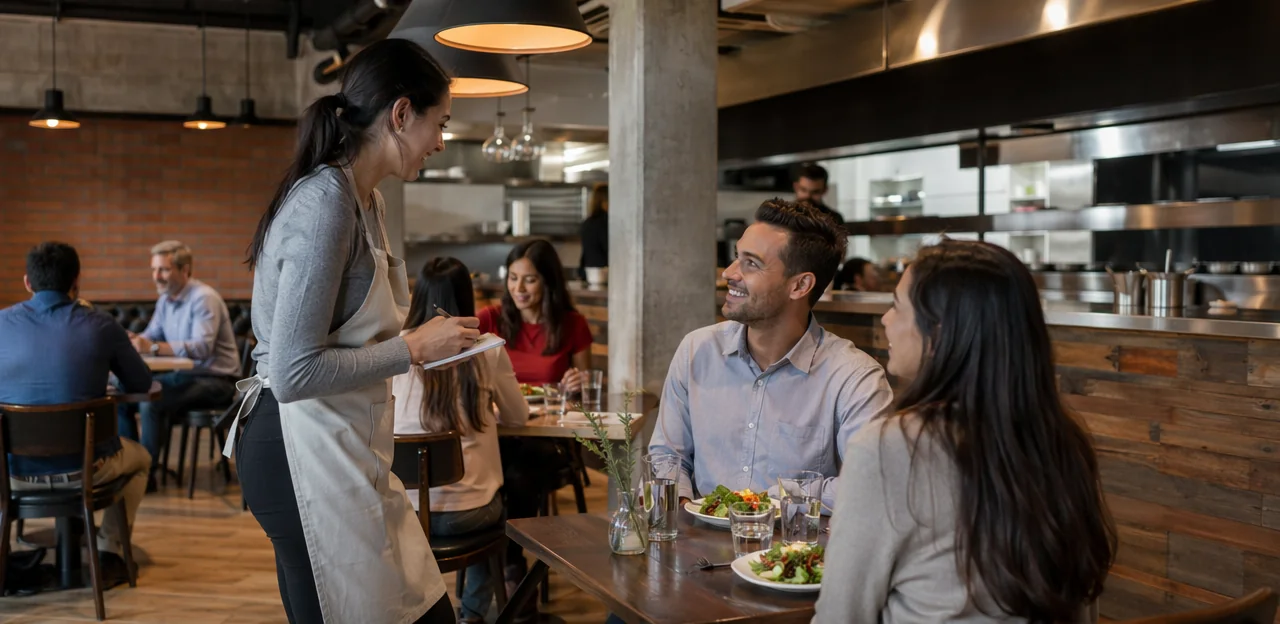
Entrance, host stand, and waiting area
The entrance is one of the most visible restaurant feedback touchpoints, but timing matters. QR codes, NFC tags, or small signs near the door, host stand, or waiting bench work best when you want to capture first impressions, queue flow, and reservation check-in feedback without interrupting service.
Use this area for fast, low-friction prompts such as:
- At the entrance: ask whether signage, cleanliness, and welcome felt clear and inviting
- At the host stand: collect host stand feedback on greeting, reservation handling, or wait-time communication
- In the waiting area: gather waiting area customer feedback about comfort, queue length, and updates from staff
For effective restaurant QR code feedback, keep the ask short and contextual:
- Use a “30-second check-in” message
- Limit to 1–3 questions
- Offer an option to report an issue immediately
This placement is most useful in busy venues, cafés with lines, and reservation-heavy restaurants. It may be too early for detailed food or service questions, since guests have not yet experienced the full visit. Tools like Tapsy can help tailor prompts by location and moment.
Tabletops, menus, and bill presenters
Among all restaurant feedback touchpoints, tableside assets often perform best because they meet guests at natural decision moments: while browsing, waiting, dining, or paying. That makes tabletop feedback, menu QR feedback, and bill presenter feedback highly visible without feeling intrusive.
Use these placements strategically:
- Table tents or tabletop stands: Ideal for quick mid-meal pulse checks such as “How’s everything so far?” This helps staff recover issues before the guest leaves.
- Menu inserts or QR codes on menus: Perfect for low-friction menu QR feedback, especially for comments on dishes, allergens, specials, or ordering experience.
- Bill folders or check presenters: Strong for bill presenter feedback because guests are already pausing before payment or departure, making it a natural moment for a short rating or review prompt.
To avoid interrupting guests:
- Keep prompts short and optional.
- Use one clear CTA, such as “Tap or scan to rate your visit in 10 seconds.”
- Ask different questions by timing: service recovery during the meal, overall satisfaction at payment.
Solutions like Tapsy can help tailor feedback flows by touchpoint and timing.
Checkout counter, takeaway shelf, and exit zone
The final moments of the visit are some of the best places for restaurant feedback touchpoints, especially in fast casual, café, and takeaway-focused formats where guests move quickly and may never sit at a table. A well-placed prompt can capture fresh impressions without slowing service.
- Payment terminals: Add a short checkout feedback restaurant prompt on the card machine, receipt, or nearby NFC/QR stand. Keep it to one or two taps, such as rating speed, friendliness, or order accuracy.
- Pickup shelves and takeaway counters: These are ideal takeaway feedback touchpoints because guests pause briefly while waiting for names or order numbers. Use signage that asks about wait time, packaging, or ease of collection.
- Self-service kiosks: After order confirmation, invite guests to leave a quick response about menu clarity or kiosk usability.
- Exit doors: An exit survey café setup works well for capturing overall satisfaction as customers leave, especially after grab-and-go visits.
For best results, use fast mobile-friendly flows and route low scores to managers immediately. Solutions like Tapsy can help make these touchpoints simple and location-specific.
Digital touchpoints: QR codes, NFC, SMS, and email
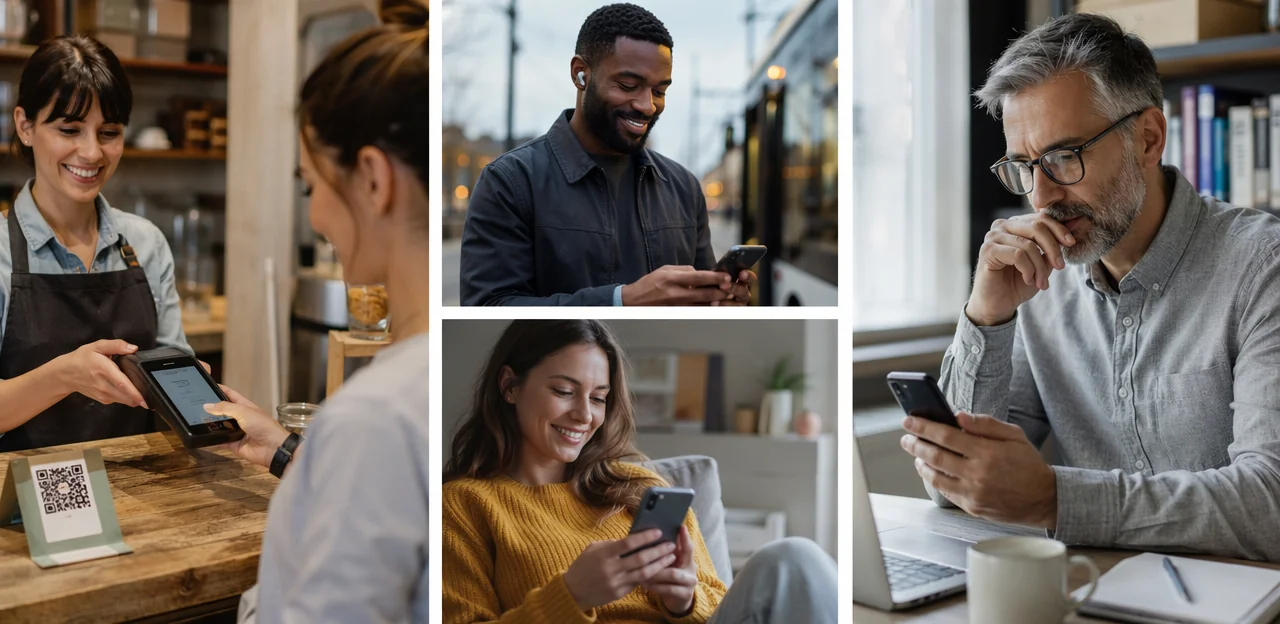
When to use QR and NFC touchpoints on-site
QR codes and NFC tags are ideal restaurant feedback touchpoints when you want fast, low-friction, mobile feedback collection without adding work for staff. Use them in moments where guests are already holding a phone and can respond in under a minute.
- Best placements: table tents, payment presenters, takeaway counters, self-service stations, waiting areas, and exit doors
- Use QR for visibility: a QR code feedback restaurant setup works well when guests can scan from a short distance
- Use NFC for speed: NFC feedback touchpoints are best at tables or counters where a quick tap feels effortless
- Signage wording: “Tap or scan to share feedback in 30 seconds” or “Tell us how we did before you go”
- Accessibility tips: include both QR and NFC, add large high-contrast text, simple instructions, multilingual prompts, and place codes at reachable heights for seated and standing guests
Post-visit feedback via SMS and email
Post-visit outreach helps restaurants capture insights once guests have finished their experience, making it a strong extension of restaurant feedback touchpoints used in-store.
- Send at the right time: Trigger a restaurant SMS survey within 1–3 hours after dine-in or pickup, while details are fresh. For delivery, wait until the order is likely received and eaten. An email feedback restaurant request can follow later the same day or next morning.
- Get clear consent: Collect opt-ins during ordering, reservations, Wi-Fi login, or loyalty signup, and always make unsubscribing easy.
- Personalize the message: Use the guest’s name, order type, location, or item purchased to increase response rates.
- Keep it short: A post-visit customer survey should take under a minute and include one rating plus an optional comment.
Tools like Tapsy can help connect in-store and post-visit feedback flows.
Connecting digital touchpoints to review and CRM workflows
To make restaurant feedback touchpoints truly effective, connect each QR or NFC interaction to a smart review and CRM process:
- Route by sentiment: Use a short form that identifies unhappy guests early and sends them to a private support flow instead of a public review page. This protects reputation while enabling fast service recovery.
- Create a review funnel restaurant teams can manage: Direct satisfied guests to Google or TripAdvisor with one tap, right after a positive dining moment.
- Power restaurant CRM feedback: Tag responses by visit time, table, server, order type, or issue category so teams can spot patterns quickly.
- Enable guest feedback automation: Trigger loyalty rewards, follow-up offers, or manager alerts automatically.
- Escalate issues fast: High-risk complaints should open tickets in your CRM and notify the right staff member immediately.
Platforms like Tapsy can help unify these flows.
How to design feedback prompts that guests actually complete
Keep surveys short, clear, and context-specific
Effective restaurant feedback touchpoints work best when guests can respond in seconds. Use a short feedback form with 2–4 focused restaurant survey questions tailored to where the guest is and what just happened.
- At the table: ask about food quality, taste, portion size, and staff friendliness
- At pickup shelves or takeaway counters: ask about order readiness, packaging, and pickup accuracy
- Near restrooms or exits: ask about cleanliness and overall experience
- After payment: use a customer satisfaction survey restaurant prompt about speed, value, and likelihood to return
Keep wording simple, use rating scales, and include one optional open comment. Tools like Tapsy can help trigger location-specific surveys.
Use strong calls to action and visible signage
Clear wording and prominent placement make restaurant feedback touchpoints far more effective. A generic “Scan here” is easy to ignore; a benefit-led feedback call to action gives guests a reason to act.
- Use direct, specific CTAs such as:
- Tell us how your meal was in 30 seconds
- Loved your coffee? Scan to rate your visit
- Help us improve today and get 10% off your next order
- Place restaurant signage for QR codes where guests naturally pause: tables, receipt holders, pickup counters, exit doors, and takeaway bags.
- Keep signs eye-level, uncluttered, and branded.
- Add simple incentive messaging like free pastry draw, loyalty points, or instant coupon to increase survey response rate.
Avoid common mistakes that reduce participation
Even well-planned restaurant feedback touchpoints can underperform if they create friction. To reduce survey response barriers, avoid these common restaurant feedback mistakes:
- Too many touchpoints: Asking at every stage feels repetitive and lowers participation.
- Poor QR placement: Use clear, visible locations with strong QR code placement tips in mind—table tents, bill folders, or takeaway packaging work better than hidden corners.
- Long forms: Keep surveys short and mobile-friendly; 2–4 questions is often enough.
- Weak Wi‑Fi or signal: Test connectivity where guests scan, or provide a low-data experience.
- Bad timing: Don’t ask too early—guests need enough of the meal and service experience to give useful feedback.
Tools like Tapsy can help streamline timing and placement.
Operational best practices for managing feedback touchpoints

Train staff to support feedback collection naturally
Effective staff training feedback collection should feel like hospitality, not a script. Teach teams to mention restaurant feedback touchpoints as a helpful option at natural moments in service:
- Servers: “If anything could make your meal better, you can scan the table QR and tell us right away.”
- Baristas: “There’s a quick feedback tap point by the pickup area if you want to share how your drink was.”
- Cashiers: “Your receipt has a QR code for fast feedback if you have a minute after checkout.”
- Managers: During table visits, ask open questions first, then direct guests to feedback options if needed.
This improves front of house feedback quality and supports stronger restaurant operations feedback without sounding pushy.
Assign ownership for alerts and service recovery
To make restaurant feedback touchpoints effective, assign clear owners for every alert so issues never sit unanswered.
- Front-of-house manager or shift lead: Monitor incoming feedback during service and respond to urgent alerts within 5–10 minutes.
- Kitchen manager or chef: Own food quality complaints such as temperature, taste, or missing items.
- Floor supervisor: Handle wait times, table service delays, and staff concerns.
- Opening/closing manager: Review unresolved alerts and confirm follow-up.
Build a simple guest complaint workflow with severity levels:
- Critical: Food safety, severe cleanliness, or staff misconduct → escalate immediately to the general manager.
- High: Long waits or poor food quality → resolve on shift.
- Low: Suggestions or minor issues → log for review.
Strong feedback alert management supports a faster restaurant service recovery process and helps prevent negative public reviews.
Measure performance and optimize placement over time
Treat restaurant feedback touchpoints like any other revenue-driving channel: measure, compare, and improve.
- Track scan rates by location (table, counter, receipt, takeaway bag, restroom, exit) to see where guests actually engage.
- Monitor survey completion rate to identify friction in the form, timing, or QR/NFC placement.
- Review issue categories by touchpoint to spot context-specific problems, such as slow service at tables or packaging issues at pickup.
- Measure review lift and private-feedback volume to understand whether touchpoints reduce public complaints and increase positive reviews.
- Use feedback analytics restaurant teams can act on, then A/B test placement, CTA wording, incentives, and QR vs. NFC to optimize feedback touchpoints over time.
Building a feedback touchpoint strategy for every guest journey

Map touchpoints for dine-in, takeaway, and delivery
Use guest journey mapping restaurant teams can act on by aligning restaurant feedback touchpoints with each service path:
- Dine-in feedback: entrance or waitlist, table QR/NFC after mains, and receipt prompts at payment.
- Takeaway: pickup counter, packaging insert, and a short post-visit SMS or email.
- Delivery feedback strategy: order confirmation, bag sticker or receipt QR, then follow-up after estimated arrival.
Prioritize high-traffic moments first, then add prompts where operational goals matter most, such as speed, food quality, or service recovery. Tools like Tapsy can help tailor prompts by location.
Recommended touchpoint mix for cafés vs full-service restaurants
- Cafés: Keep restaurant feedback touchpoints fast and visible—QR codes on cups, counter signs, and pickup shelves work best for strong café customer feedback. Short dwell time means 1-tap ratings or one-question surveys outperform longer forms.
- Quick-service venues: Use receipt QR codes, self-order kiosks, and exit-door prompts for effective quick service feedback touchpoints. Focus on speed, order accuracy, and wait times.
- Full-service restaurants: Place table cards, bill presenters, and post-meal SMS/email requests to capture richer full-service restaurant feedback, since longer visits and more staff interaction support detailed responses.
Launch checklist for a successful rollout
Use this feedback rollout checklist to launch restaurant feedback touchpoints smoothly:
- Choose high-visibility locations like tables, pickup counters, exits, and restrooms.
- Build short, mobile-friendly forms as part of your customer feedback system setup.
- Test QR/NFC signage for scan speed, wording, and placement before full restaurant QR implementation.
- Train staff to mention touchpoints naturally and respond to issues fast.
- Review early data weekly after launch to spot low-performing locations, fix friction, and improve response rates.
Tools like Tapsy can simplify setup and tracking.
Conclusion
Ultimately, the best restaurant feedback touchpoints are the ones that feel natural, timely, and easy for guests to use. Placing them at key moments—on the table, at the counter, on receipts, near exits, and within digital ordering or payment flows—helps you capture insights when the experience is still fresh. The goal is not to overwhelm customers with requests, but to create a few well-placed opportunities that match the guest journey and make feedback effortless.
When restaurant feedback touchpoints are thoughtfully positioned, they do more than collect opinions. They help teams spot service issues faster, improve menu performance, strengthen customer relationships, and turn everyday interactions into actionable operational insight. In busy restaurant and café environments, that kind of real-time visibility can make a measurable difference.
As a next step, map your customer journey and identify two or three high-impact locations where feedback will be most relevant. Start small, test response rates, and refine your approach over time. If you want to streamline the process, tools like NFC and QR-based solutions—or platforms such as Tapsy—can make feedback collection faster and more context-aware.
Review your current setup, optimize your restaurant feedback touchpoints, and turn guest input into better experiences, stronger loyalty, and smarter restaurant operations.
Frequently Asked Questions
- Why should restaurants collect feedback during the visit instead of only after it ends?
Guest impressions change moment by moment, so feedback collected during the visit is often more accurate and easier to act on. It also gives staff a chance to fix small issues before they turn into negative public reviews.
- What are the best moments to ask guests for feedback in a restaurant or café?
Strong moments include after ordering, after dining, and at payment. After ordering helps capture menu clarity and wait-time expectations, while after dining and at payment are better for food quality, service speed, and overall satisfaction.
- Where should feedback touchpoints be placed in a full-service restaurant?
Useful placements include tables, menus, bill presenters, and exit areas. These locations match natural pauses in the meal and make it easier to ask for mid-meal feedback or a final rating before guests leave.
- Which feedback touchpoints work best for quick-service cafés and takeaway counters?
Counter signs, pickup shelves, receipts, takeaway packaging, and exit prompts are especially effective. These formats suit short visits and fast-moving service, so simple one-tap or very short feedback flows work best.
- Is the entrance or waiting area a good place to ask for feedback?
Yes, but only for first-impression topics such as signage, cleanliness, greeting quality, reservation handling, or wait-time communication. It is usually too early there to ask detailed questions about food or the full service experience.
- How can tabletop and bill presenter feedback improve service recovery?
Tabletop prompts allow guests to report issues while they are still dining, which gives staff time to respond immediately. Bill presenters are effective for capturing final satisfaction because guests are already pausing before payment or departure.
- Should restaurants use QR codes or NFC tags for on-site feedback?
Both can work well, depending on the setting. QR codes are useful when visibility from a short distance matters, while NFC is better at tables or counters where a quick tap feels effortless.
- What makes a restaurant feedback form more likely to be completed?
Keep it short, clear, and specific to the guest's location or stage in the journey. A form with 2 to 4 focused questions, simple rating scales, and one optional comment is easier to complete on mobile.
- What kind of call to action should be used on restaurant feedback signage?
Direct, benefit-led wording works better than generic instructions. Phrases like 'Tell us how your meal was in 30 seconds' or 'Tap or scan to share feedback before you go' make the purpose clear and feel more relevant.
- What common mistakes reduce participation in restaurant feedback surveys?
Too many touchpoints, poor QR placement, long forms, weak connectivity, and bad timing all create friction. Asking too early or placing codes in hidden spots can lower both scan rates and completion rates.
- When should restaurants send post-visit feedback by SMS or email?
For dine-in or pickup, SMS works best within 1 to 3 hours while details are still fresh. Email can follow later the same day or the next morning, and delivery requests should be timed for after the order is likely received and eaten.
- How can feedback touchpoints support review management and CRM workflows?
Responses can be routed by sentiment so unhappy guests are directed to a private support flow instead of a public review page. Feedback can also be tagged by visit time, table, server, order type, or issue category to help teams spot patterns and act faster.
- Who should own feedback alerts inside a restaurant operation?
The front-of-house manager or shift lead should monitor incoming feedback during service, while kitchen managers, floor supervisors, and opening or closing managers handle issues in their areas. Clear ownership helps urgent complaints get resolved quickly instead of being missed.
- How can a restaurant measure whether feedback touchpoint placement is working?
Track scan rates by location, survey completion rates, issue categories, private-feedback volume, and review lift. Comparing these results across tables, counters, receipts, takeaway bags, restrooms, and exits helps identify which placements perform best.
- What is a practical way to roll out feedback touchpoints across dine-in, takeaway, and delivery?
Start by mapping the guest journey and choosing two or three high-impact locations for each service path. Then use short mobile-friendly forms, test QR or NFC signage, train staff to mention the touchpoints naturally, and review early data weekly to refine placement.