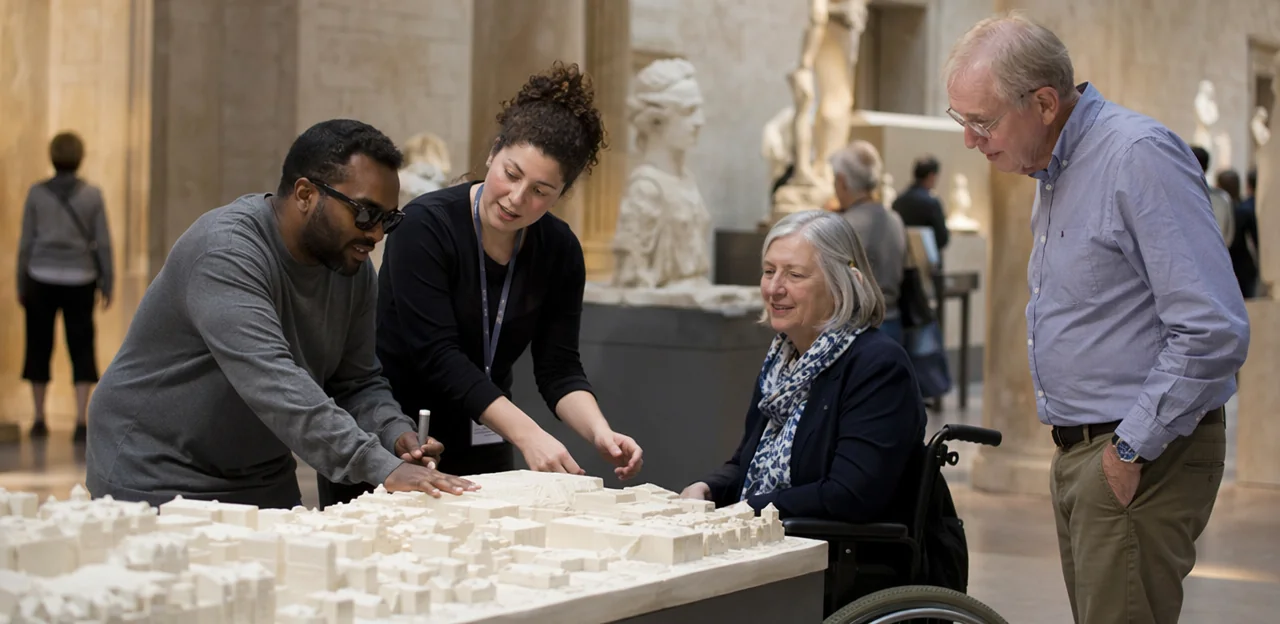
A museum can have step-free entrances, large-print guides, hearing loops, and accessible toilets—and still miss the mark if it doesn’t truly listen to the people using them. Accessibility is not a box to tick; it is an ongoing conversation shaped by real visitor experiences, expectations, and barriers that may not be visible from behind the scenes. That’s why museum accessibility feedback is so important: it helps institutions understand what works, what frustrates visitors, and where meaningful improvements are needed.
For museums and visitor attractions, gathering feedback from people with different needs requires more than a generic survey at the exit. It means creating inclusive, easy-to-use ways for visitors to share their thoughts across the full journey, from booking and arrival to exhibitions, facilities, wayfinding, and staff interactions. It also means ensuring those insights reach the right teams and lead to action.
In this article, we’ll explore how museums can collect more useful, inclusive feedback, reduce barriers to participation, and build stronger visitor experiences for everyone. We’ll also look at practical methods, common mistakes to avoid, and how tools such as on-site, no-app solutions like Tapsy can help capture feedback in the moment, when it is most accurate and actionable.
Why museum accessibility feedback matters
Accessibility feedback as part of visitor experience
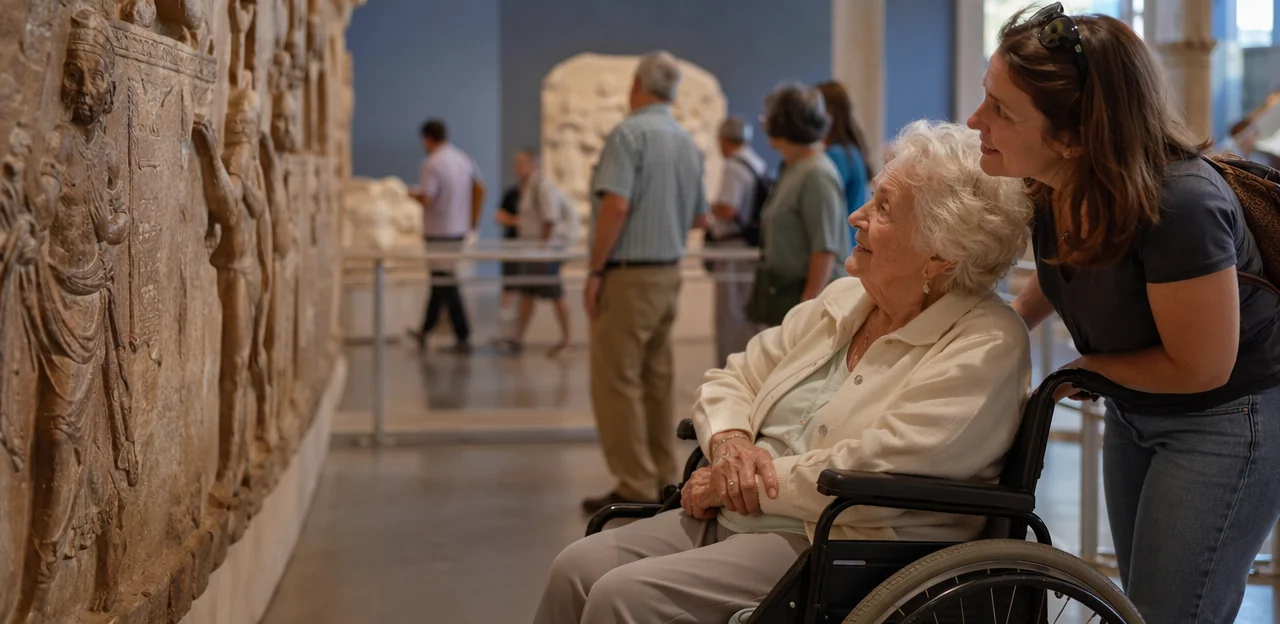
Museum accessibility feedback is the ongoing input museums collect from visitors about barriers, comfort, independence, and ease of use across the full journey. It directly shapes an accessible visitor experience by showing where access succeeds or breaks down in exhibitions, wayfinding, ticketing, seating, toilets, audio, and staff support.
Treating feedback as experience design, not just compliance, helps museums:
- identify real friction points for different needs
- improve the inclusive museum experience for everyone
- connect accessibility improvements to satisfaction, trust, and repeat visits
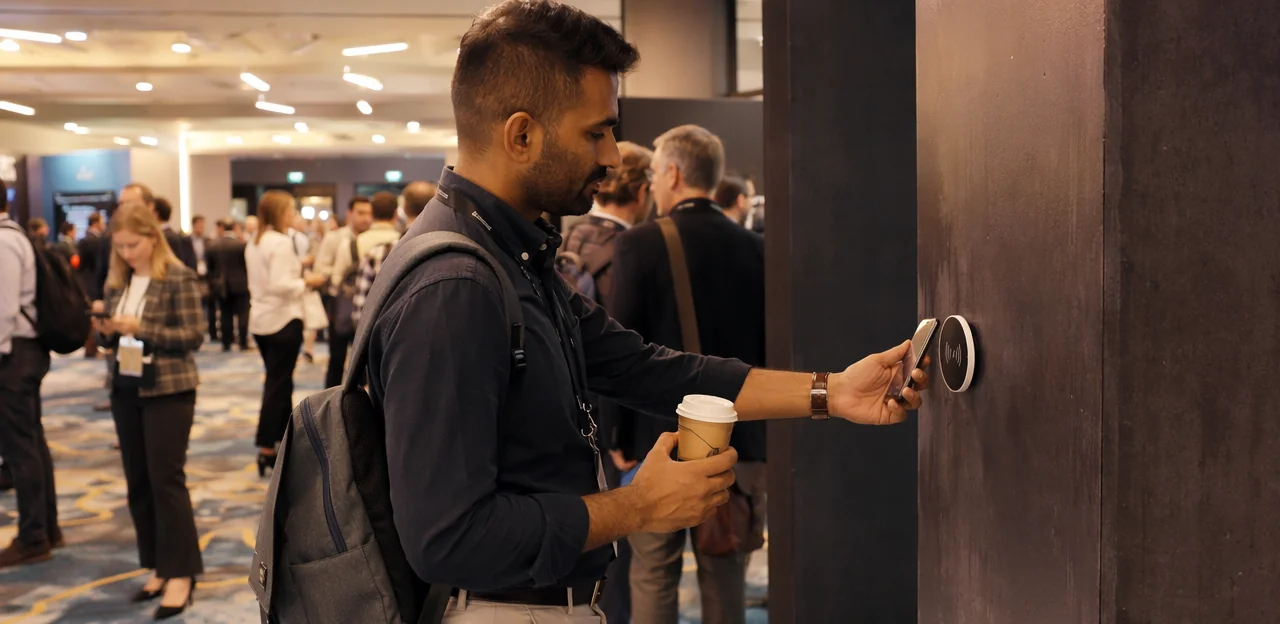
Actionable practice includes collecting feedback at key touchpoints, offering multiple formats, and acting quickly on patterns. Tools like Tapsy can help capture in-the-moment insight where issues actually happen.
The risks of not hearing from different visitors
When museum accessibility feedback comes only from generic surveys or highly engaged regulars, key issues stay hidden. Visitors who face the biggest challenges are often the least likely to complete long, delayed forms.
Common blind spots include:
- unclear signage, poor lighting, or difficult navigation creating visitor barriers in museums
- inaccessible toilets, seating, ticketing, or audio content that affect accessible museum services
- staff processes that unintentionally exclude neurodivergent, Deaf, disabled, older, or non-native-speaking visitors
Missing this feedback can lead to:
- repeated barriers and lower satisfaction
- negative reviews and reputational damage around museum inclusion
- fewer return visits from underserved groups
Use short, targeted prompts at key touchpoints to capture broader, more honest insight.
Who should be included in feedback collection
Strong museum accessibility feedback starts with hearing from visitors whose experiences are often missed in standard surveys. Prioritise inclusive audience research that actively includes:
- Wheelchair users and mobility-impaired visitors: routes, seating, lifts, counters, toilets
- Deaf and hard of hearing visitors: captions, hearing loops, signed tours, staff communication
- Blind and partially sighted visitors: wayfinding, lighting, tactile information, audio description
- Neurodivergent guests: sensory load, quiet spaces, predictability, queueing
- People with non-visible disabilities: fatigue, chronic pain, anxiety, autism, learning disabilities
To improve disabled visitor feedback, recruit beyond membership lists, offer multiple response formats, and collect insight at key touchpoints to better understand real museum accessibility needs.
Build accessible ways for visitors to share feedback

Offer multiple feedback formats
Strong museum accessibility feedback systems give visitors a choice in how they respond. Relying only on standard online surveys can exclude people with different communication, sensory, mobility, or digital access needs. Build multi-channel visitor feedback into the whole journey by offering:
- QR codes at exits, galleries, cafés, and toilets for quick mobile responses
- Accessible feedback forms in paper format, including large print and easy-read versions
- SMS, email, and phone options for visitors who prefer familiar channels
- Audio or video submissions for people who communicate more comfortably by speaking or signing
- In-person conversations with trained staff who can record feedback accurately and respectfully
The key is flexibility: let visitors choose the method that suits them best. These inclusive feedback methods help museums hear from more people, uncover barriers sooner, and improve access more effectively.
Make digital feedback accessible
To improve museum accessibility feedback, every digital form should be easy to use across devices and assistive technologies. An accessible online survey helps more visitors share honest, useful insight.
- Build forms to meet WCAG museum feedback standards, with clear labels, logical headings, and strong colour contrast.
- Ensure full keyboard navigation so visitors can move through questions without a mouse.
- Test with screen readers and use properly tagged fields, error messages, and button text.
- Write in plain language, keeping questions short and avoiding jargon or complex rating scales.
- Make surveys fully mobile usable, with responsive layouts, large tap targets, and simple progress indicators.
- Offer easy-read versions for visitors with learning disabilities or lower literacy.
- If using video prompts, include captions and transcripts.
For stronger digital accessibility for museums, keep surveys short and place them at key touchpoints, such as QR feedback links after exhibitions or tours.
Reduce barriers at the point of response
To improve museum accessibility feedback, make responding feel easy, safe, and quick. Small friction points can significantly lower museum response rates.
- Choose the right moment: Ask when the experience is still fresh, but not during stressful transitions. A quiet prompt at the exit or a short post-visit follow-up email can reduce visitor feedback barriers.
- Pick accessible locations: Offer feedback points in calm, seated, low-noise areas, not only in busy foyers or queues.
- Provide staff support: Train staff to explain the purpose, offer help without influencing answers, and signpost anonymous options.
- Keep surveys short: Strong accessible survey design means using plain language, one idea per question, and avoiding long or overly complex questions.
- Offer flexible formats: Include QR, paper, verbal, and anonymous digital options. Tools like Tapsy can help capture quick, low-effort responses at key touchpoints.
Ask better questions to get useful accessibility insights
Questions that reveal real access barriers
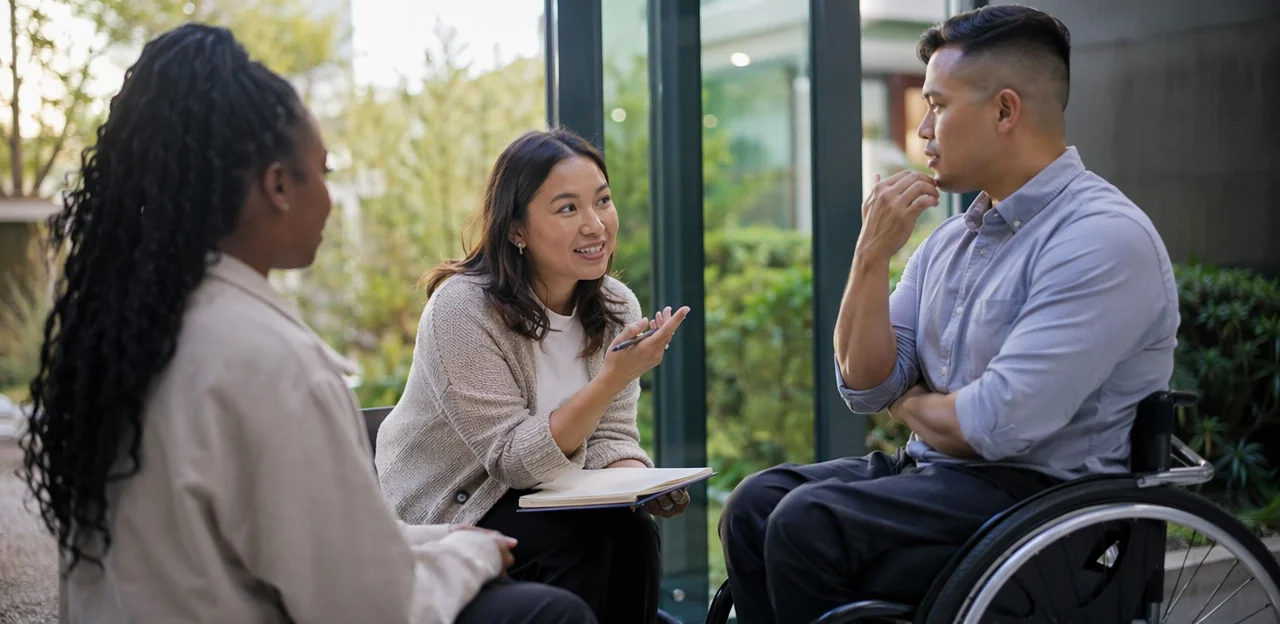
To improve museum accessibility feedback, ask specific, journey-based questions rather than broad satisfaction prompts. The best accessibility survey questions uncover where visitors faced friction across the full museum visitor journey.
- Booking and pre-visit: Was accessibility information easy to find online? Could you book tickets, carers’ access, or support services without difficulty?
- Arrival and entry: Were parking, drop-off points, entrances, queues, and ticket desks easy to use?
- Wayfinding: Did signs, maps, lifts, and staff directions help you move confidently through the site?
- Interpretation: Were labels, audio guides, captions, lighting, and digital content accessible to you?
- Facilities: Could you easily find seating, quiet spaces, accessible toilets, and cafés?
- Staff interactions: Did staff understand your needs and offer respectful, practical support?
Include open-text prompts for access barriers feedback, so visitors can describe exactly what happened and where.
Use inclusive and respectful language
The wording in your survey directly shapes trust, completion rates, and the quality of museum accessibility feedback you receive. Clear, thoughtful phrasing helps visitors feel seen rather than judged.
- Use inclusive survey language that is neutral and specific. For example, ask “Did any part of your visit create access barriers?” instead of “Are you disabled?”
- Recognize that preferences vary: some people prefer person-first language (“person with a disability”), while others prefer identity-first language (“disabled person”). When possible, mirror the language visitors use themselves.
- Write respectful accessibility questions that avoid assumptions about mobility, hearing, vision, neurodivergence, or support needs.
- Add an open text field so visitors can describe needs in their own words. This improves visitor feedback wording and gives richer, more accurate insight than rigid labels alone.
If you use a quick tool such as Tapsy, keep prompts short, plain, and optional.
Balance ratings with open-text responses
Strong museum accessibility feedback works best when you pair quick scores with space for explanation. Ratings reveal patterns across touchpoints, while comments uncover the context behind them.
- Use quantitative scoring for clear visitor satisfaction metrics such as entrance access, signage clarity, lift reliability, seating availability, or audio guide usability. This makes trends easy to compare by location, time, or exhibition.
- Use open-text responses to collect qualitative accessibility feedback when lived experience matters most, such as “What made this gallery difficult to navigate?” or “How could we improve sensory comfort?”
A practical museum survey design might ask visitors to rate accessibility from 1–5, then follow with one optional prompt: “Please tell us what affected your score.” Tools like Tapsy can support this simple on-site flow, helping museums capture both measurable data and meaningful detail.
Create trust so more visitors feel safe giving feedback

Train staff to invite feedback well
Strong staff training for accessibility helps teams ask for museum accessibility feedback in a way that feels respectful, not pressured. Frontline staff should use simple, open prompts such as, “Was anything difficult to access today?” and give visitors space to answer honestly.
- Listen actively: maintain eye contact, avoid interrupting, and repeat key points to confirm understanding.
- Show empathy: thank visitors for sharing, acknowledge frustration, and avoid explaining away the issue.
- Stay non-defensive: treat comments as improvement opportunities, not personal criticism.
- Know when to escalate: urgent safety, communication, or mobility barriers should be passed quickly to a manager or accessibility lead.
This approach improves frontline visitor feedback and supports inclusive customer service museums can trust.
Work with access groups and community partners
Strong museum accessibility feedback starts with co-creation, not assumptions. Involve disabled visitors, local advocacy organisations, and community representatives early so improvements reflect real lived experience.
- Form an access advisory group with people who have different access needs, including sensory, mobility, neurodivergent, and communication perspectives.
- Use co-creation in museums to review signage, exhibitions, ticketing, toilets, seating, and digital content before launch.
- Run paid user testing and listening sessions to gather honest community accessibility feedback.
- Act on what you hear, then report back on changes made.
This approach improves relevance, reduces blind spots, and builds trust. Tools like Tapsy can also help collect quick, in-the-moment feedback at key visitor touchpoints.
Be transparent about what happens next
Clear museum accessibility feedback processes build visitor trust and strengthen museum accessibility accountability. Tell visitors, in plain language, exactly what will happen after they share their experience:
- Why you’re collecting feedback: explain that responses help improve access, signage, staff support, sensory provision, and physical spaces.
- How it will be used: say who reads it, how issues are prioritised, and whether themes will inform future accessibility planning.
- Privacy and consent: state what data is optional, how personal information is stored, and whether comments may be shared anonymously.
- When updates will come: give a realistic timeline and publish visible progress reports to support feedback transparency.
Tools like Tapsy can help make update loops faster and more visible.
Turn museum accessibility feedback into action
Spot patterns and prioritize improvements
To turn museum accessibility feedback into action, look beyond one-off comments and focus on trends. Effective analyzing accessibility feedback helps teams identify what affects the most visitors, and where change will have the biggest impact.
- Group recurring issues by theme: signage confusion, lack of seating, missing captions, difficult online booking, or poor step-free routes.
- Segment feedback by visitor need: wheelchair users, Deaf or hard-of-hearing visitors, blind or partially sighted visitors, neurodivergent guests, older visitors, and families.
- Separate quick wins from strategic projects:
- Quick wins: clearer signage, more resting seats, improved captions, simpler booking instructions
- Strategic projects: lift upgrades, website accessibility fixes, exhibition layout redesign
This kind of visitor insight analysis supports smarter, evidence-based museum accessibility improvements. Tools like Tapsy can also help capture feedback at key touchpoints in real time.
Set goals and measure progress
To turn museum accessibility feedback into action, define a small set of clear, visitor-focused targets. Good accessibility KPIs should show whether access improvements are making visits easier, more enjoyable, and more likely to lead to return visits.
- Track satisfaction scores from visitors with different access needs across entrances, exhibitions, toilets, cafés, and events.
- Measure complaint reduction by category, such as wayfinding, seating, captions, lifts, or staff support.
- Monitor repeat visits and membership renewals among visitors who use accessible facilities or services.
- Review uptake of access services such as hearing loops, quiet hours, wheelchair loans, sensory maps, or guided support.
Use these museum performance metrics monthly, compare by touchpoint, and assign ownership to teams. Tools like Tapsy can help capture real-time data and better measure visitor experience where it happens.
Close the feedback loop with visitors
Collecting museum accessibility feedback is only half the job; visitors also need to see what changed. To close the feedback loop, build a simple, consistent visitor communication strategy across channels:
- Website: Add a “Accessibility updates” or you said we did museum page with recent improvements, timelines, and what is still in progress.
- Email: Share follow-up updates with visitors, members, and community groups who opted in.
- On-site signage: Use short notices near entrances, lifts, toilets, or galleries to show changes made from feedback.
- Annual updates: Include accessibility actions, outcomes, and next priorities in your annual report or impact summary.
Visible action builds trust, encourages future participation, and strengthens your credibility with disabled visitors, carers, and advocacy groups.
Best practices and common mistakes for museums and attractions
Practical best practices to adopt now
Start improving museum accessibility feedback with a few fast, high-impact changes:
- Simplify every form: use plain language, large text, clear labels, and mobile-friendly layouts. Keep questions short and optional where possible.
- Offer multiple channels: combine QR codes, paper forms, staff-assisted options, email, and verbal feedback to support different access needs.
- Test with disabled users: review journeys with people who have lived experience to strengthen your inclusive feedback strategy.
- Escalate insights to leadership: make accessibility feedback a standing agenda item to improve accessible museum operations.
- Act quickly on patterns: small fixes often deliver the strongest museum accessibility best practices.
Common mistakes that limit useful feedback
Avoid these museum survey problems if you want better museum accessibility feedback:
- Tokenistic consultation: asking disabled visitors for input late, or only to validate decisions already made.
- Inaccessible surveys: forms that are too long, screen-reader unfriendly, jargon-heavy, or only available via one format.
- No visible action: collecting comments but failing to respond, fix issues, or report back on changes made.
- One-size-fits-all thinking: assuming one adjustment meets every access need across mobility, sensory, cognitive, and neurodivergent visitors.
To reduce accessibility feedback mistakes, offer multiple feedback channels, involve people early, and close the loop with clear updates.
A simple framework for ongoing improvement
Treat museum accessibility feedback as a continuous cycle within your inclusive visitor strategy, not a one-time audit:
- Ask at key touchpoints using short, accessible prompts.
- Listen across formats: spoken, written, digital, anonymous, and assisted responses.
- Analyze patterns by barrier, location, journey stage, and visitor need.
- Act on quick fixes first, then plan larger changes.
- Communicate what you changed so visitors know feedback leads to action.
- Review regularly and repeat.
This museum feedback framework supports continuous accessibility improvement and helps museums build trust, remove barriers, and improve every visit over time.
Conclusion
Ultimately, building a more inclusive museum starts with listening better. Effective museum accessibility feedback is not just about collecting comments after a visit; it is about creating multiple, accessible ways for people to share their experiences before, during, and after their time on site. From offering feedback in different formats to asking the right questions at key touchpoints, museums can uncover barriers that might otherwise go unnoticed.
The most valuable approach is ongoing and action-oriented. When museums invite input from visitors with different sensory, mobility, cognitive, and communication needs, they gain clearer insight into signage, wayfinding, staff support, exhibits, facilities, and digital experiences. Just as importantly, closing the loop by responding to concerns and showing what has changed builds trust and encourages deeper community engagement.
Now is the time to review how your organisation gathers museum accessibility feedback and whether every visitor truly has a voice. Start with a simple accessibility audit of your feedback journey, test inclusive survey methods, and involve disabled visitors and advocacy groups in shaping improvements. Tools such as Tapsy can also help museums capture real-time feedback at physical touchpoints.
Small changes in how you listen can lead to meaningful changes in who feels welcome, included, and able to fully enjoy your museum.
Frequently Asked Questions
- What is museum accessibility feedback?
Museum accessibility feedback is ongoing input from visitors about barriers, comfort, independence, and ease of use across the full visitor journey. It covers areas such as ticketing, arrival, wayfinding, exhibitions, facilities, audio, and staff support.
- Why is a generic exit survey not enough for accessibility feedback?
A generic exit survey can miss the experiences of visitors who face the biggest barriers, especially if the survey is long or delayed. Short, targeted prompts at key touchpoints are more likely to capture honest, useful feedback while the experience is still fresh.
- Which visitor groups should museums actively include when collecting accessibility feedback?
Museums should actively include wheelchair users and mobility-impaired visitors, Deaf and hard of hearing visitors, blind and partially sighted visitors, neurodivergent guests, and people with non-visible disabilities. Recruiting beyond membership lists and offering multiple response formats helps reach these groups more effectively.
- What feedback formats should museums offer to make participation more inclusive?
Museums should offer a mix of QR codes, paper forms, large-print and easy-read versions, SMS, email, phone, audio or video submissions, and in-person conversations with trained staff. Giving visitors a choice helps reduce exclusion linked to communication, sensory, mobility, or digital access needs.
- How can museums make digital feedback forms accessible?
Digital forms should follow WCAG principles with clear labels, logical headings, strong colour contrast, and full keyboard navigation. They should also work with screen readers, use plain language, stay mobile friendly, and include captions or transcripts if video is used.
- When and where should museums ask visitors for accessibility feedback?
The best time is when the experience is still fresh but not during stressful transitions. Quiet prompts at exits, calm seated areas, or short post-visit follow-up emails can make responding easier than asking in busy foyers or queues.
- What kinds of questions reveal real access barriers in a museum visit?
The most useful questions are specific and follow the visitor journey, such as booking, arrival, navigation, interpretation, facilities, and staff interactions. Open-text prompts are important because they let visitors explain exactly what happened and where.
- How should museums phrase accessibility questions respectfully?
Questions should be neutral, specific, and free from assumptions about disability or support needs. Asking whether any part of the visit created access barriers is more respectful and useful than forcing visitors into rigid labels.
- Should museums use ratings or open-text responses for accessibility feedback?
They should use both. Ratings help spot patterns across touchpoints like signage, seating, or audio guides, while open-text responses explain the reasons behind those scores and reveal lived experience in more detail.
- How can frontline staff encourage accessibility feedback without making visitors feel pressured?
Staff should use simple, open prompts, listen actively, and thank visitors for sharing. They should avoid being defensive, offer help without influencing answers, and know when urgent issues need to be escalated to a manager or accessibility lead.
- Why should museums work with access groups and community partners?
Working with disabled visitors, advocacy organisations, and community representatives helps museums avoid assumptions and reduce blind spots. Co-creation, paid user testing, and listening sessions make feedback more relevant and grounded in lived experience.
- What should museums tell visitors about how their feedback will be used?
Museums should clearly explain why feedback is being collected, who will read it, how issues are prioritised, and what privacy or consent rules apply. They should also give realistic timelines for updates so visitors can see that feedback leads to action.
- How can museums turn accessibility feedback into practical improvements?
They should group recurring issues by theme, segment feedback by visitor need, and separate quick wins from longer-term projects. Quick wins might include clearer signage or more seating, while strategic work could involve lift upgrades or website accessibility fixes.
- What metrics can museums use to measure progress on accessibility?
Useful measures include satisfaction scores across touchpoints, reductions in complaints by category, repeat visits, membership renewals, and uptake of access services such as hearing loops or quiet hours. Reviewing these regularly and assigning ownership helps keep improvements moving.
- What are the most common mistakes museums make when gathering accessibility feedback?
Common mistakes include tokenistic consultation, inaccessible surveys, collecting comments without visible action, and assuming one adjustment works for every visitor. A stronger approach is to offer multiple channels, involve people early, and close the loop with clear updates.