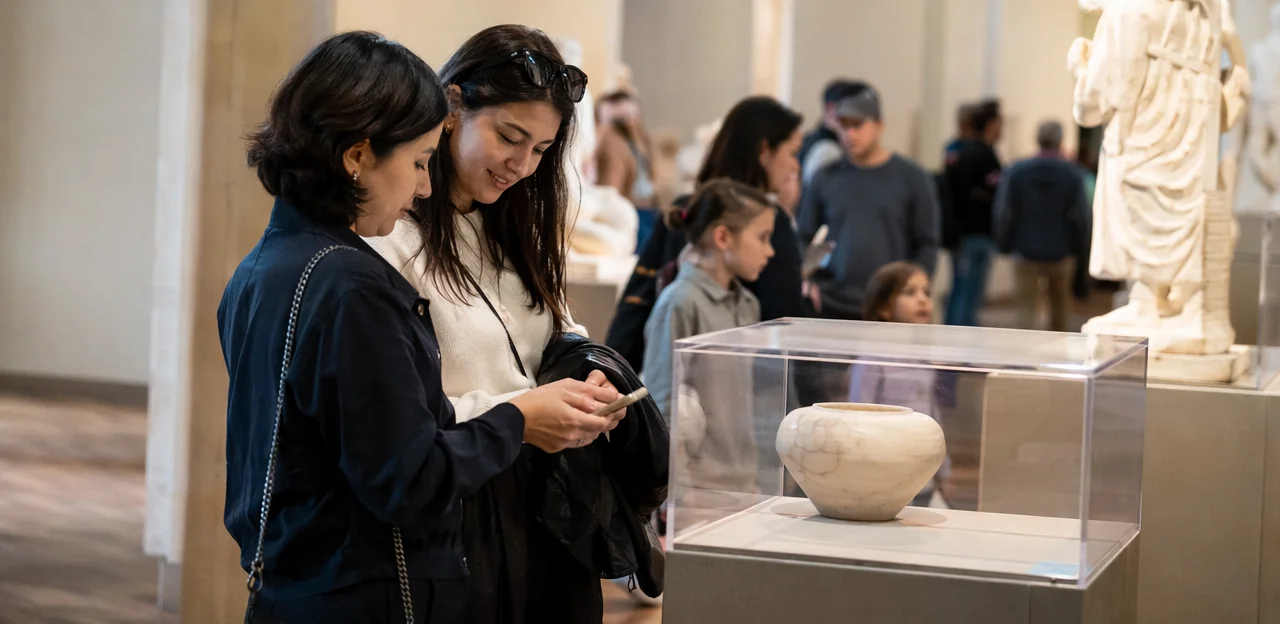
A great exhibition can spark curiosity, emotion, and conversation—but if you only ask visitors what they thought at the exit, you may miss the most valuable insights. In museums and cultural attractions, timing and context matter. The best feedback often comes in the moment: after an interactive display, inside a family activity zone, near a café, or just before visitors leave. That’s why thoughtful museum feedback placement is becoming an essential part of modern visitor experience strategy.
Done well, feedback touchpoints help museums understand not just whether visitors enjoyed their visit, but where they felt engaged, confused, delighted, or disconnected. With tools like NFC and QR touchpoints, institutions can collect quick, location-specific responses without interrupting the journey. This creates a clearer picture of how people move through exhibitions and where improvements can have the biggest impact.
In this article, we’ll explore where to place feedback touchpoints inside a museum for the best results, how different locations support different types of insight, and how digital tools can make participation easier for diverse audiences. We’ll also look at practical considerations such as visitor flow, staff visibility, and real-time engagement opportunities that help turn feedback into action.
Why museum feedback placement matters
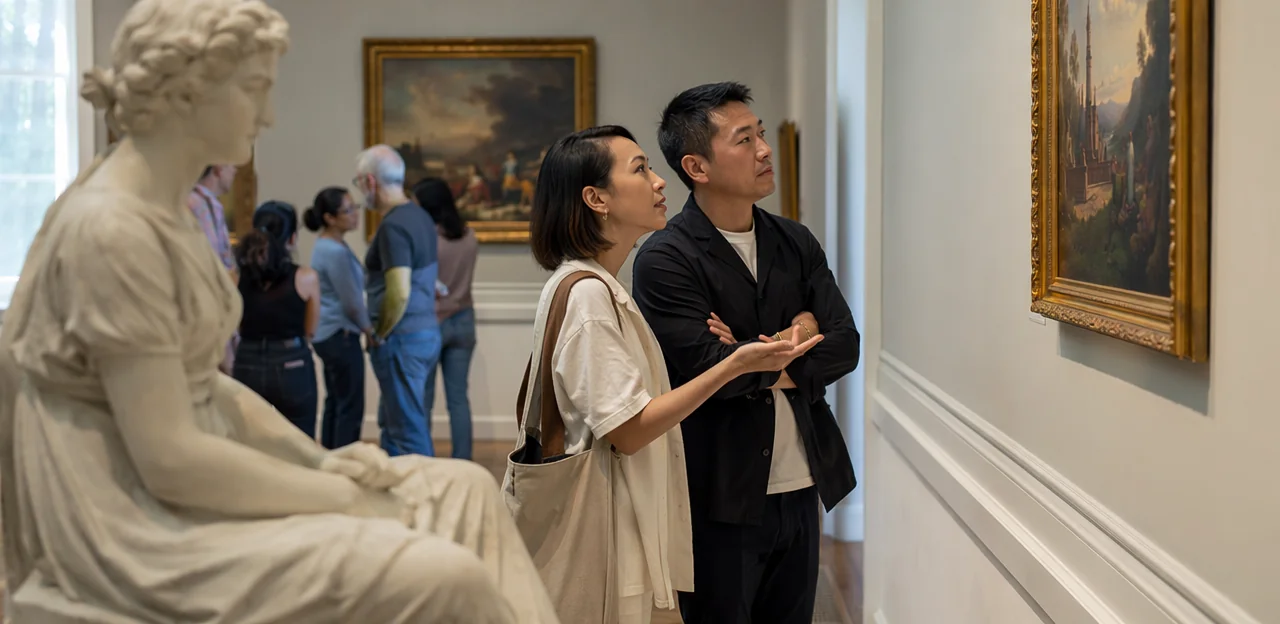
How feedback touchpoints shape the visitor experience
Effective museum feedback placement directly influences what visitors share, when they respond, and whether they finish the survey at all. Poorly placed prompts—such as at busy entrances or during immersive exhibits—interrupt flow and reduce response quality. Well-positioned visitor feedback touchpoints capture authentic reactions while the experience is still fresh.
- Right moment, better insight: Place prompts after key exhibits, cafés, or gift shops to gather specific, relevant feedback.
- Less friction, higher completion: Use short QR or NFC surveys in natural pause points like exits, seating areas, or wayfinding zones.
- Stronger museum visitor experience: Timely prompts feel helpful, not intrusive, making visitors more willing to engage.
Tools like Tapsy can support location-aware feedback collection.
The link between placement, timing, and data quality
Museum feedback placement directly shapes what visitors notice, remember, and report. Context matters: people answer differently depending on where and when they are asked.
- At exhibits: In-the-moment prompts capture fresh reactions, confusion points, and emotional responses. This improves visitor insight quality for specific displays and supports stronger museum survey placement decisions.
- At exits or cafés: Later touchpoints encourage reflective feedback about the overall visit, including wayfinding, value, comfort, and highlights.
For better feedback timing in museums, match the question to the moment:
- Use short, exhibit-level questions near key installations.
- Use broader satisfaction surveys at the exit.
- Place relaxed, open-ended prompts in cafés where visitors have time to think.
Common goals museums can support with feedback collection
Effective museum feedback placement should align with clear operational goals, so each touchpoint captures insight that staff can act on quickly. Common goals include:
- Improve exhibits: collect exhibit feedback near specific galleries to learn what visitors found engaging, confusing, or easy to miss.
- Reduce wayfinding issues: place quick prompts at entrances, junctions, and exits to uncover navigation pain points.
- Measure satisfaction: use a short museum satisfaction survey at the end of the visit to track overall experience trends.
- Test interpretation: ask whether labels, audio guides, or interactives were clear and meaningful.
- Identify barriers: gather museum accessibility feedback on seating, signage, sensory load, routes, and inclusive design.
Best places to put feedback touchpoints inside a museum

Entrance, ticketing, and orientation areas
Arrival is the first practical checkpoint in museum feedback placement, but it is also the busiest. At entrances, box offices, and orientation zones, feedback should be quick, low-friction, and easy to ignore if visitors are focused on getting inside. The goal is not to run a full survey, but to capture useful signals without slowing queues.
Use arrival touchpoints to ask one or two light-touch questions such as:
- “How easy was it to book today?”
- “What are you most excited to see?”
- “How clear was the entrance and check-in process?”
- “What was your first impression on arrival?”
This approach works well for museum entrance feedback because it measures expectations before the gallery experience influences responses. It can also highlight operational issues early, such as unclear signage, long waits, or confusing ticket collection.
For an effective ticketing survey museum setup:
- Keep prompts under 10 seconds to answer.
- Place QR or NFC points after scanning or just beyond the queue.
- Make participation clearly optional.
- Focus on booking experience, welcome, and wayfinding.
- Review results daily to spot recurring entry-flow problems.
Simple tools like Tapsy can support short, location-based prompts without adding pressure at the door.
Galleries, exhibits, and interactive zones
Effective museum feedback placement starts at the moment visitors are most engaged: directly beside the object, installation, or activity they have just experienced. In galleries, use discreet but visible QR codes in museums on label rails, exit panels, or nearby wayfinding signs so guests can respond without interrupting the exhibit design.
For stronger exhibit feedback placement, match the touchpoint to the type of experience:
- Key exhibits: Place a QR code or NFC tag at the viewing pause point, where visitors naturally stop reading or reflecting. Ask short questions about emotional impact, clarity, and relevance.
- Immersive installations: Add NFC museum touchpoints at the entrance and exit to compare expectations with actual experience, helping measure learning outcomes and emotional response.
- Hands-on displays: Position tags where visitors finish the activity, not where they begin. This captures usability feedback on instructions, accessibility, and ease of interaction.
- Family or school zones: Use simple, mobile-friendly prompts to assess what visitors learned and whether the activity supported different age groups.
Keep prompts exhibit-specific, brief, and easy to complete in under 30 seconds. Platforms such as Tapsy can help museums create location-aware flows that connect each touchpoint to a specific gallery or display.
Amenities, rest areas, shops, cafes, and exits
Amenities and transition zones are some of the best locations for museum feedback placement because visitors naturally pause, reflect, and decide how they felt about the overall experience. Unlike gallery-based prompts, these areas are better suited to broader questions about comfort, service, and the full visit journey.
Use these visitor satisfaction touchpoints to capture feedback when guests have enough context to evaluate the museum as a whole:
- Rest areas and seating zones: Ideal for quick satisfaction checks while visitors recharge. Ask about wayfinding, comfort, crowding, or exhibit pacing.
- Restrooms: A practical place for short-form museum amenities feedback, especially on cleanliness, accessibility, and maintenance.
- Cafes: Great for service feedback on food quality, wait times, pricing, and staff helpfulness while visitors are already in a dwell space.
- Gift shops: Useful for gathering opinions on product range, checkout speed, and whether retail enhanced the visit.
- Final exit points: The best place for a museum exit survey, post-visit reflection, and likelihood-to-recommend questions.
Keep prompts short, mobile-friendly, and clearly tied to the location. QR or NFC touchpoints can work well here; platforms like Tapsy can help tailor surveys by placement so each response feels relevant and easy to complete.
How to use QR codes and NFC touchpoints effectively

Choosing between QR, NFC, kiosks, and staff-led prompts
The best museum feedback placement depends on who is visiting, how they use technology, and how much staff support is available. When planning digital feedback touchpoints, match the format to the setting:
- QR codes: Best for younger, phone-ready visitors and temporary exhibitions. They are low-cost and flexible, but rely on camera confidence and good mobile signal.
- NFC taps: Ideal when comparing QR vs NFC museum options for speed and ease. NFC works well in high-traffic areas because visitors can tap quickly without scanning.
- Kiosks: Better for family groups, older audiences, and visitors without smartphones. Place them near exits or rest areas, but account for maintenance and accessibility.
- Staff-led prompts: Strongest where conversation matters, such as guided tours or membership desks, but require trained staff time.
For inclusive museum feedback technology, combine formats. For example, NFC or QR at exhibits, plus a kiosk at the exit.
Designing signage and calls to action that get responses
Strong signage can make or break museum feedback placement. To improve museum response rates, keep every prompt simple, visible, and low-friction:
- Use clear instructions: Say exactly what to do, such as “Scan the QR code to share your thoughts.”
- Write a short survey call to action: Prompts like “Tell us what you loved in 30 seconds” outperform vague wording.
- Place signs at eye level: Good QR code signage museum displays should be easy to spot near exits, dwell zones, cafés, and interactive exhibits.
- Highlight the benefit: Mention incentives where appropriate, such as a prize draw, discount, or donation support.
- Reduce hesitation: Reassure visitors with phrases like “3 quick questions” or “Anonymous and privacy-friendly.”
- Match the museum brand: Use consistent colours, typography, and tone so the sign feels trusted and intentional.
Well-designed touchpoints turn passive visitors into active participants.
Accessibility and inclusivity considerations for digital feedback
Effective museum feedback placement should make it easy for every visitor to respond, not just confident smartphone users. To create accessible museum feedback and truly inclusive visitor surveys, build for different languages, abilities, and comfort levels.
- Offer multilingual museum surveys at key touchpoints, using clear language and simple navigation for international audiences.
- Ensure forms are screen-reader-friendly with proper labels, logical heading structure, and large tap targets.
- Place QR or NFC prompts at a reachable height for wheelchair users, children, and older visitors.
- Use large font sizes, strong colour contrast, and uncluttered layouts so questions are easy to read in varied lighting.
- Provide non-smartphone alternatives, such as staffed feedback desks, paper cards, or accessible tablets/kiosks.
Platforms such as Tapsy can help museums deliver multilingual, low-friction feedback options across different visitor touchpoints.
Mapping feedback touchpoints to the visitor journey
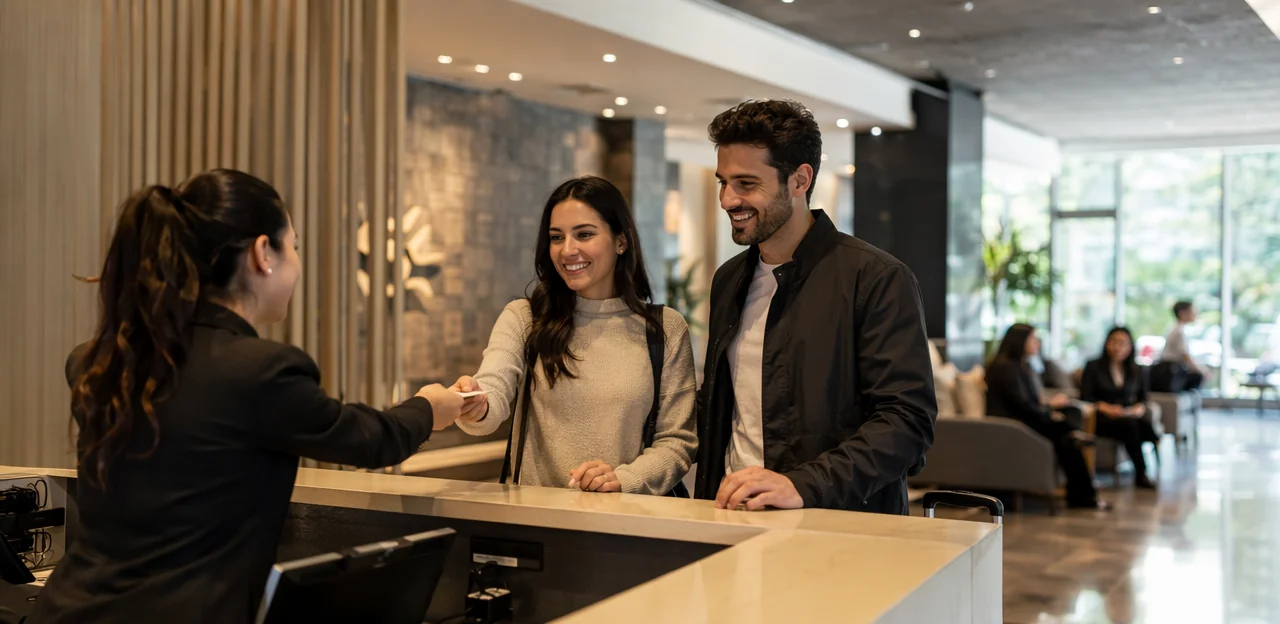
Pre-visit expectations and arrival impressions
A strong museum feedback placement strategy should start before visitors enter the building. Connect museum booking feedback with confirmation emails, pre-visit FAQs, and first-contact onsite prompts to spot where expectations break down.
- Add one-question feedback after booking: ask what visitors expect most, how clear the booking process felt, and whether accessibility, pricing, or timed-entry information was easy to understand.
- Place the first onsite touchpoint at entry or ticket scan to capture arrival experience feedback while impressions are fresh.
- Compare pre-visit responses with arrival sentiment as part of visitor journey mapping museum teams can use to identify queue issues, signage confusion, staffing gaps, or unmet exhibit expectations.
- Tools such as NFC or QR prompts, or platforms like Tapsy, can link these moments into one actionable dataset.
Mid-visit moments that capture specific reactions
Effective museum feedback placement means asking for mid-visit feedback at moments when visitors can still recall a detail clearly, without interrupting the experience. Keep prompts short, optional, and tied to a single exhibit or activity.
- Temporary exhibitions: Place a QR or NFC prompt near the exit for a quick temporary exhibition survey on clarity, pacing, or standout pieces.
- Family trails: Add one-touch check-ins at the halfway point to learn whether children are engaged or instructions are easy to follow.
- Audio guides: Trigger museum interactive feedback after key stops to rate narration length, sound quality, or usefulness.
- Educational spaces: Use brief touchpoints after workshops or discovery zones to capture learning impact while it is fresh.
Rotate prompts by zone so visitors are not over-surveyed.
Post-visit reflection and follow-up opportunities
Strong museum feedback placement should not end at the final gallery. To turn immediate impressions into usable insight, connect onsite touchpoints with structured follow-up after visitors leave.
- Use an exit feedback museum prompt at doors, cafés, or gift shops to capture fresh emotional reactions in under 30 seconds.
- Send a post-visit museum survey by email within 24 hours, using answers from onsite QR or NFC taps to personalize questions around exhibitions, wayfinding, or staff interactions.
- Layer museum follow-up feedback by asking deeper questions later: what visitors remembered, what they discussed afterward, and what would bring them back.
- Add smart next-step prompts such as membership, event sign-up, or donor invitations based on positive responses.
Tools like Tapsy can help link real-time touchpoints with post-visit engagement.
Best practices to avoid survey fatigue and improve results

How many feedback touchpoints are too many
Too many prompts create survey fatigue museum visitors feel as friction, not service. A strong museum feedback placement plan usually limits asks to 2–4 key touchpoints per visit, focused on moments with the highest operational value.
- Prioritize high-value locations: entry, a major exhibit, café/shop, and exit
- Avoid back-to-back prompts: don’t place QR or NFC requests in every gallery
- Rotate questions by zone or campaign: ask wayfinding in one area, exhibit clarity in another, and overall satisfaction at exit
- Use short pulse checks: 1–2 questions max
This feedback touchpoint strategy supports better response quality and smarter museum survey optimization.
Writing better questions for each museum location
Effective museum feedback placement depends on matching question type to visitor mindset at each stop. Keep museum survey questions short in high-traffic areas and more reflective at the end.
- At exhibits: use one-tap, low-friction prompts such as “Was this display easy to understand?” or “Did this interactives station work well?”
- In galleries or midway points: ask quick location-based feedback questions like “Which section interested you most?”
- At exits: use broader visitor feedback questions, for example, “What was the highlight of your visit?” or “What should we improve next time?”
This approach boosts response rates and improves insight quality.
Measuring success with response rate and actionability
To evaluate museum feedback placement, track both participation and outcomes, not just raw responses. Useful museum feedback metrics include:
- Scan rate: how many visitors tap or scan each touchpoint
- Survey completion rate: whether prompts are short, clear, and well-timed
- Sentiment: recurring positive, neutral, or negative themes
- Issue frequency: repeated complaints by gallery, exhibit, or service area
- Actionability: how often feedback produces operational or interpretive changes
The goal is actionable visitor insights. Review results by location to see which touchpoints drive meaningful improvements. Platforms like Tapsy can help connect scans, sentiment, and follow-up actions in one workflow.
Creating a practical museum feedback placement plan
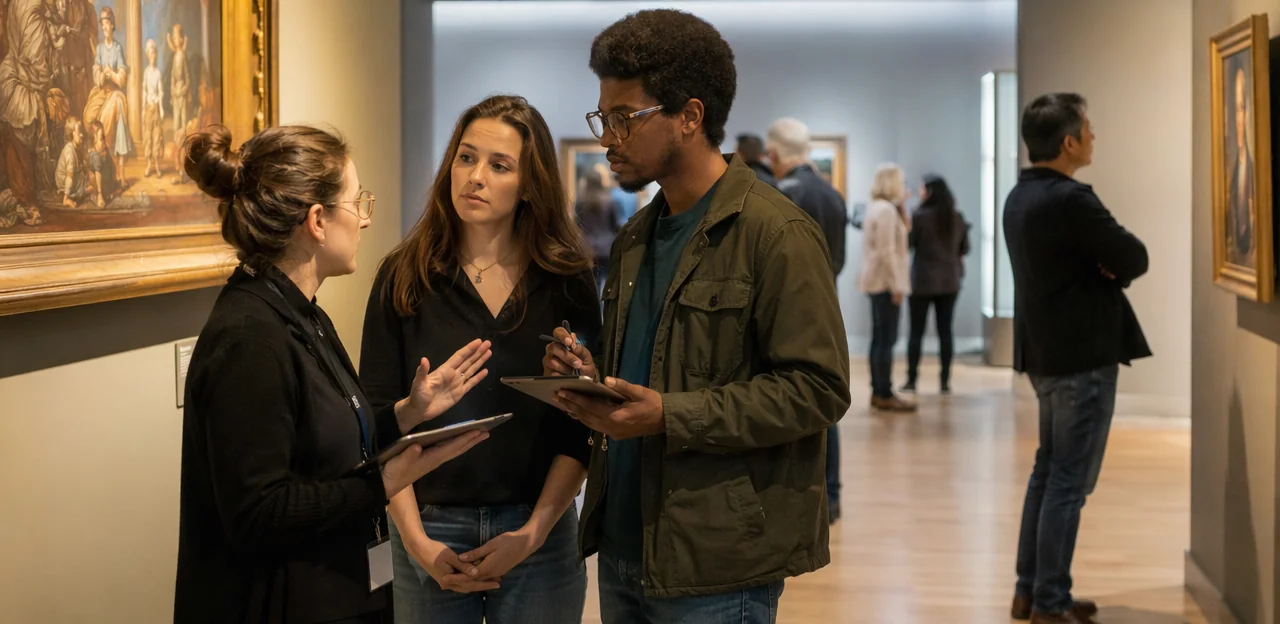
Auditing current spaces, traffic flow, and visitor behavior
To improve museum feedback placement, start with a simple feedback placement audit:
- Review floorplans to map entrances, exits, pauses, and transition zones.
- Use museum traffic flow analysis to spot bottlenecks, quiet areas, and one-way routes.
- Compare dwell times by exhibit to find where visitors naturally stop.
- Study visitor behavior museum patterns and prioritize high-value exhibits for feedback touchpoints.
Pilot testing touchpoints and refining placement
Run a museum pilot survey in 2–3 comparable locations, then review scan rates, completion rates, and comment quality to improve museum feedback placement.
- Use A/B testing feedback placement: compare entrance, gallery exit, and café areas.
- Adjust CTA wording, sign size, or NFC/QR visibility based on response patterns.
- Combine data with staff observations on visitor flow, hesitation, and bottlenecks.
- Repeat weekly for steady touchpoint optimization.
Turning feedback into continuous improvement
- Build a simple monthly review that groups touchpoint results by theme, location, and audience.
- Share tailored summaries with curatorial, operations, learning, and visitor services teams so each sees relevant museum operations insights and actions.
- Link changes back to museum feedback placement data, then visibly communicate improvements to visitors.
This strengthens your visitor feedback strategy, supports museum continuous improvement, and builds trust by showing feedback leads to action.
Conclusion
Effective museum feedback placement is about meeting visitors where their experience is happening. The most valuable touchpoints are rarely limited to the exit. Instead, museums should place feedback opportunities at key moments throughout the journey: at entry points to capture expectations, inside major galleries to understand engagement, near interactive exhibits to assess usability, in cafés and gift shops to gather service insights, and at exits to measure overall satisfaction. NFC and QR touchpoints make this process simple, low-friction, and accessible, helping museums collect timely, context-rich responses without interrupting the visit.
When planned carefully, museum feedback placement does more than improve surveys—it strengthens visitor experience, supports faster issue resolution, and reveals which spaces, exhibits, and services need attention most. The result is a more responsive attraction that can continuously refine programming, interpretation, and operations based on real visitor voices.
The next step is to audit your visitor journey and identify the moments that matter most. Start with a small number of high-impact locations, test response rates, and refine your approach over time. If you need a practical example, platforms like Tapsy can support real-time, location-based feedback collection through NFC and QR touchpoints. Put a thoughtful museum feedback placement strategy in place now to turn everyday visitor interactions into lasting improvements.
Frequently Asked Questions
- Why should museums collect feedback during the visit instead of only at the exit?
In-the-moment feedback captures reactions while exhibits, services, or confusion points are still fresh. Exit feedback is useful for overall satisfaction, but it can miss specific insights about where visitors felt engaged, delighted, or disconnected.
- Where are the best places to place feedback touchpoints inside a museum?
High-value locations include entry points, major exhibits, interactive zones, family areas, cafés, gift shops, rest areas, restrooms, and final exits. Each location supports a different type of insight, from arrival impressions to exhibit usability and overall visit satisfaction.
- What kind of questions work best at the museum entrance?
Entrance prompts should be very short and focused on booking, check-in, first impressions, and wayfinding. Good examples include asking how easy booking was, how clear the entrance process felt, or what visitors are most excited to see.
- How should museums place feedback prompts near exhibits and interactive displays?
Place QR codes or NFC tags where visitors naturally pause after viewing, reading, or finishing an activity. For hands-on displays, the best position is at the end of the interaction so visitors can comment on clarity, accessibility, and ease of use.
- What feedback should museums collect in cafés, shops, and rest areas?
These areas are better for broader questions because visitors are already pausing and reflecting. Museums can ask about comfort, crowding, pacing, food service, pricing, checkout speed, cleanliness, and the overall visit experience.
- When should a museum use QR codes instead of NFC touchpoints?
QR codes are a flexible, low-cost option that works well for phone-ready visitors and temporary exhibitions. NFC is better when speed and ease matter, especially in high-traffic spaces where tapping is faster than scanning.
- Should museums use only one feedback format or combine several?
A mixed approach is recommended because visitors differ in technology use and accessibility needs. A museum can use QR or NFC at exhibits and add kiosks, staffed desks, or paper options at exits and service points.
- How can signage improve response rates for museum feedback surveys?
Signs should be clear, visible, and simple, with direct instructions such as telling visitors to scan or tap. Short calls to action, eye-level placement, privacy reassurance, and consistent museum branding help reduce hesitation and increase participation.
- What makes a digital museum feedback touchpoint accessible and inclusive?
Accessible touchpoints use multilingual surveys, screen-reader-friendly forms, large tap targets, readable font sizes, and strong colour contrast. Placement also matters, so prompts should be reachable for wheelchair users, children, and older visitors, with non-smartphone alternatives available.
- How can museums map feedback touchpoints to the full visitor journey?
Start before arrival with booking or confirmation feedback, then capture impressions at entry, reactions during the visit, and reflection at the exit. Follow-up email surveys within 24 hours can add deeper insight about what visitors remembered and what would bring them back.
- How many feedback touchpoints are too many in one museum visit?
A practical limit is usually 2 to 4 key touchpoints per visit. Too many prompts create survey fatigue, so museums should focus on the moments with the highest operational value rather than asking in every gallery.
- How should museums write different questions for exhibits, midway points, and exits?
At exhibits, use one-tap questions about clarity or usability. Midway points work well for quick interest or engagement checks, while exits are better for broader questions about highlights, satisfaction, and what should improve next time.
- What metrics should museums track to judge whether feedback placement is working?
Useful measures include scan rate, survey completion rate, sentiment, issue frequency, and actionability. Reviewing results by location shows which touchpoints produce meaningful insight and which ones need better placement or wording.
- How can a museum test and refine feedback touchpoint placement?
Run a pilot in two or three comparable locations and compare scan rates, completion rates, and comment quality. Museums can then adjust sign size, call-to-action wording, or QR and NFC visibility, using staff observations to spot hesitation or bottlenecks.
- What is a practical first step for building a museum feedback placement plan?
Begin with an audit of floorplans, traffic flow, pause points, and visitor behavior to identify where people naturally stop. Then choose a small number of high-impact locations, review the results regularly, and share findings with curatorial, operations, learning, and visitor services teams.