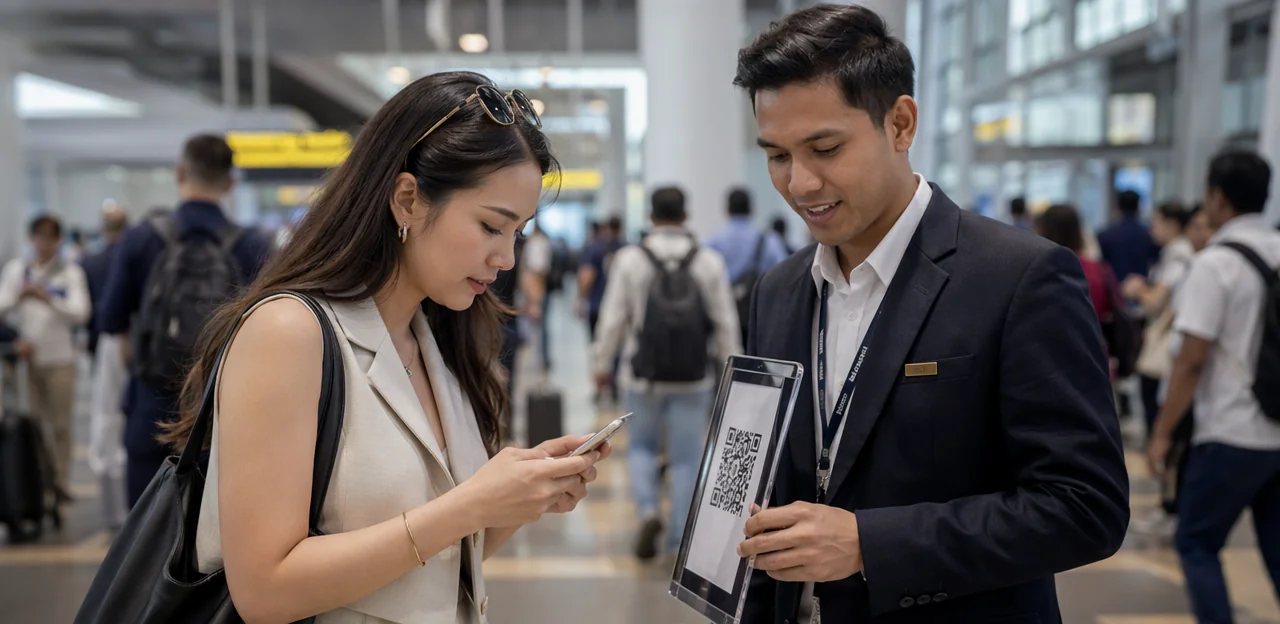
In airports, train stations, metro interchanges, and bus terminals, every second matters. Travellers are moving quickly, juggling tickets, luggage, directions, and delays, which makes capturing honest, in-the-moment insight especially challenging. That is exactly why a well-placed traveller feedback QR code can become such a powerful tool. When feedback is requested at the right moment and in the right location, operators can learn what passengers are experiencing while there is still time to improve it.
High-traffic mobility hubs offer countless touchpoints, but not all of them are equally effective. A QR code placed near a platform exit may generate very different results from one positioned at a ticket machine, security queue, restroom, lounge, or baggage collection area. Success depends on visibility, timing, passenger mindset, and how easy the feedback journey feels in a busy environment.
This article explores the best placements for QR feedback prompts across travel and mobility hubs, with a focus on maximizing response rates, collecting more actionable insights, and improving passenger experience. We will also look at practical considerations such as signage design, dwell-time opportunities, common friction points, and how no-app solutions such as Tapsy can support faster, touchpoint-based feedback collection in real-world transit settings.
Why traveller feedback QR codes work in travel and mobility hubs

The value of instant, in-the-moment passenger feedback
In busy transport environments, timing shapes feedback quality. A traveller feedback QR code placed at gates, platforms, exits, lounges, or baggage areas captures reactions while the experience is still fresh. That leads to more accurate, specific, and actionable insights than delayed email surveys sent hours or days later.
- Fresher sentiment: Passengers remember queue times, cleanliness, signage, staff interactions, and delays more clearly in the moment.
- Higher relevance: A passenger feedback QR code tied to a specific touchpoint helps teams pinpoint exactly where issues happen.
- Faster response: Real-time passenger feedback lets operators fix problems during the same shift, not after complaints escalate.
- Better participation: Quick QR surveys suit fast-moving airports, train stations, bus terminals, and ferry ports where travellers will not stop for long forms.
Tools like Tapsy can help turn these touchpoints into immediate operational insight.
How high-traffic hubs create ideal scan opportunities
In high-traffic hubs, the best feedback moments happen when passengers are already paused and mentally available. Effective QR code survey placement works by matching prompts to natural dwell times and keeping the action effortless.
- Queues: While waiting at check-in, security, or ticket lines, people have short idle moments that suit a fast scan.
- Waiting zones: Seating areas, lounges, and gate zones offer low-pressure time for quick ratings or issue reporting.
- Boarding areas: Just before departure, travellers can share fresh impressions of signage, staff support, or delays.
- Exits: Arrival halls and platform exits capture immediate post-journey reactions while the experience is still vivid.
For stronger transport hub feedback, place each traveller feedback QR code at eye level, use a one-step mobile form, and ask only 1–3 questions to reduce friction and increase completion.
When QR codes outperform NFC and other touchpoints
For NFC vs QR feedback, QR usually wins in busy travel environments because it combines low cost, instant access, and flexible placement. A traveller feedback QR code works especially well where speed matters and passengers may not want to tap, download, or type.
- Vs NFC tags: QR codes are more visible, cheaper to print at scale, and work on almost any smartphone camera without checking NFC settings.
- Vs kiosks: QR touchpoints avoid queues, reduce hardware maintenance, and let travellers respond while walking or waiting.
- Vs SMS links: QR removes the need to enter numbers or switch apps, improving completion rates.
- Vs app-based surveys: No download or login means less friction for one-time or international passengers.
For passenger experience technology, QR is often the best fit for gates, escalators, platforms, baggage claim, and restrooms.
Best placements for traveller feedback QR code touchpoints
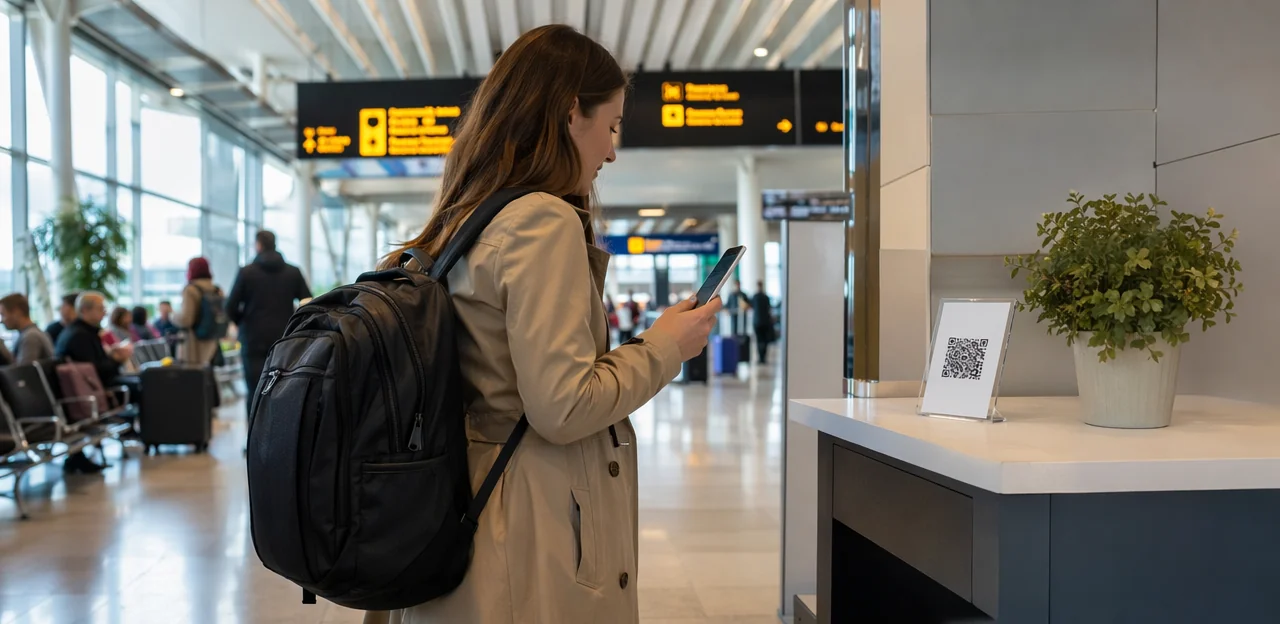
Queues, security, and dwell-time zones
Queues are some of the best places to deploy a traveller feedback QR code because passengers have two things you need for strong response rates: idle time and a fresh service experience to assess. A well-placed queue feedback QR code can capture reactions before travellers move on and forget key details.
Prime locations include:
- Security lines: ideal for rating wait times, staff helpfulness, signage clarity, and screening flow.
- Check-in queues and bag-drop areas: useful for feedback on speed, self-service kiosks, and staff support.
- Ticketing areas and service counters: strong spots for a station survey QR code focused on transaction ease, problem resolution, and courtesy.
- Immigration and border-control waiting zones: effective for measuring queue management, communication, and perceived fairness.
For best results, place each airport feedback QR code at eye level with a short prompt such as “How was this queue today?” Keep surveys to 1–3 taps, segment by touchpoint, and route low scores to on-site teams quickly. Tools like Tapsy can help operators turn these high-dwell moments into real-time service insights.
Platforms, gates, lounges, and waiting areas
Boarding gates, train platforms, lounges, and waiting rooms are some of the strongest placements for a traveller feedback QR code because passengers are already stationary, attentive, and thinking about the next step of their journey. Scan intent rises when the prompt matches that exact moment rather than asking for generic feedback.
- At gates: Use a short gate feedback survey focused on boarding clarity, queue management, announcements, and staff helpfulness.
- On platforms: A platform QR code survey works best near seating, digital boards, and platform entrances, where travellers notice delays, crowding, cleanliness, and signage.
- In lounges and waiting rooms: Capture waiting area passenger feedback on comfort, charging access, Wi-Fi, cleanliness, noise, and refreshment quality.
For better results:
- Keep signage highly visible at eye level and near dwell points.
- Use concise copy such as “Waiting for boarding? Rate this gate in 20 seconds.”
- Limit surveys to 2–4 questions tied to that experience stage.
- Route responses by location so teams can act quickly on recurring issues.
Exits, baggage claim, and post-journey touchpoints
End-of-journey zones are some of the best places to deploy a traveller feedback QR code because passengers can finally judge the full experience: check-in, security, wayfinding, comfort, boarding, arrival, and ground access. Placing a post-journey survey QR code near baggage reclaim, terminal exits, taxi ranks, and arrivals corridors captures feedback while details are still fresh.
Key advantages of these locations include:
- Complete journey assessment: Travelers can comment on the entire trip, not just one touchpoint.
- High dwell time at reclaim: Baggage claim feedback works well because passengers are waiting and more likely to scan.
- Actionable exit insights: Terminal exit feedback can reveal issues with arrivals flow, customs, signage, transport links, or queue management.
- Better service recovery: If bags are delayed or arrivals areas feel congested, teams can spot patterns quickly and respond faster.
For best results, keep surveys short, mobile-friendly, and location-specific. A platform like Tapsy can help route feedback by touchpoint so airport and station teams know exactly where post-arrival friction is happening.
How to design QR feedback prompts that increase scan and completion rates

Signage, visibility, and call-to-action best practices
Strong survey signage design directly affects scan rate optimization in busy terminals, stations, and airports. To improve performance of a traveller feedback QR code, keep signage simple, visible, and action-led:
- Use readable fonts: Choose bold, sans-serif text that can be read at a glance. Headlines should be large enough to spot from a few steps away, with short supporting copy.
- Maximize contrast: Dark text on a light background, or vice versa, helps the QR stand out under mixed lighting conditions.
- Set the right height: Place codes around chest to eye level so passengers can scan comfortably without bending or reaching.
- Add directional cues: Use arrows, footprints, or “Scan here” markers to guide attention in fast-moving spaces.
- Write a clear QR code call to action: Use specific prompts such as Rate cleanliness, Report wayfinding issues, How was your wait time?, or Was our staff helpful?
Clear prompts outperform generic “Give feedback” messaging.
Survey length, mobile usability, and multilingual access
In busy stations, airports, and terminals, a traveller feedback QR code only works if the experience is fast and effortless. Passengers are often walking, carrying luggage, or switching between apps, so every extra second reduces completion rates.
- Keep it short: A short QR feedback form should take under 30 seconds. Use 1–3 core questions, optional comments, and large tap targets.
- Prioritize mobile survey design: Build for one-handed use, small screens, and unstable connections. Clear buttons, minimal typing, and fast page rendering matter more than extra questions.
- Optimize speed: Slow load times cause drop-off, especially in crowded hubs with weak signal. Compress assets and avoid unnecessary steps.
- Offer language choice: A multilingual passenger survey helps international travellers respond accurately and feel included. Detect browser language where possible, but always allow manual switching.
Tools like Tapsy can support no-app, mobile-first feedback flows across diverse touchpoints.
Contextual prompts by journey stage
A traveller feedback QR code works best when the question matches what passengers have just experienced. This makes journey stage feedback more relevant, easier to answer, and far more useful for operations teams.
Use a contextual QR survey at each touchpoint with prompts tied to that location:
- Security exits: ask about queue time, staff helpfulness, and screening clarity
- Restrooms: focus on cleanliness, stock levels, and maintenance issues
- Retail or food areas: measure service speed, product availability, and value
- Accessibility zones: capture lift access, signage clarity, assistance quality, or step-free movement
- Gates and platforms: ask about boarding efficiency, crowding, announcements, and wayfinding
This approach improves location-based passenger feedback because passengers respond to a specific moment, not the whole journey. Keep surveys short, with 1–3 questions and an optional comment box. Platforms such as Tapsy can help operators deploy these touchpoint-specific surveys and route issues quickly to the right team.
Operational and technical factors to consider before deployment

Placement permissions, durability, and maintenance
Effective QR code deployment in airports, stations, and bus terminals starts with operator approval. A traveller feedback QR code should be placed only after coordinating with airport authorities, rail operators, concession managers, and facilities teams so it aligns with safety rules, branding standards, and existing transport hub signage.
- Secure permissions early: confirm approved zones, mounting methods, and any restrictions near security, ticketing, or emergency routes.
- Choose durable materials: use anti-slip floor decals, laminated vinyl, tamper-resistant stickers, UV-resistant inks, and rigid signs for high-traffic or outdoor areas.
- Plan for visibility: avoid glare, clutter, and placements likely to be blocked by queues, luggage, or temporary barriers.
- Schedule feedback touchpoint maintenance: inspect regularly to replace scratched, peeling, vandalised, or obstructed QR assets before scan rates drop.
Connectivity, analytics, and tracking performance
A traveller feedback QR code only works if passengers can scan and submit quickly, even in crowded terminals with patchy signal. Prioritize placements with strong mobile coverage or reliable guest Wi‑Fi, especially near gates, platforms, baggage claim, and exits.
- Use dynamic QR code analytics to update survey destinations without reprinting signage and to compare performance by touchpoint.
- Add UTM parameters to every code so traffic from each hub, zone, or campaign is clearly attributed in analytics tools.
- Track core QR code performance metrics: scans, survey starts, completions, and drop-off rates by location.
- Review survey completion tracking in a dashboard to spot friction points, such as slow-loading forms or poorly timed prompts.
Platforms such as Tapsy can help centralize reporting, benchmark locations, and surface underperforming placements fast.
Privacy, consent, and accessibility requirements
When deploying a traveller feedback QR code in stations, airports, and terminals, privacy and usability must be built in from the start:
- Support GDPR passenger feedback compliance: explain what data is collected, why it is needed, how long it is stored, and who can access it.
- Offer anonymous traveller feedback: avoid mandatory personal fields unless follow-up is essential, and clearly mark optional contact details.
- Use clear consent messaging: place a short privacy notice before the survey starts, with a link to the full policy.
- Design an accessible QR survey: ensure forms work with screen readers, keyboard navigation, high-contrast colours, and readable font sizes.
- Prioritise inclusive design: provide simple language, large tap targets, multilingual options, and layouts that work for passengers with visual, motor, or cognitive disabilities.
Platforms such as Tapsy can help standardise these requirements across touchpoints.
How to choose the highest-performing locations through testing

A/B testing different placements and messages
Use QR code A/B testing to compare how each traveller feedback QR code performs in real conditions across terminals, platforms, gates, and baggage areas. Keep one variable different at a time and track scan rate, survey starts, and completions for reliable feedback campaign optimization.
- Test placement: eye-level vs waist-level signage, entry vs exit points, queue areas vs seating zones.
- Test wording: “Share feedback in 20 seconds” vs “Help us improve your journey.”
- Test incentives: no reward vs small voucher, loyalty points, or prize draw entry.
- Test design: bold contrast, icon-led layouts, larger QR codes, and multilingual copy.
For stronger survey placement testing, compare results by hub, time of day, and passenger flow. Tools like Tapsy can help benchmark touchpoint performance across locations.
Using passenger flow data to prioritize touchpoints
Use passenger flow analysis to place each traveller feedback QR code where response intent is highest, not just where space is available. In airports, stations, and multimodal terminals, prioritize touchpoints by combining:
- Footfall: focus on entrances, exits, transfer corridors, security queues, and platform access points for high-footfall survey placement
- Dwell time: target baggage reclaim, boarding gates, waiting lounges, and taxi ranks for better completion rates and dwell time optimization
- Congestion patterns: avoid bottlenecks where scanning slows movement; place codes just before or after pressure points
- Service interactions: add QR prompts at ticketing, check-in, help desks, restrooms, and retail/service counters, where experiences are freshest and most specific
This approach improves response quality while reducing operational friction.
Turning feedback insights into service improvements
A traveller feedback QR code only creates value when insights lead to action. To drive passenger experience improvement, teams should review feedback by exact touchpoint, time, and issue type, then assign ownership fast:
- Operations: fix queue bottlenecks, boarding delays, and wayfinding gaps by location and peak period.
- Facilities: prioritise cleaning, lighting, seating, lift, or restroom issues where complaints cluster.
- Digital teams: improve kiosks, Wi-Fi, app flows, and ticketing based on recurring friction points.
- CX leaders: run closed-loop feedback by acknowledging issues, tracking resolutions, and reporting outcomes.
This location-led approach supports transport service optimization and helps prove measurable gains such as faster response times, higher satisfaction scores, and fewer repeat complaints.
Common mistakes to avoid with traveller feedback QR code programs

- Common QR survey mistakes include hiding the traveller feedback QR code behind pillars, near cluttered signage, or outside natural pause points.
- Use specific prompts, not “Tell us what you think.”
- Keep it to 1–3 questions to reduce passenger survey fatigue.
- One of the biggest low scan rate causes is asking during rushed moments like boarding, security, or baggage collection chaos.
- A generic traveller feedback QR code survey misses how complex hubs actually work. Effective travel hub survey strategy should reflect passenger segmentation: commuters, transfer passengers, tourists, and accessibility users all face different pain points.
- Use location-specific feedback prompts by zone—security, gates, platforms, lounges, restrooms, or retail—and build reporting views by route, terminal, and service area so teams act on the right issues faster.
- Collecting traveller feedback QR code responses without visible follow-up quickly reduces participation and customer trust in surveys.
- Use feedback action planning to assign owners, timelines, and service KPIs.
- Close the feedback loop by sharing “you said, we changed” updates on screens, signage, apps, or emails.
- Feed insights directly into service management and frontline operations.
Conclusion
In high-traffic travel environments, the best results come from placing feedback prompts exactly where experiences happen and where decisions are still fresh. From station exits and security zones to boarding gates, ticketing areas, lounges, escalator landings, and restrooms, strategic placement turns a simple traveller feedback QR code into a practical passenger experience tool. The key is visibility, convenience, and timing: clear signage, minimal steps, and short surveys help increase response rates without slowing people down.
Just as importantly, effective deployment is not only about collecting opinions. A well-placed traveller feedback QR code helps operators identify service issues faster, compare performance across touchpoints, and act on problems before they damage satisfaction or loyalty. When paired with NFC touchpoints, incentives, or real-time alerts, these tools become even more valuable for busy travel and mobility hubs.
For teams looking to improve passenger experience at scale, the next step is to audit your highest-traffic and highest-friction locations, test placement options, and measure which touchpoints generate the best feedback quality. You may also want to explore no-app feedback platforms such as Tapsy for faster deployment across physical locations.
Ready to improve journey experiences? Start with your most visible touchpoints, launch a traveller feedback QR code pilot, and use the insights to make every trip smoother, faster, and more passenger-friendly.
Frequently Asked Questions
- Where should a traveller feedback QR code be placed for the highest response rates?
The strongest placements are where travellers naturally pause and can reflect on a recent experience. Good examples include security lines, check-in queues, ticketing areas, gates, platforms, lounges, baggage claim, and terminal exits. Visibility, timing, and low effort matter more than simply choosing the busiest spot.
- Why do QR feedback prompts work well in airports, stations, and terminals?
They capture feedback while the experience is still fresh, which makes responses more specific and actionable. They also fit fast-moving environments because passengers can scan quickly without downloading an app or filling out a long form.
- Are queues a good place to ask passengers for feedback?
Yes, queues are one of the best opportunities because travellers have short idle periods and a service interaction is still top of mind. Security lines, check-in queues, bag-drop areas, ticket counters, and border-control waiting zones are especially useful for short, touchpoint-specific questions.
- What kinds of questions work best at gates, platforms, and waiting areas?
Questions should match the exact journey stage and location. At gates and platforms, useful topics include boarding clarity, announcements, crowding, delays, signage, and staff helpfulness. In lounges and waiting rooms, comfort, Wi-Fi, charging access, cleanliness, noise, and refreshments are better fits.
- Why are baggage claim and exits effective post-journey feedback locations?
These areas let travellers assess the full journey rather than a single touchpoint. Baggage reclaim often has useful dwell time, while exits and arrivals corridors can reveal issues with signage, customs flow, transport links, congestion, and delayed luggage.
- How long should a QR feedback survey be in a busy transport hub?
It should be very short and easy to complete in under 30 seconds. A practical format is 1–3 core questions with an optional comment field, using large tap targets and minimal typing.
- What makes QR codes a better choice than NFC, kiosks, SMS links, or app-based surveys in travel hubs?
QR codes are highly visible, inexpensive to print, and work on most smartphone cameras without checking device settings. They also avoid kiosk queues, remove the need to type phone numbers, and do not require downloads or logins, which reduces friction for one-time and international travellers.
- How should signage be designed to improve scan rates?
Use bold, readable fonts, strong contrast, and a clear call to action that tells people exactly what they are rating. Place the code around chest to eye level and add directional cues like arrows or 'Scan here' markers so it stands out in busy spaces.
- Should feedback prompts change depending on the journey stage?
Yes, contextual prompts perform better because they ask about what the passenger has just experienced. Security exits should focus on queue time and screening clarity, restrooms on cleanliness and stock levels, and gates or platforms on boarding, announcements, crowding, and wayfinding.
- What operational checks should be completed before deploying QR feedback signs?
Operators should secure permissions early from airport authorities, rail operators, concession managers, and facilities teams. It is also important to choose durable materials, avoid glare and clutter, and schedule regular inspections so damaged or blocked QR signs do not reduce scan rates.
- How can teams track whether a QR feedback placement is performing well?
Track scans, survey starts, completions, and drop-off rates by location. Dynamic QR codes and UTM parameters help compare touchpoints, update destinations without reprinting, and identify where forms are underperforming due to timing, connectivity, or design issues.
- What privacy and accessibility requirements should be considered?
Passengers should be told what data is collected, why it is needed, how long it is stored, and who can access it. Surveys should support anonymous responses where possible and be accessible through screen readers, keyboard navigation, high-contrast colours, readable text, large tap targets, and multilingual options.
- How can A/B testing improve traveller feedback QR code performance?
Testing helps compare one variable at a time, such as sign height, entry versus exit placement, wording, incentive use, or visual design. Reviewing scan rate, survey starts, and completions by location, time of day, and passenger flow makes it easier to identify the highest-performing setup.
- How should passenger flow data influence placement decisions?
Placement should be based on where response intent is highest, not just where there is empty wall space. Footfall, dwell time, congestion patterns, and recent service interactions help identify better spots such as entrances, exits, transfer corridors, boarding gates, lounges, taxi ranks, and service counters.
- What common mistakes reduce QR feedback results in high-traffic hubs?
Poor results often come from hiding codes behind clutter, placing them outside natural pause points, or asking for feedback during rushed moments like chaotic boarding or baggage collection. Other common problems include generic prompts, surveys that are too long, and collecting feedback without visible follow-up or action.