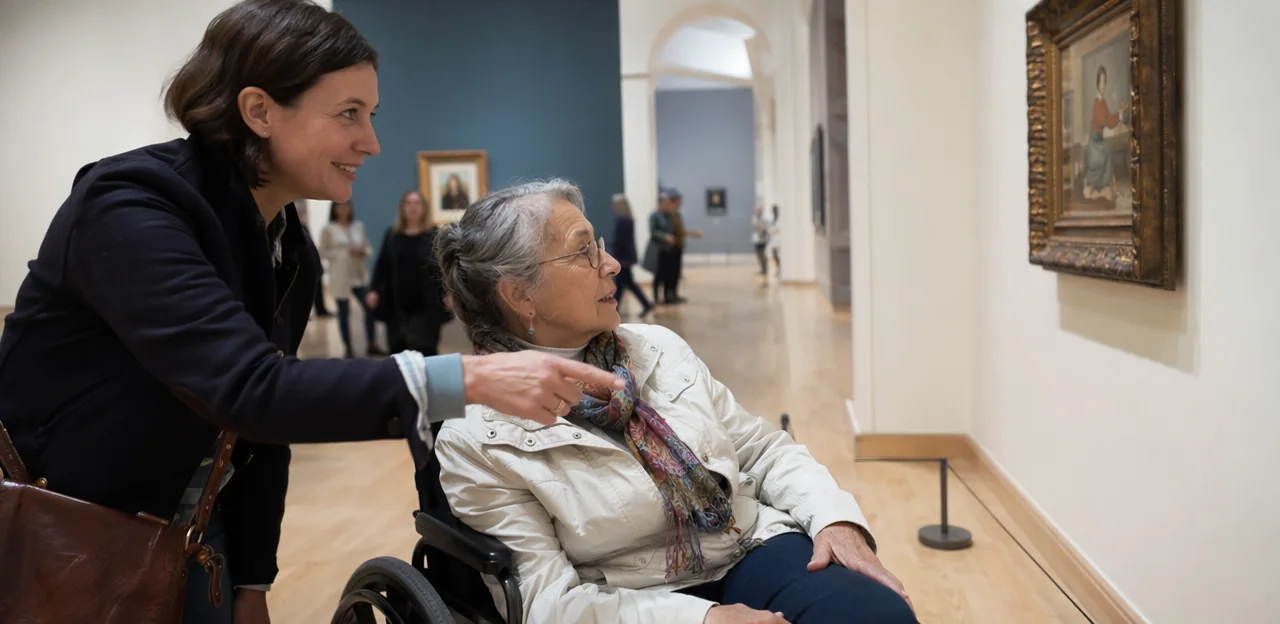
A memorable museum or attraction experience should be open to everyone, yet many barriers still go unnoticed until visitors speak up. That is why accessibility feedback has become essential for museums, galleries, heritage sites, and visitor attractions that want to create more inclusive, welcoming spaces. From step-free access and sensory considerations to signage, staff support, and digital touchpoints, the visitor perspective can reveal where experiences succeed and where they fall short.
Unlike standard event feedback, accessibility-focused insight goes deeper, helping cultural organisations understand the real needs of diverse audiences before small issues become major obstacles. Whether gathered through an event feedback form after a temporary exhibition, conference feedback from a sector event, or survey event feedback collected across multiple touchpoints, the right approach can turn comments into practical improvements. Well-designed event feedback questions also make it easier to capture honest, useful responses from visitors with different access needs.
In this article, we will explore why accessibility feedback matters, what museums and attractions should ask, and how to collect and analyse responses effectively. We will also look at event feedback examples, the role of post event feedback in continuous improvement, and how AI and analytics can help cultural venues turn visitor insight into better audience experience and stronger customer experience.
Why Accessibility Feedback Matters in Cultural Venues
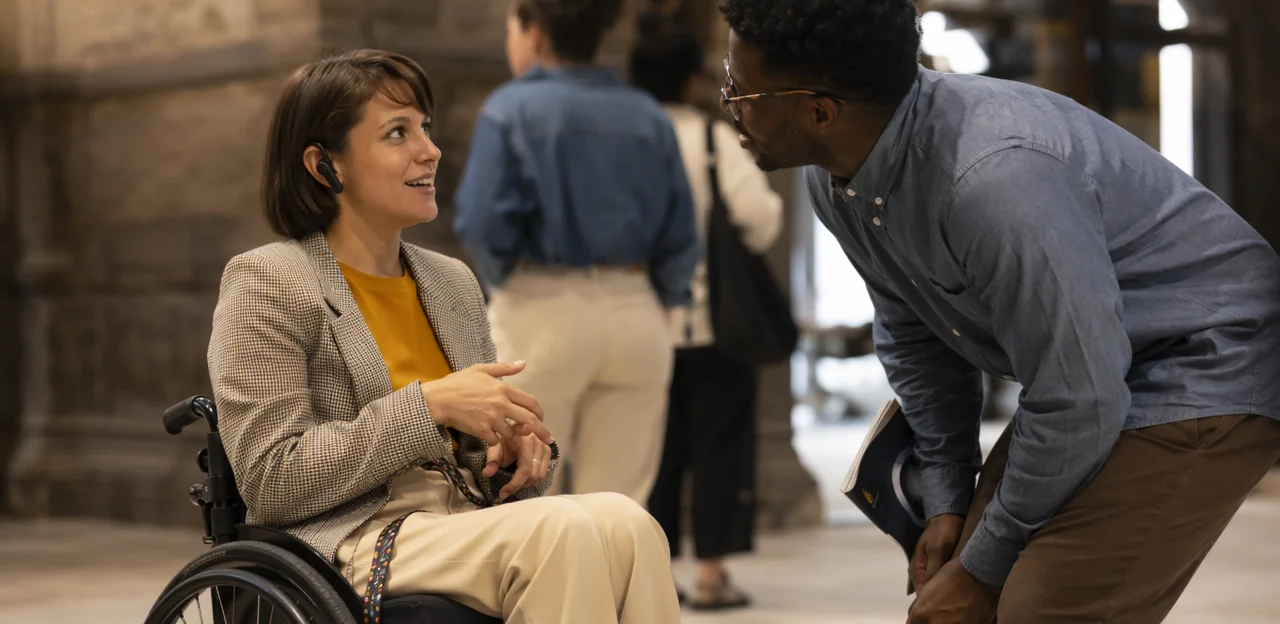
The link between inclusion and visitor experience
Accessibility feedback helps museums and attractions uncover both practical and emotional barriers that shape the overall visitor experience and audience experience. It highlights where guests struggle with ticketing, wayfinding, seating, exhibition layouts, audio guides, and staff interactions, but also whether they feel welcome, confident, and able to participate fully.
Actionable insights often come from:
- Event feedback questions about queues, signage clarity, wheelchair access, and sensory comfort
- An event feedback form that captures issues with language support, hearing loops, or family facilities
- Post event feedback and survey event feedback that reveal patterns across temporary exhibitions, tours, and public programmes
Using event feedback examples from disabled visitors, older adults, families, and international tourists helps teams improve inclusion for everyone. Even conference feedback methods can inform more accessible, visitor-centred design.
Common accessibility pain points in museums and attractions
Museums and attractions often miss barriers that directly affect customer experience until visitors report them. Strong accessibility feedback helps teams uncover hidden friction quickly and turn assumptions into action.
- Unclear signage: confusing wayfinding, poor contrast, small text, and missing tactile or multilingual guidance
- Inaccessible digital content: audio guides, ticketing pages, maps, and QR experiences that don’t work with screen readers or captions
- Sensory overload: loud galleries, flashing displays, crowded spaces, and limited quiet areas
- Queue management: long standing times, unclear priority access, and no seating nearby
- Transport and arrival access: difficult drop-off points, uneven paths, or unclear accessible parking information
- Toilets and facilities: hard-to-find accessible toilets, changing places, or broken lifts
- Inconsistent staff support: uneven training and unclear assistance processes
Use short event feedback questions in an event feedback form or survey event feedback flow. Reviewing event feedback examples, conference feedback, and post event feedback patterns can reveal recurring accessibility issues fast.
Why reactive complaint handling is not enough
Waiting for visitors to complain means many accessibility barriers go unreported. In museums and attractions, people often leave quietly rather than explain difficult experiences, so valuable accessibility feedback is lost. A proactive approach helps teams spot issues earlier, improve inclusion, and protect reputation.
- Complaints show only the tip of the iceberg: many guests never submit an event feedback form or share post event feedback.
- Proactive collection reveals patterns: use short surveys, interviews, staff observation, and clear event feedback questions to capture real experiences.
- Better insight builds trust: regular event feedback and survey event feedback show communities that inclusion matters.
- Stronger experiences drive loyalty: learning from conference feedback and other event feedback examples supports repeat visits, positive reviews, and long-term community confidence.
How to Collect Accessibility Feedback Effectively

Choosing the right feedback channels
To improve accessibility feedback, museums and attractions should offer multiple channels so every visitor can respond in the way that suits them best:
- QR surveys: Ideal at exits, galleries, cafés, and toilets for quick, in-the-moment responses. Keep questions short and mobile friendly.
- Email follow-ups: Useful for post event feedback after booked visits, memberships, or school sessions, especially when asking more detailed event feedback questions.
- Kiosk surveys: Good for high-traffic spaces, provided screens are wheelchair-accessible and support screen readers, clear contrast, and easy navigation.
- Staff-led interviews: Best for collecting richer event feedback from visitors who prefer conversation or need support.
- Phone options: Important for visitors who find digital forms difficult or prefer verbal communication.
- Accessible web forms: Essential for longer survey event feedback, with keyboard navigation, alt text, and plain language.
An event feedback form works especially well for exhibitions, talks, workshops, seasonal programs, and even conference feedback, where tailored event feedback examples can reveal barriers and improvements quickly.
Designing inclusive event feedback questions
Strong accessibility feedback starts with clear, respectful wording that helps every visitor respond confidently. In any event feedback form, avoid jargon, ask one thing at a time, and offer both rating scales and open-text fields so you capture measurable trends and personal experiences.
- Use scaled event feedback questions such as: “How accessible was the venue entrance?” or “How easy was it to find seating, lifts, toilets, or quiet spaces?”
- Include communication prompts: “Were captions, signage, audio guidance, or printed materials easy to understand?”
- Ask about sensory experience: “Did lighting, sound, crowd levels, or stimulation affect your comfort?”
- Cover digital accessibility in survey event feedback: “Was booking, wayfinding, or event information easy to access on your phone or screen reader?”
- Include staff helpfulness: “Did staff respond respectfully and effectively to access needs?”
For richer event feedback, add open prompts for conference feedback, post event feedback, and practical event feedback examples, such as “What should we improve for future inclusive events?”
Making feedback collection accessible by design
Inclusive accessibility feedback starts with a feedback process everyone can actually use. Museums and attractions should design every event feedback form and survey touchpoint for different access needs, not add adjustments later.
- Support assistive technology: Ensure forms work with screen readers, keyboard navigation, clear labels, and logical heading structure.
- Use plain language and large text: Keep event feedback questions short, specific, and easy to understand, with strong contrast and readable font sizes.
- Offer multilingual and signed formats: Provide translated options, captioned video prompts, and BSL where relevant to improve customer experience.
- Allow anonymous submission: Some visitors share more honest event feedback when personal details are optional.
- Include offline alternatives: Paper forms, staff-assisted capture, phone options, or kiosk/tablet solutions help gather conference feedback, survey event feedback, and post event feedback from more people.
Review event feedback examples regularly to spot barriers and improve inclusion.
What Museums Should Ask in Accessibility Surveys
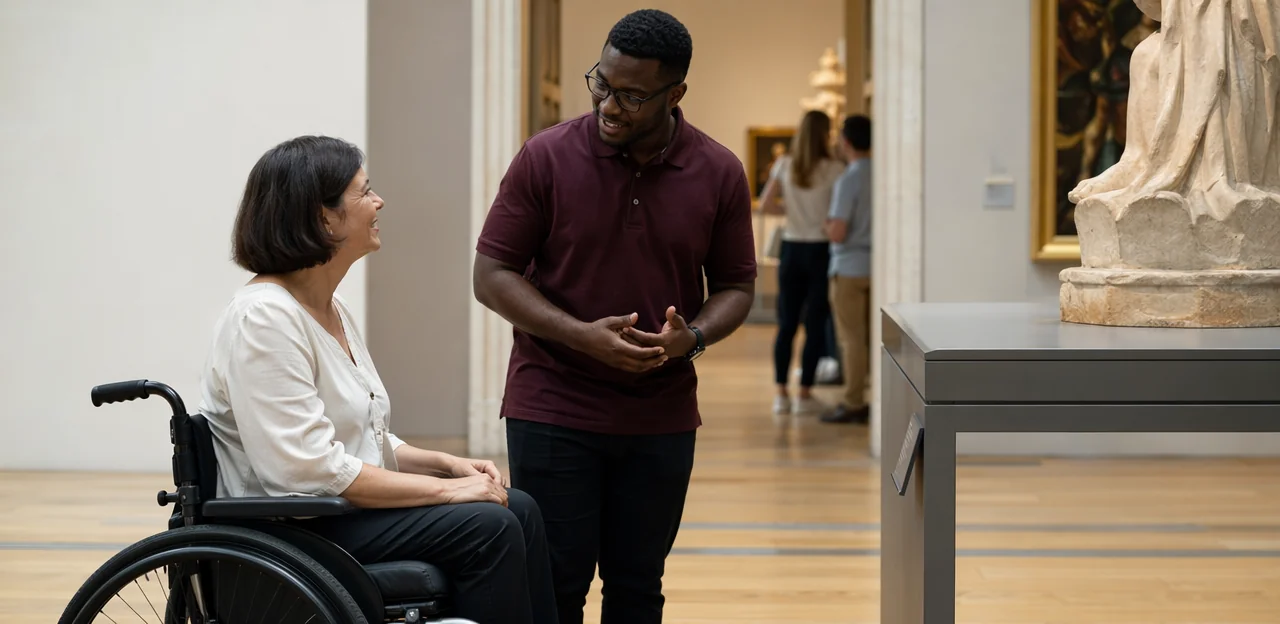
Core questions for general visitor journeys
Use accessibility feedback to assess every stage of the museum or attraction experience, not just the visit itself. A strong event feedback form should include:
- Pre-visit: Was accessibility information online clear, accurate, and easy to find?
- Booking: Could visitors book accessible tickets, companions, seating, or support without difficulty?
- Arrival: Were parking, drop-off points, entrances, and staff assistance accessible and well signposted?
- Navigation: Was wayfinding clear for wheelchair users, blind or low-vision visitors, and neurodivergent guests?
- Exhibits: Were captions, audio guides, seating, lighting, and interactive displays inclusive?
- Facilities: Were toilets, cafés, rest areas, and lifts accessible and available?
- Departure: Was leaving the venue smooth, safe, and comfortable?
These event feedback questions strengthen post event feedback, improve conference feedback and survey event feedback processes, and provide practical event feedback examples for continuous journey-wide improvement.
Questions for events, talks, and temporary exhibitions
Accessibility feedback should be tailored to the format of each programme, from lectures to guided tours. A strong event feedback form helps museums gather useful post event feedback and improve inclusion fast.
Include focused event feedback questions such as:
- Was seating easy to find, comfortable, and suitable for your access needs?
- Were hearing loops, microphones, or other hearing support options available and effective?
- Did captioning, transcripts, or sign language support make the session easier to follow?
- Were crowd levels manageable in entrances, galleries, and seating areas?
- Was lighting appropriate for note-taking, navigation, and viewing displays?
- Was the presenter, guide, or facilitator clear, inclusive, and easy to understand?
These event feedback examples work well for workshops, talks, and tours, and can also support conference feedback processes. Good survey event feedback should combine rating scales with one open-text question so teams can act on specific barriers and improve future event feedback.
Open-text prompts that uncover meaningful insights
Ratings show trends, but open-text responses reveal why visitors struggled or felt supported. Strong accessibility feedback captures lived experience in visitors’ own words, helping museums and attractions identify barriers that standard scales miss. Add a short open-response section to every event feedback form or survey event feedback workflow.
Useful event feedback questions include:
- What made your visit easier or more comfortable?
- Did you face any physical, sensory, communication, or wayfinding barriers? Please describe them.
- Was there a moment when staff support improved your experience?
- What accessibility need was not fully met today?
- What one change would most improve future visits?
These prompts work well across event feedback, conference feedback, and post event feedback collection. Reviewing detailed comments alongside ratings creates stronger event feedback examples and more actionable planning for inclusive visitor experiences.
Using AI and Analytics to Turn Feedback into Action

Analyzing themes, sentiment, and recurring barriers
With AI & analytics, museums and attractions can turn large volumes of accessibility feedback into clear operational insight. Instead of manually reviewing every event feedback form or piece of post event feedback, AI can classify comments by theme, such as wayfinding, seating, captions, sensory overload, staff support, or toilet access.
- Theme detection: Group similar comments from exhibitions, tours, and live programs.
- Sentiment analysis: Track whether conference feedback, survey event feedback, or general visitor comments are positive, neutral, or negative.
- Barrier spotting: Identify repeated issues across venues, event types, and audiences.
- Action planning: Use trends from event feedback questions and event feedback examples to prioritize staffing, signage, layout changes, and inclusive programming.
This makes accessibility improvements faster, more evidence-based, and easier to scale.
Prioritizing improvements with data
Museums should rank accessibility feedback by combining volume, severity, and visitor impact rather than fixing the loudest issue first. A simple scoring model helps teams turn post event feedback into practical action that improves customer experience.
- Volume: How often does the issue appear in accessibility feedback, event feedback, or a survey event feedback report?
- Severity: Does it create a minor inconvenience or prevent access entirely?
- Impact: How many visitors or programs are affected?
For example, improve unclear wayfinding signage before redesigning a gallery if navigation complaints appear repeatedly in every event feedback form. Likewise, add captioning to the most-attended talks or screenings first, especially when event feedback questions and conference feedback show strong demand. Reviewing event feedback examples this way ensures resources go to changes that remove the biggest barriers fastest.
Closing the loop with visitors and stakeholders
Collecting accessibility feedback only builds trust when people can see what changed. Museums and attractions should share progress clearly, consistently, and in formats suited to different audiences.
- Use dashboards: Track recurring barriers, response times, completed fixes, and trends in audience experience across exhibitions, tours, and facilities. Include insights from conference feedback, event feedback, and survey event feedback for temporary programs.
- Brief internal teams: Share monthly summaries with frontline staff, curators, and operations teams so feedback turns into action.
- Publish public updates: Add a “You said, we did” section online, highlighting improvements inspired by an event feedback form, post event feedback, or common event feedback questions.
- Report to boards and donors: Use concise metrics, stories, and event feedback examples to demonstrate accountability, inclusion progress, and funding impact.
Accessibility Feedback Examples for Museums and Attractions
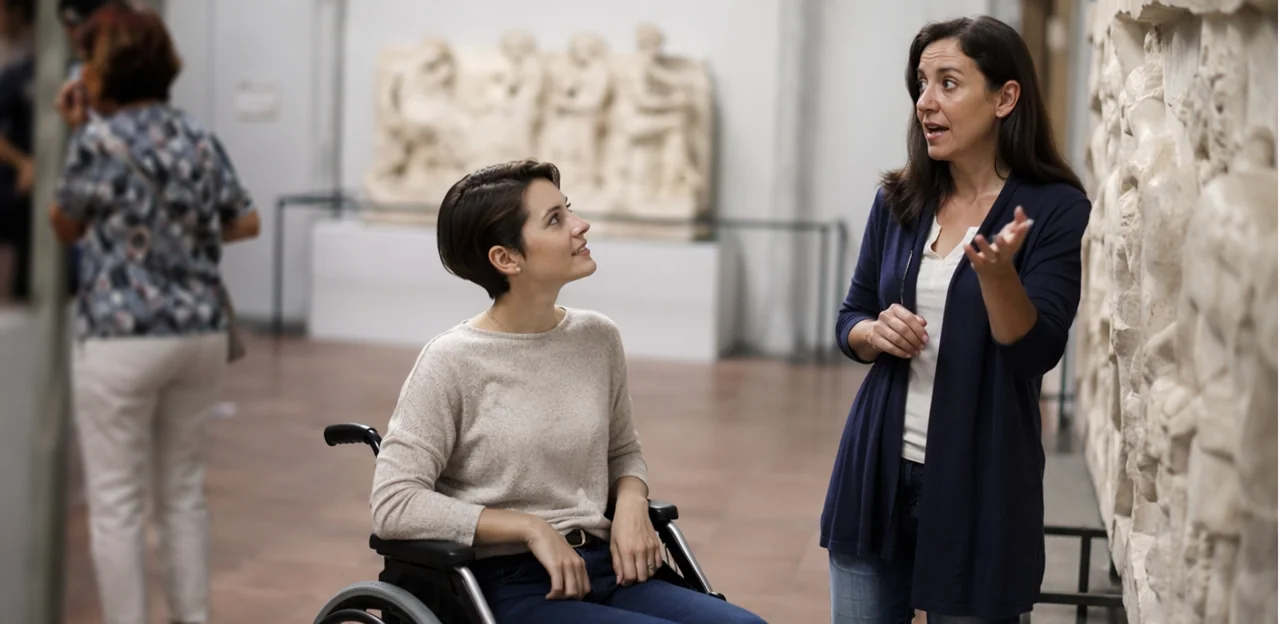
Sample event feedback form fields
A strong event feedback form should be short, accessible, and easy to complete on any device. For museum accessibility feedback, include a mix of simple ratings and optional context:
- Overall accessibility rating: “How accessible was today’s event?” (1–5 scale)
- Event feedback questions:
- Were signage, captions, and directions clear?
- Could you access seating, toilets, and entrances easily?
- Did staff provide helpful support when needed?
- Program-specific prompts:
- Family days: Was the space stroller-friendly and sensory-considerate?
- Guided tours: Was audio clear and the pace comfortable?
- Public programs: Were captions, interpretation, or hearing support available?
Add optional demographic fields such as age group, access needs, or visit type. These event feedback examples help improve post event feedback, survey event feedback, and even conference feedback processes without overwhelming visitors.
Use these accessibility feedback prompts in an event feedback form to improve inclusive programming across museums, heritage sites, and cultural attractions:
- How easy was it to find access information before the event?
- Were signage, staff directions, and event announcements clear and easy to understand?
- Did the venue meet your mobility, seating, sensory, or restroom needs?
- Were captions, interpretation, hearing support, or translated materials available and useful?
- Did you feel comfortable participating in activities, talks, or tours?
- Were any barriers encountered during arrival, entry, navigation, or departure?
- What would have improved your experience?
- Overall, how satisfied were you with the event’s accessibility and inclusion?
These event feedback questions work well for survey event feedback, conference feedback, and post event feedback collection, and are strong event feedback examples for any attraction.
From conference feedback to gallery feedback: adapting templates
Many conference feedback and post event feedback methods translate well to museums, talks, and cultural festivals, but accessibility feedback needs more context-specific prompts.
- Start with proven event feedback questions on clarity, timing, staff support, and venue navigation.
- Adapt the event feedback form for museum settings by asking about captioning, audio guides, sensory load, seating, step-free access, lighting, and quiet spaces.
- For talks and learning sessions, use short survey event feedback check-ins immediately after each session rather than one end-of-day survey.
- In multi-day festivals, review event feedback examples from each day to fix barriers quickly, not just in post event feedback reports.
This makes event feedback more actionable, inclusive, and visitor-centered.
Building a Long-Term Accessibility Feedback Strategy

Embedding accessibility feedback into daily operations means treating it as a shared performance signal, not a one-off survey. To improve visitor experience and customer experience:
- Train frontline teams to capture issues consistently from visits, exhibitions, and events.
- Give each department ownership: visitor services, marketing, programming, facilities, and leadership should review feedback regularly.
- Use one process for event feedback, conference feedback, and post event feedback so insights inform planning.
- Standardize event feedback questions and each event feedback form; review survey event feedback and event feedback examples in cross-team meetings, then assign actions and deadlines.
Setting benchmarks and measuring progress over time
To make accessibility feedback useful, museums and attractions need clear benchmarks and regular review. Track:
- Response rates across on-site, digital, and post event feedback channels to see which touchpoints drive participation.
- Satisfaction scores from an event feedback form or survey event feedback process, using consistent event feedback questions.
- Recurring barrier categories such as wayfinding, audio access, seating, toilets, or staff support.
- Resolution timelines to measure how quickly issues are acknowledged and fixed.
Using AI & analytics, compare trends over time, identify patterns from conference feedback or event feedback examples, and link improvements to inclusion goals, stronger reputation, and higher repeat visitation.
Creating trust with disabled audiences and communities
Trust grows when museums treat accessibility feedback as an ongoing partnership, not a one-off consultation. To improve audience experience meaningfully:
- Co-create with disabled visitors when shaping exhibits, wayfinding, and services.
- Form paid advisory groups from local disabled communities to review event feedback questions, the event feedback form, and post event feedback findings.
- Share what changed, what did not, and why, using clear updates from survey event feedback, conference feedback, and other event feedback channels.
- Build long-term local relationships so event feedback examples inform continuous, visible improvement.
Conclusion
In today’s cultural landscape, accessibility feedback is no longer a nice-to-have—it’s essential for creating inclusive, memorable visitor experiences in museums and attractions. By collecting feedback at the right moments, organizations can better understand barriers, improve wayfinding, refine exhibit design, strengthen staff support, and ensure every visitor feels welcome and able to participate fully. When paired with AI and analytics, accessibility feedback becomes even more powerful, helping teams spot patterns, prioritize improvements, and act on insights faster.
The same principles also strengthen wider audience listening strategies, from event feedback and conference feedback to survey event feedback for talks, exhibitions, workshops, and public programs. Using thoughtful event feedback questions in a simple event feedback form can reveal what worked, what needs attention, and how to deliver more inclusive experiences next time. Reviewing event feedback examples and gathering post event feedback can also help teams benchmark progress and build a stronger culture of continuous improvement.
The next step is to make accessibility feedback a consistent part of your visitor experience strategy. Audit your current feedback channels, update your forms with inclusion-focused questions, and equip teams with tools that make responses easy to collect and analyze. For organizations looking to modernize on-site feedback capture, solutions such as Tapsy can support real-time, no-app engagement. Start listening more intentionally today—and turn every insight into a more accessible tomorrow.
Frequently Asked Questions
- What is accessibility feedback in museums and attractions?
Accessibility feedback is visitor insight focused on barriers and support needs across the full experience. It covers practical issues like step-free access, signage, seating, captions, and digital tools, as well as whether people felt welcome, confident, and able to participate fully.
- Why is accessibility feedback more useful than waiting for complaints?
Complaint handling only captures a small share of problems because many visitors leave without reporting difficult experiences. Proactive feedback collection helps venues spot patterns earlier, improve inclusion faster, and build trust with communities.
- What common accessibility problems should museums ask visitors about?
Museums should ask about unclear signage, inaccessible digital content, sensory overload, queue management, arrival and transport access, toilets and facilities, and staff support. These areas often create hidden friction that directly affects visitor and customer experience.
- Which feedback channels work best for collecting accessibility feedback?
A mix of channels works best because visitors have different access needs and communication preferences. Useful options include QR surveys, email follow-ups, kiosk surveys, staff-led interviews, phone feedback, and accessible web forms.
- How can a museum design inclusive accessibility survey questions?
Questions should be clear, respectful, and focused on one issue at a time. A good survey combines rating scales with open-text prompts and asks about entrances, seating, lifts, toilets, quiet spaces, communication support, digital access, and staff helpfulness.
- What makes a feedback form accessible by design?
An accessible form supports screen readers, keyboard navigation, clear labels, and logical headings. It should also use plain language, readable text, strong contrast, and offer alternatives such as paper forms, phone options, staff assistance, or kiosk and tablet capture.
- What should museums ask about the visitor journey before, during, and after a visit?
Questions should cover pre-visit information, booking, arrival, navigation, exhibits, facilities, and departure. This helps teams understand whether accessibility information was clear, support was easy to arrange, and the full journey felt smooth and inclusive.
- How should accessibility questions change for talks, tours, and temporary exhibitions?
Programme-specific surveys should ask about seating, hearing support, captioning, sign language, crowd levels, lighting, and whether the presenter or guide was clear and inclusive. Tailoring questions to the format makes feedback more actionable for future events.
- Why are open-text questions important in accessibility surveys?
Ratings show trends, but open-text responses explain why visitors struggled or felt supported. Prompts about barriers, staff support, unmet needs, and the one change that would improve future visits can reveal issues that scales alone miss.
- How can AI and analytics help museums use accessibility feedback?
AI and analytics can group comments by themes such as wayfinding, seating, captions, sensory overload, staff support, or toilet access. They can also track sentiment, identify recurring barriers across venues and events, and support faster, evidence-based action planning.
- How should museums prioritize accessibility improvements?
A practical approach is to rank issues by volume, severity, and visitor impact. This helps teams focus on changes that remove the biggest barriers first, such as recurring wayfinding problems or high-demand captioning needs.
- How can museums show visitors that feedback led to real changes?
They can close the loop by sharing progress through dashboards, internal summaries, public updates, and reporting to boards or donors. A clear 'You said, we did' approach helps demonstrate accountability and shows that accessibility feedback is being acted on.
- What fields should be included in an accessibility event feedback form?
A strong form should include an overall accessibility rating, questions about signage, captions, directions, seating, toilets, entrances, and staff support, plus optional context fields. It can also add programme-specific prompts for family days, guided tours, talks, or public programs.
- Can conference feedback methods be adapted for museums and galleries?
Yes, many conference feedback methods transfer well, especially questions on clarity, timing, staff support, and navigation. They should be adapted with museum-specific prompts on captioning, audio guides, sensory load, seating, step-free access, lighting, and quiet spaces.
- What does a long-term accessibility feedback strategy look like?
It treats accessibility feedback as an ongoing operational process rather than a one-off survey. That means training frontline teams, giving departments ownership, standardizing questions and forms, tracking benchmarks over time, and working with disabled communities through co-creation and advisory groups.