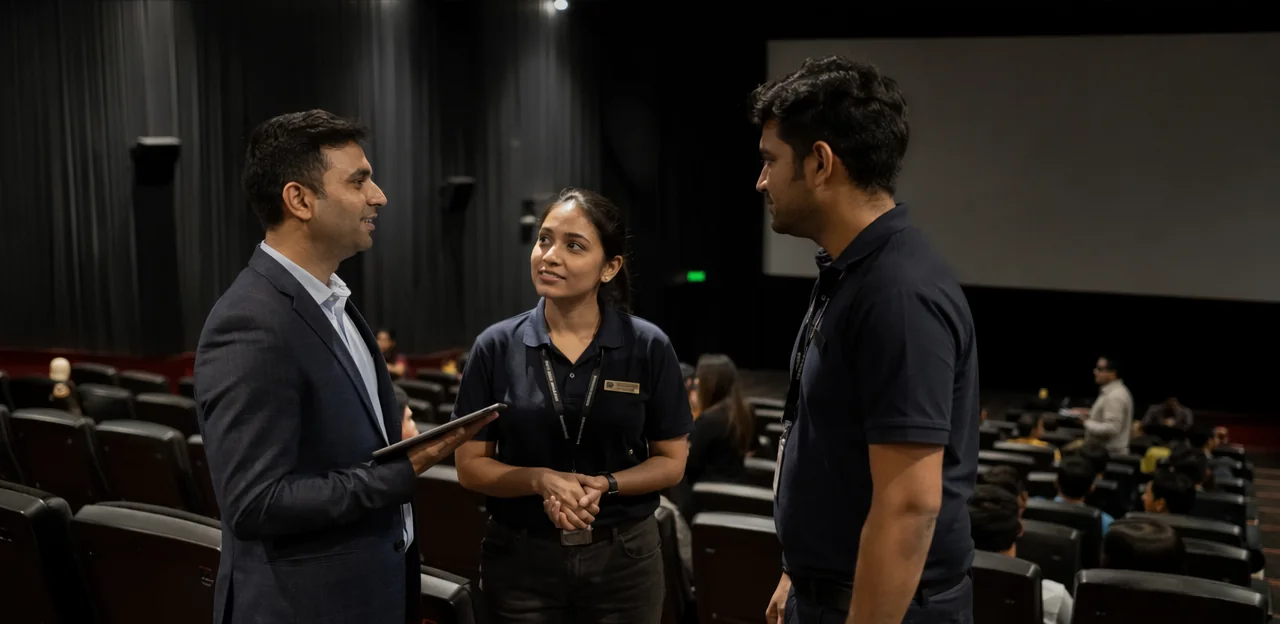
A great cinema experience is built on hundreds of small operational details, from ticketing flow and lobby cleanliness to sound quality, seat comfort, concessions, and staff responsiveness. When something goes wrong, venue managers often find out too late—after a negative review has been posted, a customer has decided not to return, or a recurring issue has already affected multiple screenings. That is why cinema feedback automation is becoming an essential tool for venue managers and operations teams focused on improving audience experience at scale.
By collecting feedback in real time and routing it to the right team quickly, cinemas can move from reactive problem-solving to proactive service recovery. Instead of relying solely on post-visit surveys or online reviews, teams gain immediate insight into what audiences are experiencing during the guest journey, across foyers, auditoriums, restrooms, concessions, and exits.
In this article, we will explore how cinema feedback automation helps cinemas identify operational pain points faster, respond to issues before they escalate, and build a more consistent, high-quality experience across locations. We will also look at how integrations, reporting, and touchpoint-based feedback systems—such as solutions like Tapsy—can support smarter operations, stronger team accountability, and better audience satisfaction.
Why cinema feedback automation matters for modern cinema operations
The shift from manual surveys to automated feedback workflows
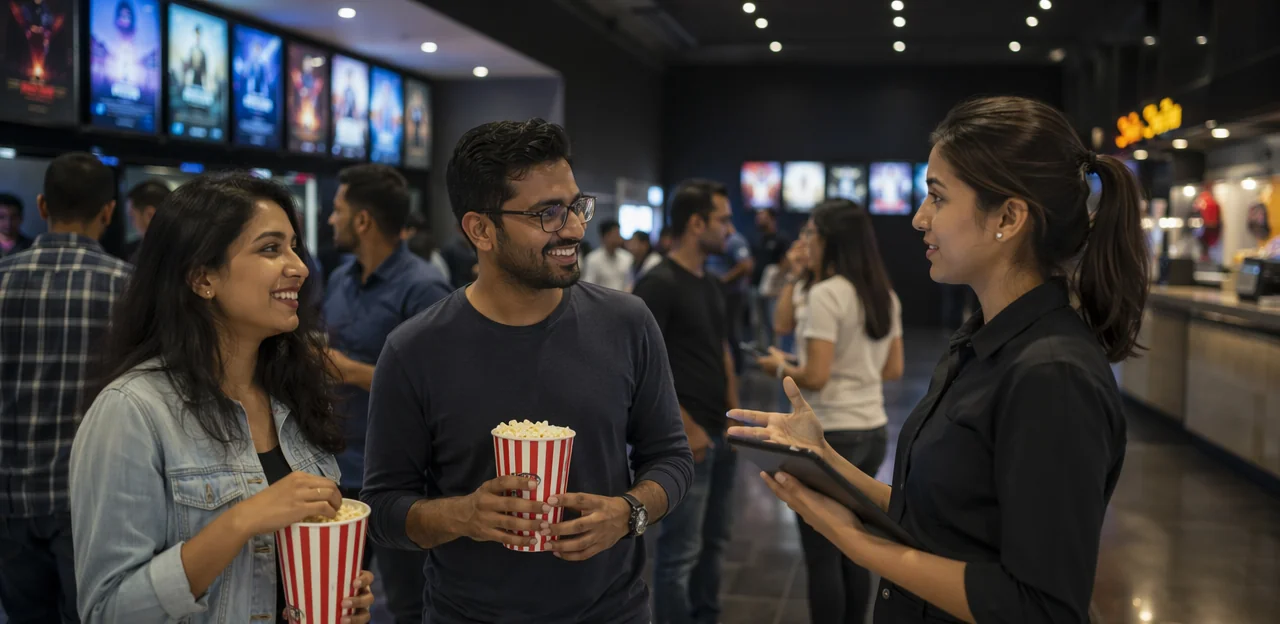
Traditional feedback methods slow cinema teams down. Paper forms are often ignored, inbox-based complaints arrive too late, and disconnected survey tools make it hard to spot recurring issues across screens, concessions, or peak showtimes. As a result, valuable cinema customer feedback gets buried instead of driving action.
With cinema feedback automation, venue managers can collect and route feedback in real time, helping teams respond before frustration turns into negative reviews.
- Capture feedback at the right moment: gather input after ticketing, concessions, or the screening
- Trigger instant alerts: flag low ratings, cleanliness issues, queue complaints, or technical faults
- Centralize reporting: view trends by location, time, or touchpoint
- Speed up recovery: assign issues directly to front-of-house, cleaning, or operations teams
Tools like Tapsy can support these automated feedback workflows without adding friction for guests.
Common audience pain points cinemas need to track
To improve audience experience and boost cinema guest satisfaction, teams should monitor the issues guests notice first and remember longest:
- Sound quality: volume too low, distorted audio, or unclear dialogue
- Screen visibility: poor brightness, blurry projection, blocked views, or subtitles hard to read
- Cleanliness: litter, sticky floors, unclean restrooms, or untidy auditoriums
- Concessions: long waits, missing items, poor food quality, or limited stock
- Seating: broken seats, lack of legroom, temperature discomfort, or booking mismatches
- Staff service: slow help, unclear communication, or poor issue handling
- Queue times: delays at ticketing, concessions, and entry points
Structured movie theater feedback shows which problems are isolated and which are recurring. With cinema feedback automation, managers can route alerts faster, spot trends by screen or showtime, and prioritize fixes that protect revenue and repeat visits.
How automation supports venue managers and operations teams
Cinema feedback automation helps venue managers and operations teams turn audience comments into fast, structured action across every site. Instead of relying on generic inboxes or delayed reports, automation sends each issue directly to the right team, improving speed and ownership in cinema operations.
- Route feedback by category: cleanliness to housekeeping, queue complaints to front-of-house, and projector or audio issues to technical teams.
- Reduce response delays: instant alerts help staff resolve problems during the same showtime, not after negative reviews appear online.
- Spot repeat issues by location: dashboards reveal if one cinema regularly struggles with seat comfort, concessions, or screen quality.
- Improve accountability: site-level tracking shows who received the issue, when they acted, and whether it was resolved.
Tools like Tapsy can support this workflow with real-time routing and location-level visibility.
How cinema feedback automation works in practice
Key components of an automated cinema feedback system
A strong cinema feedback automation setup combines several connected tools into one practical workflow:
- Feedback capture channels: QR codes, SMS, email, kiosk prompts, and app/web links placed at exits, concession areas, and booking confirmations.
- Survey triggers: Send surveys automatically after ticket purchase, post-show, after concession orders, or when loyalty members visit.
- Sentiment analysis and tagging: Use AI to detect positive or negative tone, then tag issues like sound quality, cleanliness, queues, seating, or staff service.
- Dashboards: Give venue managers a live view of trends by screen, session, time, and location.
- Alerts: Instantly flag low scores or urgent comments so teams can fix problems before complaints become public reviews.
- Reporting: Turn feedback system data into weekly operational insights, staffing decisions, and benchmarking across venues.
A modern customer feedback platform makes cinema survey automation actionable, not just measurable.
Best feedback collection points across the cinema journey
Effective cinema feedback automation works best when feedback requests match the moment and channel in the guest experience. Focus on high-intent touchpoints:
- After ticket purchase: Send a short survey by email or SMS to assess booking ease, seat selection, pricing clarity, and website/app performance.
- After concessions purchase: Use QR codes on counters, receipts, or digital kiosks to capture fast reactions on queue times, product availability, and service speed.
- Post-visit survey: Follow up within 2–6 hours after the screening, when the experience is still fresh. Ask about screen quality, sound, comfort, cleanliness, and staff service.
- After support interactions: Trigger targeted customer journey feedback after refund requests, booking issues, or loyalty queries to measure resolution quality.
This layered approach improves cinema feedback collection and helps operations teams act faster.
Turning audience comments into action with alerts and workflows
With cinema feedback automation, comments should do more than sit in a dashboard—they should trigger action immediately.
- Use real-time alerts for urgent issues: If a guest reports a projector problem, overflowing restrooms, or rude service, send instant notifications to the duty manager or floor supervisor.
- Build clear feedback workflows: Route maintenance complaints to technical teams, cleanliness issues to housekeeping, and staffing shortages at concessions to front-of-house leads.
- Set issue escalation rules: When the same complaint appears repeatedly across screenings or locations, escalate it to regional operations for deeper review and resourcing.
For example, one projector alert may need a same-show fix, while recurring restroom complaints may signal cleaning schedule gaps. Tools like Tapsy can help automate routing, response, and issue escalation across cinema teams.
Integrations that make cinema feedback automation more effective

Connecting ticketing, CRM, and survey tools
Strong cinema feedback automation starts with clean data flow between systems. With the right cinema integrations, cinemas can automatically send feedback requests after each visit and tie every response to booking and customer history.
- Use ticketing system integration to trigger surveys based on showtime, screen, film, seat type, or booking channel.
- Add CRM integration to personalize messages with the guest’s name, loyalty tier, or past visit behavior.
- Connect survey software so responses map back to visit data, making it easier to spot issues by location, session, or audience segment.
- Set rules and alerts for low scores, repeat complaints, or VIP customers who need fast follow-up.
This setup helps venue managers move from generic surveys to targeted operational insight. Tools like Tapsy can support this with real-time, touchpoint-based feedback workflows.
Syncing feedback with operations and support platforms
To make cinema feedback automation useful at scale, feedback should move directly into the tools your teams already use. Instead of leaving comments in a standalone dashboard, route issues into operations software, help desks, and task management workflows so nothing gets missed.
- Send urgent alerts to support tools: Low ratings about sound, seating, cleanliness, or concessions can create tickets in your support platform integration automatically.
- Assign clear ownership: Map issue types to the right team, such as facilities, front-of-house, or projection, with due dates and escalation rules.
- Track resolution status: Sync updates back to internal dashboards so managers can monitor open issues, response times, and repeat problem areas.
- Spot operational trends: Use reporting to identify recurring faults by screen, shift, or venue.
Platforms like Tapsy can help connect real-time audience feedback to action-focused workflows.
Using centralized dashboards for multi-site cinema groups
For growing chains, cinema feedback automation becomes far more useful when every venue feeds into one centralized dashboard. Instead of reviewing each site separately, head office teams can use multi-site reporting to spot operational issues faster and manage cinema group operations more consistently.
- Benchmark locations: Compare venues by satisfaction scores, complaint categories, response times, and feedback volume.
- Identify patterns: See whether recurring issues—such as queue times, screen cleanliness, or concession delays—are isolated or group-wide.
- Monitor standards at scale: Track service performance across all cinemas and flag underperforming venues before problems affect reviews or repeat visits.
- Support action plans: Use shared reporting to coach local managers, prioritize training, and allocate resources where they will have the biggest impact.
Platforms like Tapsy can help unify these insights across sites.
Benefits of cinema feedback automation for audience experience and performance
Faster issue resolution and improved guest satisfaction
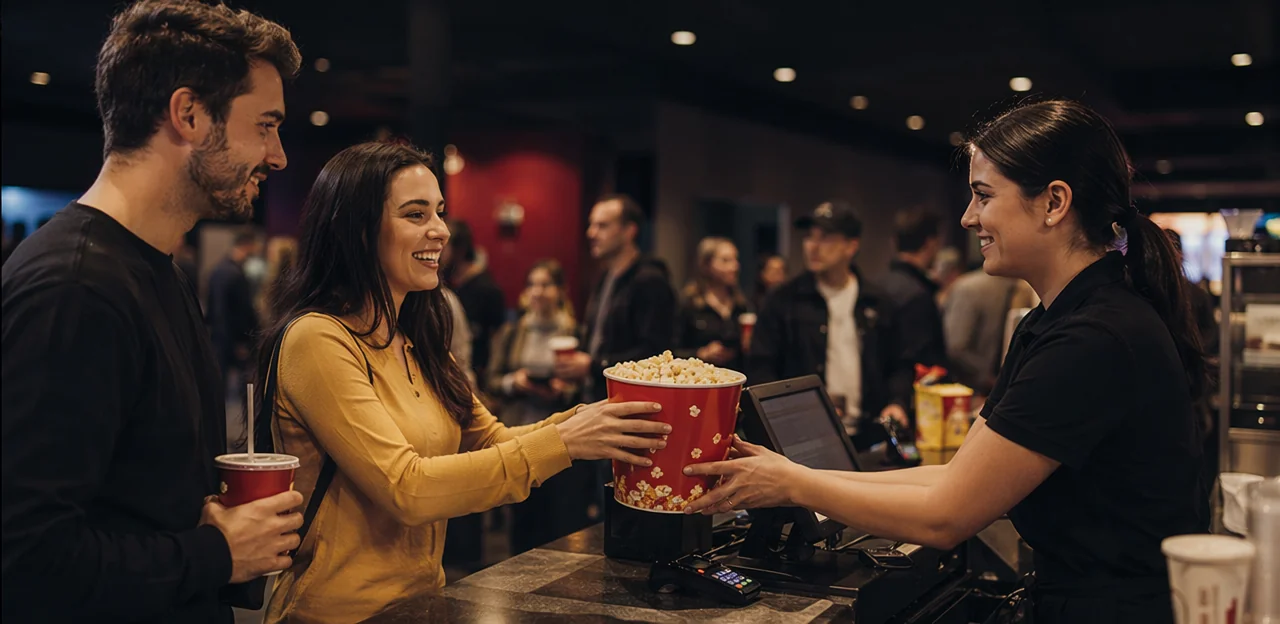
With cinema feedback automation, venue teams can act while the guest is still on-site, not after a negative review is posted. Immediate alerts sent to the right manager or department shorten the gap between complaint and action, enabling faster issue resolution and stronger service recovery.
- Trigger instant alerts for low ratings, cleanliness concerns, sound issues, long queues, or staff complaints.
- Route feedback automatically to concessions, floor staff, technical teams, or duty managers using structured workflows.
- Set response priorities so urgent problems are handled before they affect more guests.
- Track resolution times to identify repeat issues and support ongoing customer experience improvement.
This real-time approach protects guest satisfaction, helps recover poor experiences quickly, and reduces the risk of damaging reviews or lost loyalty.
Better operational visibility and smarter decision-making
With cinema feedback automation, venue managers gain stronger operational visibility into what is happening across the estate, not just in isolated incidents. Trend-based feedback reporting makes it easier to spot recurring problems and act with confidence.
- By daypart: identify whether queue complaints spike before evening screenings or cleaning issues rise after late shows
- By auditorium: flag repeat sound, temperature, seating, or cleanliness concerns in specific screens
- By film type or audience segment: see whether family, blockbuster, or premium formats create different service pressures
- By location: compare sites using shared cinema analytics to prioritize coaching, staffing, and maintenance
This helps teams schedule staff more accurately, fix persistent faults faster, and improve service where it matters most.
Higher retention, reputation, and repeat visits
Strong feedback loops do more than solve one-off issues—they directly support customer retention, stronger cinema reputation, and more repeat visits. With cinema feedback automation, venue teams can spot service problems early, recover poor experiences fast, and encourage satisfied guests to leave positive online reviews.
- Resolve issues before they become public complaints: Fast action on seating, cleanliness, sound, or queue problems protects ratings.
- Turn happy guests into loyal visitors: Follow up with offers, loyalty prompts, or return incentives after positive feedback.
- Track experience trends by touchpoint: Identify which parts of the journey most affect long-term revenue.
Tools like Tapsy can help cinemas collect real-time feedback and convert better audience experience into lasting attendance growth.
Best practices for implementing cinema feedback automation

Set clear goals, metrics, and ownership
To make cinema feedback automation deliver real operational value, start by defining success in measurable terms. Choose a small set of feedback KPIs that align with venue priorities, then assign clear owners for each metric.
- Response time: how quickly teams acknowledge and resolve issues
- Satisfaction scores: track progress against specific customer satisfaction goals
- Repeat complaints: monitor whether the same problems keep appearing by screen, shift, or location
- Survey completion rates: measure how many guests actually submit feedback
Use cinema management metrics in weekly reviews and set targets by team, not just by venue. For example, operations may own issue resolution time, while front-of-house owns completion rates. Tools like Tapsy can help route feedback and make accountability easier to manage.
Design surveys that are short, relevant, and actionable
Strong cinema feedback automation starts with focused survey design. Keep each survey to 3–5 questions so guests respond quickly and teams get cleaner data.
- Use ratings for fast satisfaction checks on sound, screen quality, cleanliness, and staff helpfulness.
- Add multiple-choice cinema survey questions to identify causes, such as queue times, seat comfort, or concession speed.
- Include one optional open-text field for context, but avoid long comment forms that reduce completion rates.
- Tailor questions to the team that will act on them: operations, front-of-house, cleaning, or concessions.
- Ask only what leads to action, such as “Was your screen clean?” rather than vague prompts.
These survey design best practices help venue managers turn responses into actionable feedback and faster operational improvements.
Train teams to respond consistently and close the loop
Even the best cinema feedback automation system fails if teams are unsure how to respond. Clear staff training and a documented feedback response process help venue managers resolve issues faster, protect guest satisfaction, and close the loop with confidence.
- Train frontline teams on tone, response times, and when to acknowledge feedback immediately.
- Use response templates for common issues like sound quality, cleanliness, seating, or concession delays, while allowing personalisation.
- Set escalation rules so urgent complaints, safety concerns, or repeated negative trends reach the right manager fast.
- Build follow-up steps: confirm the action taken, update the guest where possible, and log outcomes for operations review.
Tools like Tapsy can support consistent routing and follow-up across cinema teams.
How to choose the right cinema feedback automation solution

Features to prioritize for cinemas and entertainment venues
When evaluating cinema feedback automation tools, focus on features that improve speed, visibility, and actionability across every venue:
- Automation rules: Trigger alerts for low ratings, cleanliness issues, long queue complaints, or safety concerns.
- Integrations: Connect with CRM, ticketing, help desk, and reporting systems to make your feedback automation software part of daily operations.
- Mobile-friendly surveys: Use fast, no-friction forms guests can complete on their phones during or after a visit.
- Sentiment tagging: Automatically classify comments by mood and theme to spot recurring issues faster.
- Location-level reporting: Compare screens, concession areas, and individual sites.
- Multi-site management: Essential for chains using cinema technology and broader entertainment venue software across multiple venues.
Questions to ask vendors before implementation
Use this software vendor checklist to strengthen your feedback platform evaluation before rolling out cinema feedback automation:
- Setup time: How long does implementation take by site, and what internal resources are needed?
- Integration options: Does it connect with CRM, ticketing, POS, helpdesk, and reporting tools?
- Reporting depth: Can you track feedback by screen, showtime, concession area, or staff workflow?
- Data privacy: How is customer data stored, secured, and managed for consent and compliance?
- Support: What onboarding, training, and response times are included?
- Scalability: Can the platform support multiple venues and centralized benchmarking?
- Operational workflows: How are low scores routed to venue teams, escalated, and resolved in real time?
Platforms like Tapsy may also be worth reviewing if touchpoint-level, no-app feedback matters to your operation.
Building a phased rollout plan for long-term adoption
A phased rollout reduces risk and improves cinema software adoption by giving teams time to adapt, learn, and improve. For cinema feedback automation, start small and scale with evidence:
- Pilot one site or one channel
Launch in a single cinema, kiosk, lobby QR point, or post-visit SMS flow. - Measure operational impact
Track response volume, issue resolution time, staff usage, and audience satisfaction trends. - Refine workflows
Adjust alert rules, escalation paths, and reporting based on frontline feedback. - Expand gradually
Roll out to similar locations first, then standardize best practices across the circuit.
This approach supports stronger change management, smoother adoption, and clearer ROI.
Conclusion
In today’s cinema environment, audience expectations are high, margins are tight, and small operational issues can quickly affect satisfaction, spend, and repeat visits. That’s why cinema feedback automation is becoming an essential tool for venue managers and operations teams. By collecting real-time feedback at key touchpoints—from ticketing and concessions to auditorium comfort and cleanliness—cinemas can spot recurring problems faster, respond before frustration turns into negative reviews, and make smarter decisions across locations.
The real value of cinema feedback automation is not just in gathering comments, but in turning them into action. Automated alerts, issue routing, performance tracking, and location-level insights help teams improve day-to-day operations while building a better audience experience over time. For multi-site operators, it also creates a clearer view of what is working, where service gaps exist, and how to standardize excellence across venues.
If you’re looking to improve guest satisfaction, reduce preventable complaints, and give your teams more actionable insight, now is the time to invest in cinema feedback automation. Start by identifying your highest-friction touchpoints, setting up simple feedback flows, and reviewing the right dashboards regularly. For teams exploring practical tools, solutions like Tapsy can help bring real-time feedback and operational visibility into one streamlined system.
Frequently Asked Questions
- What is cinema feedback automation?
Cinema feedback automation is a system for collecting guest feedback in real time and routing it to the right team quickly. It helps venue managers move from delayed, reactive problem-solving to faster service recovery across ticketing, concessions, auditoriums, restrooms, and exits.
- Why are manual feedback methods less effective for cinemas?
Paper forms, inbox-based complaints, and disconnected survey tools often surface issues too late. That delay makes it harder to spot recurring problems across screens, concessions, or peak showtimes before they affect more guests.
- Which audience pain points should cinema teams monitor most closely?
Teams should track sound quality, screen visibility, cleanliness, concessions, seating, staff service, and queue times. These are the issues guests notice quickly and remember longest, so they have a strong impact on satisfaction and repeat visits.
- How does automated feedback routing help venue managers and operations teams?
Automated routing sends each issue to the team best placed to resolve it, such as housekeeping for cleanliness or technical teams for projector and audio faults. This reduces response delays, improves ownership, and makes it easier to track whether issues were resolved.
- What are the main parts of an automated cinema feedback system?
A strong setup includes feedback capture channels, survey triggers, sentiment analysis and tagging, dashboards, alerts, and reporting. Together, these tools help cinemas collect feedback, detect urgent issues, and turn responses into operational insight.
- Where should cinemas collect feedback during the guest journey?
Useful collection points include after ticket purchase, after concessions purchase, after the screening, and after support interactions such as refunds or booking issues. Matching the request to the moment helps teams gather more relevant feedback and act faster.
- How can cinemas turn audience comments into immediate action?
Comments should trigger real-time alerts, clear workflows, and escalation rules. For example, urgent issues like projector problems or overflowing restrooms can be sent to the duty manager immediately, while repeated complaints can be escalated to regional operations.
- How do ticketing, CRM, and survey integrations improve cinema feedback automation?
Ticketing integrations can trigger surveys based on showtime, screen, film, seat type, or booking channel. CRM and survey connections help personalize messages and link responses back to visit data, making it easier to identify patterns by location, session, or audience segment.
- Why should feedback be synced with operations and support platforms?
Syncing feedback into support tools and task workflows helps ensure issues are not left sitting in a standalone dashboard. It also supports clear ownership, due dates, escalation rules, and visibility into response times and repeat problem areas.
- What is the value of centralized dashboards for multi-site cinema groups?
Centralized dashboards let head office teams compare venues by satisfaction scores, complaint categories, response times, and feedback volume. This makes it easier to benchmark locations, identify group-wide issues, and support action plans across the estate.
- How does cinema feedback automation improve guest satisfaction?
It allows teams to respond while the guest is still on-site instead of after a negative review appears. Faster alerts, structured routing, and response priorities help resolve problems sooner and reduce the risk of lost loyalty.
- What operational insights can managers get from feedback reporting?
Managers can analyze trends by daypart, auditorium, film type, audience segment, and location. That visibility helps with staffing decisions, maintenance priorities, coaching, and identifying persistent service gaps.
- What are the best practices for designing cinema feedback surveys?
Keep surveys short, usually 3–5 questions, and focus on items that lead to action. Use ratings for quick checks, multiple-choice questions to identify causes, and one optional open-text field for context without lowering completion rates.
- What should cinema teams measure and own when implementing feedback automation?
Useful metrics include response time, satisfaction scores, repeat complaints, and survey completion rates. Ownership should be assigned by team, such as operations for issue resolution time and front-of-house for completion rates, so accountability is clear.
- What should cinemas look for when choosing a feedback automation platform?
Priority features include automation rules, integrations, mobile-friendly surveys, sentiment tagging, location-level reporting, and multi-site management. It is also important to ask vendors about setup time, reporting depth, data privacy, support, scalability, and how real-time routing and escalation work.