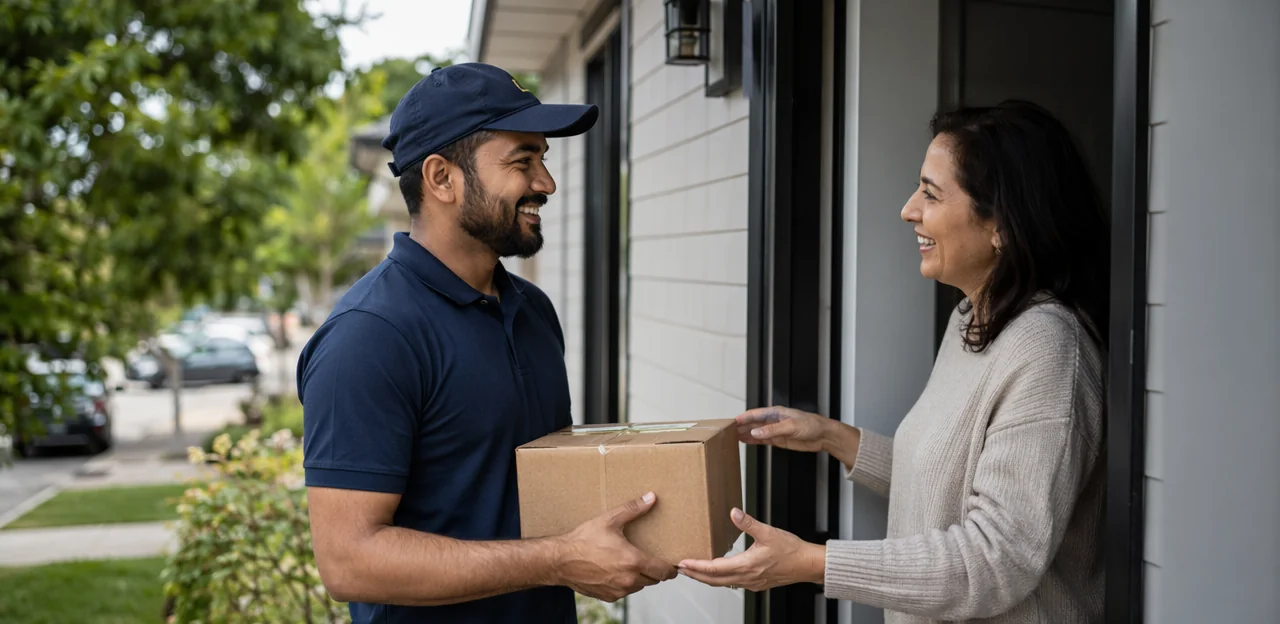
A resident’s experience of a building is shaped by dozens of small moments, from entering the lobby to using shared amenities, reporting maintenance issues, or collecting a parcel. Yet many housing providers still rely on delayed surveys that miss the context behind everyday frustrations and wins. That is why knowing where to place residential feedback touchpoints can make a meaningful difference to resident satisfaction, operations, and retention.
When feedback is captured at the right place and time, it becomes easier to spot recurring issues, respond faster, and improve the spaces residents use most. In residential buildings, this might mean gathering input at entrances, lifts, mailrooms, gyms, laundry rooms, waste areas, and other high-traffic or high-friction locations. Simple QR or NFC-based tools, including solutions like Tapsy, can help make that process fast and convenient without adding friction for residents.
This article will explore how to identify the best residential feedback touchpoints across housing environments, what types of moments are most valuable for collecting feedback, and how property teams can use those insights to strengthen the overall resident experience. Whether you manage multifamily housing, build-to-rent communities, or mixed-use residential properties, smart touchpoint placement can turn everyday interactions into actionable insight.
Why Residential Feedback Touchpoints Matter in Housing
What residential feedback touchpoints are
Residential feedback touchpoints are the physical or digital moments in a building where residents can quickly share feedback while the experience is still fresh. They form part of effective resident feedback systems, helping property teams spot issues early and improve day-to-day living standards.
Common touchpoints include:
- QR codes in lifts, lobbies, bin stores, gyms, and communal areas for instant mobile feedback
- NFC tags that residents tap with a phone for fast, no-login responses
- Kiosks at reception or entrance points for simple on-site surveys
- Digital prompts in resident portals, emails, or SMS after maintenance visits
Used well, these tools make housing feedback collection faster, more accurate, and easier to act on.
How feedback improves resident experience
Well-placed residential feedback touchpoints help housing teams act on issues before frustration grows, directly improving resident experience and tenant satisfaction.
- Faster issue reporting: QR or NFC touchpoints in lifts, lobbies, bin stores, and shared areas make it easy for residents to report cleaning, maintenance, or safety concerns in seconds.
- Better communication: Strong property management feedback systems create clear updates, so residents know their concerns were received, assigned, and resolved.
- Visible service improvements: When residents see quicker repairs, cleaner communal spaces, and repeated issues addressed, trust in management increases.
To strengthen results, track recurring themes, respond quickly, and share service updates regularly. Tools like Tapsy can help simplify this process.
Why location affects response quality
The best residential feedback touchpoints capture opinions at the exact moment residents experience a space or service. That is why feedback touchpoint placement matters more than sending a generic email hours or days later.
- Context improves accuracy: A QR or NFC prompt in the lift, lobby, mailroom, or gym captures reactions while details are fresh.
- Friction stays low: Quick, in-place prompts support real-time resident feedback without requiring residents to search an inbox later.
- Issues become actionable: Location-based responses show exactly where a problem happened, helping teams fix recurring pain points faster.
- Better participation: Timely, relevant prompts support response rate optimization because residents are more likely to answer when the request feels immediate and specific.
Best Places to Put Feedback Touchpoints in Residential Buildings
High-traffic shared spaces
High-use communal areas are some of the best places for residential feedback touchpoints because residents already pass through them daily. The key is to keep prompts fast, visible, and tied to the issue most relevant to that space.
- Entrances and lobbies: Add QR code touchpoints near doors, reception desks, or noticeboards so residents can quickly report access problems, spills, lighting issues, or visitor security concerns.
- Lifts: Place tags inside or just outside lifts for instant feedback on cleanliness, breakdowns, wait times, and reliability.
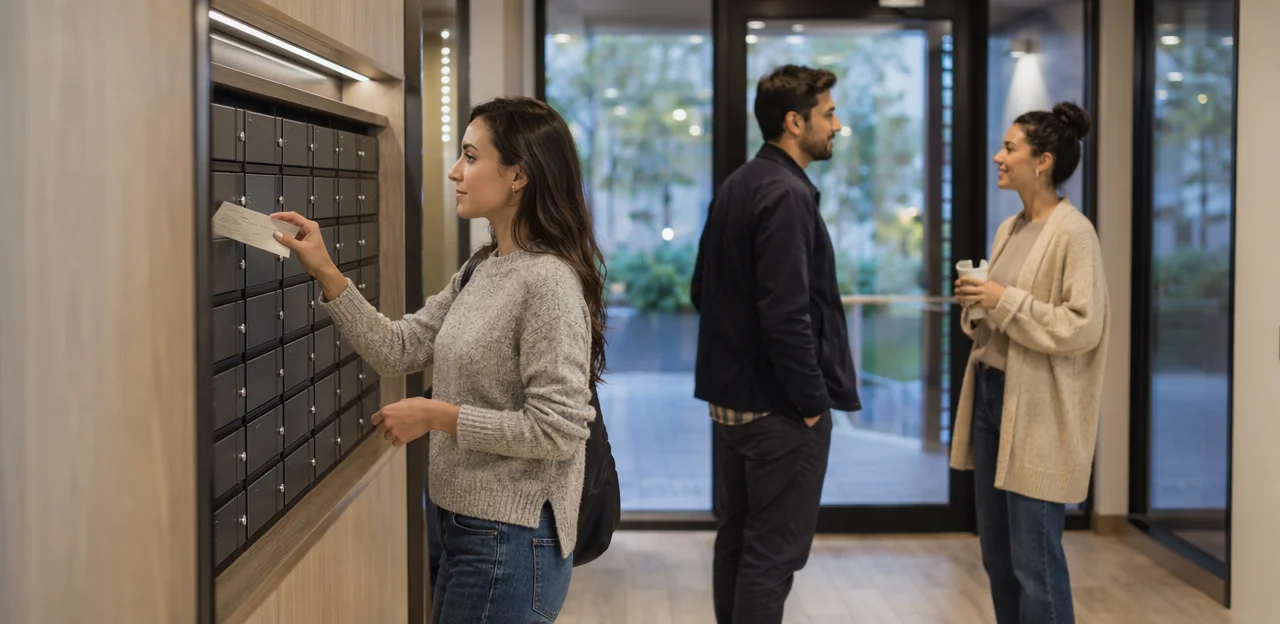
- Mailrooms: Use apartment building feedback prompts here to capture issues with parcel storage, clutter, lost deliveries, or locked access.
- Parking areas: Install touchpoints near entry gates, payment points, or lift lobbies to gather feedback on lighting, safety, signage, and convenience.
- Corridors and shared hallways: These are ideal for shared space feedback related to noise, maintenance, odours, and housekeeping standards.
For best results, ask only 1–3 questions and route low ratings to site teams immediately. Platforms like Tapsy can support no-app QR or NFC collection in these spaces.
Amenity and service areas
Amenity and service spaces are some of the best locations for residential feedback touchpoints because residents interact with them frequently and notice issues immediately. Placing NFC touchpoints or QR prompts at the point of use helps property teams collect timely, specific amenity feedback on both usability and upkeep.
- Gyms: Ask about equipment condition, cleanliness, ventilation, and peak-hour crowding.
- Laundry rooms: Capture feedback on machine availability, payment ease, detergent supply, and maintenance issues.
- Co-working spaces: Measure Wi-Fi reliability, noise levels, seating comfort, and booking experience.
- Package rooms: Track delivery access, parcel organization, security, and pickup convenience.
- Waste disposal areas: Identify overflow, odors, signage confusion, and cleaning frequency.
- Community rooms: Gather input on furniture layout, booking process, comfort, and readiness for events.
Keep prompts short and location-specific so residents can respond in seconds. This makes feedback more actionable and easier to route to cleaning, maintenance, or management teams. Solutions such as Tapsy can support no-app feedback collection directly where resident amenities are used.
Maintenance and problem-resolution zones
Some of the most valuable residential feedback touchpoints are located where issues are resolved, not just where they are reported. Placing QR or NFC feedback prompts near maintenance completion points, concierge desks, reception areas, and service request follow-up locations helps capture reactions while the interaction is still fresh.
- At repair completion points: Add touchpoints inside utility rooms, near elevators being serviced, or at unit exit points after a technician visit. This is ideal for collecting maintenance feedback on timeliness, professionalism, and fix quality.
- At concierge and reception desks: Residents often ask for help, collect packages, or raise concerns here. A quick tap-to-rate option captures immediate property operations feedback on staff helpfulness and response speed.
- At service request follow-up locations: Include touchpoints in resident portals, lobby kiosks, or printed completion notices to gather service request feedback after the issue is marked resolved.
Keep prompts short and specific, such as “Was your issue fully resolved?” or “How was today’s service experience?” Tools like Tapsy can make these no-app feedback moments easy to deploy and track.
How to Match Touchpoints to the Resident Journey

Move-in, onboarding, and first impressions
The first few days set the tone for the new tenant experience, so this is where residential feedback touchpoints deliver the most value. Place simple QR or NFC prompts at key onboarding moments to capture fresh, actionable insight.
- Leasing handover: Add a touchpoint at the key collection desk or digital handover email to ask about clarity, staff helpfulness, and move-in readiness.
- Welcome packs: Include a card or sticker in the pack linking to a short move-in feedback form covering expectations, apartment condition, and unanswered questions.
- Building access setup: Place touchpoints near entry systems, concierge desks, or access activation instructions to identify issues with fobs, codes, or app-based entry.
- Early occupancy: Send a 3- to 7-day check-in survey to measure resident onboarding success, maintenance concerns, and first-week sentiment.
Tools like Tapsy can support no-app QR/NFC collection at these moments.
Everyday living interactions
To understand the daily resident journey, place residential feedback touchpoints at the routine moments residents experience every day. These high-frequency tenant touchpoints reveal patterns that annual surveys often miss and help teams improve service in real time.
- Building entry and access: Ask about door access, intercom reliability, security, and ease of entry.
- Parcel collection areas: Capture feedback on locker availability, notification clarity, and queueing or congestion.
- Lifts and corridors: Measure wait times, cleanliness, lighting, and maintenance issues.
- Parking and bike storage: Track convenience, safety, signage, and gate performance.
- Shared amenities: Add quick check-ins at gyms, lounges, laundry rooms, and rooftop spaces to monitor cleanliness, availability, and comfort.
Keep prompts short and location-specific. QR or NFC-based multifamily resident feedback tools, such as Tapsy, can make participation fast and frictionless.
Renewal, complaints, and retention moments
Some of the most important residential feedback touchpoints happen when a resident is deciding whether to stay, escalating a problem, or engaging with the community. These moments reveal service gaps early and support stronger resident retention.
- After complaint resolution: Send a short follow-up within 24–48 hours asking whether the issue was fully resolved, how staff handled it, and what could have been better. This creates useful complaint feedback and highlights unresolved friction.
- Before and during lease renewal: Capture sentiment before pricing discussions and again after the renewal decision to understand the full lease renewal experience, including value perception, maintenance satisfaction, and move-out risk.
- At community events: Use quick QR or NFC check-ins to ask about event quality, safety, amenities, and sense of belonging.
A simple no-app tool like Tapsy can help collect fast, in-the-moment feedback and flag retention risks before they lead to churn.
Using NFC and QR Touchpoints Effectively

When to use QR codes versus NFC tags
For residential feedback touchpoints, the best choice depends on location, resident behavior, and device access. In the NFC vs QR codes decision, both work well, but each suits different moments:
- QR codes: More visible and familiar. Residents can scan from a distance, making them ideal for lifts, noticeboards, lobbies, mailrooms, and shared amenities. QR code feedback also works across nearly all smartphones with a camera.
- NFC feedback tags: Faster and lower-friction in close-contact locations. A simple tap is ideal for doors, parcel lockers, gym entrances, waste rooms, or maintenance points.
Use QR when visibility matters and instructions may be needed. Use NFC when speed matters and the tag can be placed exactly where the experience happens. Many properties benefit from offering both, as platforms like Tapsy can support.
Designing low-friction feedback prompts
To make residential feedback touchpoints effective, reduce effort at every step:
- Use clear signage: Place concise signs at exits, lifts, mailrooms, and amenity areas. Use large text, strong contrast, and a visible QR/NFC prompt so residents know it takes seconds.
- Write action-led CTAs: Phrases like “Report an issue in 20 seconds” or “Rate this space now” outperform vague requests. Strong call-to-action wording improves survey response rate.
- Prioritize mobile-first feedback form design: Keep forms fast-loading, thumb-friendly, and no-app. Limit fields, use tap-based ratings, and allow optional comments.
- Keep surveys short: Ask 1–3 questions focused on cleanliness, safety, comfort, or maintenance. Short formats work best as resident engagement tools and increase completion.
Platforms like Tapsy can support quick QR/NFC feedback flows in shared residential spaces.
Privacy, accessibility, and trust considerations
To make residential feedback touchpoints effective, residents must feel safe, respected, and able to participate without barriers. Build trust into every touchpoint by prioritizing:
- Housing data privacy: clearly state what data is collected, why it is needed, who can view it, and how long it is stored.
- Anonymous resident feedback: offer a no-name option for reporting noise, maintenance, safety, or service concerns, especially in shared spaces.
- Accessible feedback systems: use large text, high-contrast visuals, screen-reader-friendly forms, and simple mobile flows.
- Multilingual access: provide QR/NFC feedback pages in the most common resident languages.
- Inclusive design: place touchpoints at wheelchair-accessible heights and avoid requiring app downloads or long forms.
A simple, transparent setup increases participation and confidence.
Measuring Performance and Improving Placement Over Time

Key metrics to track
To measure whether residential feedback touchpoints are working, focus on a small set of actionable property management KPIs:
- Scan rate: how often residents tap or scan QR/NFC points in each building area
- Completion rate: the percentage who finish the feedback form after starting it
- Issue category trends: recurring themes like cleanliness, security, noise, lifts, or maintenance
- Sentiment: track positive, neutral, and negative feedback to monitor resident satisfaction metrics over time
- Response time: how quickly teams acknowledge and resolve reported issues
- Repeat complaints by location: spot problem hotspots such as lobbies, bin stores, parking areas, or shared amenities
These feedback metrics help teams prioritize fixes, improve service recovery, and benchmark performance by building or zone.
How to test and refine touchpoint locations
Use simple, low-risk tests to improve residential feedback touchpoints before rolling out building-wide.
- Run A/B testing feedback placement
- Place the same QR/NFC prompt in two similar zones, such as the main lobby vs. elevator bank, and compare scan rates, response rates, and feedback quality over 1–2 weeks.
- Compare building zones
- Review results by entrance, mailroom, gym, parking, and shared corridors to shape a stronger survey placement strategy.
- High-traffic areas may drive more responses, while quieter zones may produce more thoughtful comments.
- Spot underperformers
- If a touchpoint gets low engagement, improve visibility, signage, lighting, or CTA wording.
- Tools like Tapsy can help track touchpoint optimization by location.
Turning feedback into visible action
Collecting input is only effective when residents can see what changed. To close the feedback loop, use residential feedback touchpoints to share updates in the same places feedback is collected, such as lobbies, lifts, mailrooms, and resident portals.
- Post short notices like “You said, we did” to highlight completed fixes
- Share timelines for larger issues, such as lift repairs or security upgrades
- Group recurring comments into priorities so teams can act on actionable resident insights
- Use consistent resident communication across noticeboards, SMS, email, and QR/NFC touchpoints
When residents see visible service improvements, participation rises because feedback feels useful, not ignored.
Common Mistakes to Avoid When Placing Feedback Touchpoints

Over-surveying residents
Too many residential feedback touchpoints can create survey fatigue, lower trust, and lead to rushed, low-quality responses. Avoid feedback overload by using a focused resident survey strategy:
- Prioritize 3–5 high-impact locations, such as entrances, lifts, mailrooms, and shared amenities.
- Rotate prompts instead of asking for feedback everywhere at once.
- Keep surveys short: one rating question plus an optional comment.
- Trigger deeper surveys only after key moments, like maintenance completion or move-in.
A balanced rollout improves response quality and keeps feedback requests credible.
Choosing locations without context
Avoid placing residential feedback touchpoints only where they get the most foot traffic. A strong touchpoint strategy links each prompt to a specific moment, space, or service so residents can give useful contextual feedback while the experience is fresh.
- Put lift feedback near lifts, not in the lobby
- Place cleaning surveys in bin rooms or shared amenities
- Use resident journey mapping to match touchpoints to move-in, maintenance, security, and shared-space experiences
Random placement reduces relevance and response quality.
Ignoring follow-up and accountability
Placing residential feedback touchpoints is only useful if every response leads to action. Without clear feedback follow-up, residents quickly feel ignored, and trust drops.
- Assign each issue to a named team or manager
- Set response timelines for urgent, routine, and long-term items
- Share outcomes through notices, email updates, or resident portals
- Feed insights into maintenance, cleaning, security, and amenity planning
Strong property accountability turns resident feedback management into operational improvement, not just data collection.
Conclusion
Ultimately, the most effective residential feedback touchpoints are the ones placed where residents naturally pause, notice issues, or form opinions in real time. That means focusing on high-impact areas such as entrances, lifts, lobbies, parcel rooms, shared amenities, parking areas, maintenance zones, and move-in or service-completion moments. When feedback is easy to give at the exact point of experience, property teams gain faster insight, resolve problems sooner, and build stronger trust with residents.
The key takeaway is simple: placement matters as much as the feedback method itself. Well-positioned QR and NFC touchpoints help capture honest, timely responses about cleanliness, safety, maintenance, convenience, and overall satisfaction—before minor frustrations become larger retention issues. For housing providers and property managers, this creates a clearer picture of resident experience across the building and highlights where operational improvements will have the greatest impact.
The next step is to audit your building journey and identify 5–10 priority locations for residential feedback touchpoints. Start small, measure response rates, and refine based on resident behavior. If you want a no-app way to collect feedback at physical touchpoints, solutions like Tapsy can help streamline deployment. By taking action now, you can turn everyday building interactions into opportunities to improve service, satisfaction, and long-term resident loyalty.
Frequently Asked Questions
- What are residential feedback touchpoints?
Residential feedback touchpoints are physical or digital moments where residents can share feedback while an experience is still fresh. Common examples include QR codes in shared spaces, NFC tags for tap-to-rate responses, kiosks at entrances or reception, and digital prompts sent after maintenance visits.
- Why does touchpoint location matter in residential buildings?
Location affects response quality because residents are more likely to give accurate feedback when they are standing in the space they are reacting to. Placing prompts at the point of experience also lowers friction and makes it easier to identify exactly where recurring issues happen.
- Where should feedback touchpoints be placed in high-traffic areas?
Good high-traffic locations include entrances, lobbies, lifts, mailrooms, parking areas, and shared corridors. These spaces work well because residents pass through them often and can quickly report issues like lighting problems, cleanliness, access trouble, or safety concerns.
- Which amenity spaces are best for collecting resident feedback?
Useful amenity locations include gyms, laundry rooms, co-working spaces, package rooms, waste disposal areas, and community rooms. These touchpoints help capture specific feedback on cleanliness, equipment condition, availability, comfort, security, and ease of use.
- How can property teams collect feedback after maintenance or service interactions?
Place QR or NFC prompts near maintenance completion points, concierge desks, reception areas, or service follow-up locations. Short questions such as whether the issue was fully resolved or how the service experience felt can capture timely feedback on professionalism, speed, and fix quality.
- What feedback touchpoints are most useful during move-in and onboarding?
Strong move-in touchpoints include the leasing handover desk, digital handover emails, welcome packs, building access setup points, and a 3- to 7-day check-in survey. These moments help surface issues with apartment readiness, staff helpfulness, access setup, and unanswered questions early.
- How do touchpoints fit into the everyday resident journey?
Daily journey touchpoints work best at building entry points, parcel collection areas, lifts, corridors, parking, bike storage, and shared amenities. These routine interactions reveal patterns in access, cleanliness, convenience, maintenance, and comfort that delayed surveys often miss.
- When should teams ask for feedback around complaints, renewals, and retention?
Ask for feedback within 24 to 48 hours after complaint resolution, before and during lease renewal, and at community events. These moments help identify unresolved service issues, value concerns, move-out risk, and overall sense of belonging.
- Should residential buildings use QR codes or NFC tags?
QR codes are better when visibility matters, such as in lifts, lobbies, noticeboards, mailrooms, and shared amenities. NFC tags are better for close-contact moments where speed matters, such as doors, parcel lockers, gym entrances, waste rooms, or maintenance points. Many buildings benefit from offering both.
- How can feedback prompts be designed to reduce friction?
Use clear signage, strong contrast, large text, and direct calls to action like reporting an issue in seconds. Keep forms mobile-first, avoid app downloads, and limit surveys to 1 to 3 short questions with optional comments.
- What privacy and accessibility considerations should be included?
Residents should be told what data is collected, why it is needed, who can see it, and how long it is stored. It also helps to offer anonymous options, accessible form design, multilingual pages, and touchpoints placed at wheelchair-accessible heights.
- Which metrics show whether feedback touchpoints are working?
Useful metrics include scan rate, completion rate, issue category trends, sentiment, response time, and repeat complaints by location. Tracking these measures helps teams identify hotspots, compare building areas, and improve service recovery.
- How can teams test and improve touchpoint placement over time?
A practical approach is to run simple A/B tests by placing the same prompt in similar zones and comparing scan rates, response rates, and feedback quality over one to two weeks. Teams should also review underperforming spots and adjust visibility, signage, lighting, or CTA wording.
- How do you close the feedback loop with residents?
Share updates in the same places where feedback is collected, such as lobbies, lifts, mailrooms, and resident portals. Short notices like 'You said, we did,' repair timelines, and consistent updates across noticeboards, SMS, and email help residents see that feedback leads to action.
- What common mistakes should be avoided when placing feedback touchpoints?
Avoid over-surveying residents, choosing locations only for foot traffic, and collecting feedback without clear follow-up. A better approach is to focus on a few high-impact locations, match each prompt to a specific moment or space, and assign responses to teams with defined timelines.