
In coworking spaces, cleanliness is never just a housekeeping issue. It shapes first impressions, influences member satisfaction, and quietly affects whether people feel comfortable staying, working, and renewing. A spotless meeting room, well-stocked restroom, or tidy kitchen can reinforce trust in your brand, while small lapses can quickly turn into negative perceptions of the entire workspace experience. That is why coworking cleanliness feedback has become an essential metric for operators who want to protect both reputation and retention.
The challenge is that cleanliness standards are highly visible, but not always easy to measure consistently across shared spaces, peak hours, and different member expectations. What looks acceptable during a morning walkthrough may feel very different to a member using the space after lunch, after an event, or during a busy afternoon rush. Capturing timely, location-specific feedback helps operators spot patterns, respond faster, and prioritize improvements where they matter most.
In this article, we will explore what coworking operators should actually track, from restroom conditions and kitchen hygiene to shared desk areas, meeting rooms, and response times. We will also look at how real-time tools such as Tapsy can help collect feedback at the moment of experience, turning everyday cleanliness insights into better member experience and stronger operational performance.
Why cleanliness feedback matters in coworking spaces

The link between cleanliness and member experience
Cleanliness is one of the fastest signals members use to judge a workspace. In member experience coworking, a spotless lobby, stocked restroom, and tidy kitchen shape first impressions, while consistent upkeep supports comfort and trust every day. Strong coworking hygiene standards also signal professionalism, safety, and respect for members’ time.
- First impressions: Clean shared areas make the space feel organized and well managed.
- Daily satisfaction: Members notice restrooms, desks, bins, and kitchen hygiene repeatedly.
- Trust and retention: Fast action on issues shows operators listen and care.
Tracking coworking cleanliness feedback helps teams spot recurring problems, respond quickly, and protect brand reputation before minor issues become member complaints.
How cleanliness impacts retention and referrals
Cleanliness is not just an operations metric; it directly shapes coworking retention and occupancy. Patterns in coworking cleanliness feedback often predict whether members renew, recommend the space, or leave negative reviews.
- Poor cleanliness performance increases churn, damages trust, and lowers the overall client experience coworking operators work hard to build.
- Strong cleanliness scores support renewals, better online ratings, and more positive word of mouth from members and guests.
- Recurring complaints about restrooms, kitchens, desks, or meeting rooms can signal future occupancy risk before cancellations appear.
Track feedback trends by zone and time period, then act fast on repeated issues. Tools like Tapsy can help capture real-time signals and reduce preventable member loss.
Common cleanliness pain points operators overlook
Many operators collect coworking cleanliness feedback, but miss the recurring issues members notice most. To improve shared workspace cleanliness, track these problem areas consistently:
- Restroom conditions: empty soap, wet floors, odors, and unclean stalls
- Kitchen mess: dirty mugs, food spills, full sinks, and fridge clutter
- Meeting room turnover: leftover trash, wipedown gaps, and messy whiteboards between bookings
- Odors: lingering food smells, restroom odors, or poor ventilation in enclosed areas
- Trash overflow: bins filling up faster than cleaning schedules allow
- Shared desk sanitation: sticky surfaces, dust, and missed disinfecting of hot desks
These are common coworking cleaning issues that often appear in comments but not dashboards. Using touchpoint feedback tools like Tapsy can help capture and route these issues in real time.
Core cleanliness feedback metrics operators should track
Satisfaction scores by space type
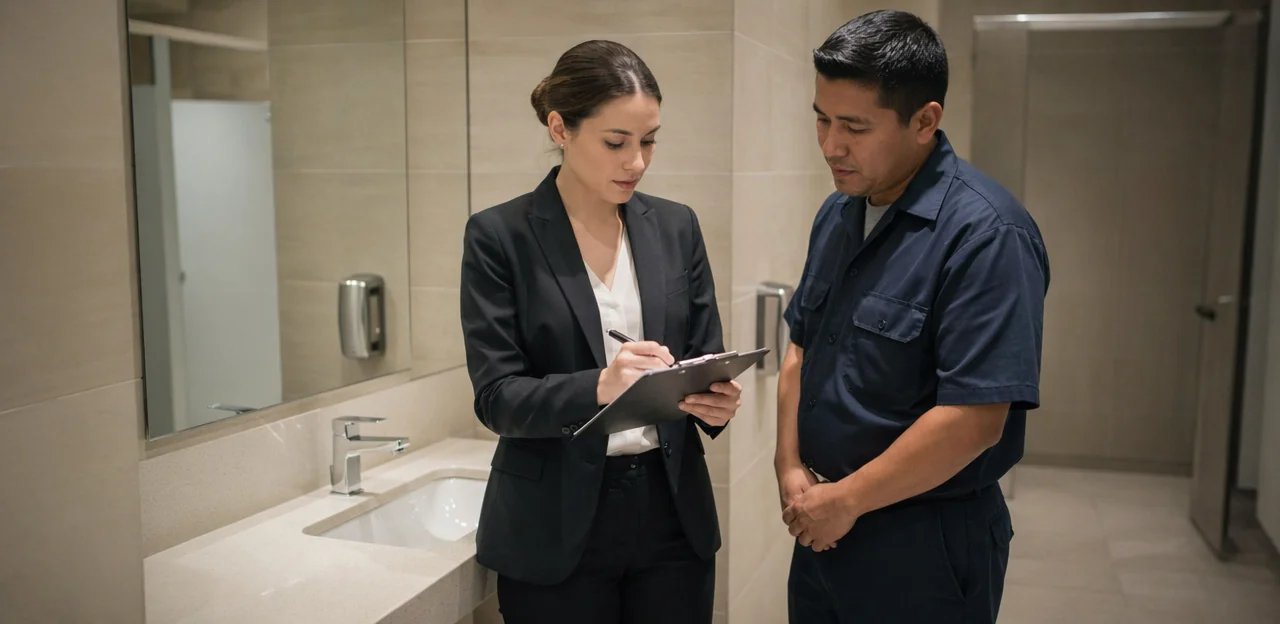
To make coworking cleanliness feedback useful, track a separate cleanliness satisfaction score for each space type rather than using one overall rating. This helps operators spot exactly where standards slip and where cleaning schedules, supplies, or staff checks need improvement.
- Restrooms: rate odor, stocked supplies, floor condition, and fixture cleanliness
- Kitchens: track counters, sinks, appliances, bins, and leftover food
- Lounges: measure table wipe-downs, upholstery condition, and clutter levels
- Hot desks: assess surface cleanliness, cable clutter, and sanitization frequency
- Private offices: score dust, trash removal, and shared touchpoint hygiene
- Meeting rooms: monitor tables, screens, whiteboards, and post-booking resets
- Phone booths: check air freshness, fingerprints, and acoustic panel upkeep
- Reception areas: rate first-impression cleanliness, floors, seating, and entry glass
Use short QR-based surveys after use, then review coworking space feedback metrics by location, time of day, and cleaning shift. Tools like Tapsy can help capture touchpoint-level feedback in real time.
Issue frequency, severity, and response time
To turn coworking cleanliness feedback into operational improvements, track three core metrics together: how often issues are reported, how serious they are, and how fast they are resolved. This gives facilities teams a clearer picture than complaint volume alone.
- Issue frequency: Log complaints by location, time, and category, such as restrooms, kitchens, desks, bins, or spills. This type of facility issue tracking coworking helps identify recurring hotspots and peak problem periods.
- Severity: Classify each report as low, medium, or urgent. For example, an empty soap dispenser is minor, while a spill creating a slip risk needs immediate action.
- Cleaning response time: Measure both time to acknowledge and time to resolve. Fast acknowledgment builds trust, but full resolution is what protects the member experience.
Set service-level benchmarks, such as 10 minutes for urgent hazards and 2 hours for routine cleaning issues. Tools like Tapsy can help capture reports in real time and route them to the right team quickly.
Trends by time, location, and member segment
A single score rarely tells the full story. To get real value from coworking cleanliness feedback, operators should break results into operational slices that reveal hidden friction points and support better coworking analytics.
- By daypart: Compare mornings, lunch hours, afternoons, and evenings. Restrooms, kitchens, and lounges often score differently depending on cleaning cycles and peak use.
- By weekday: Monday traffic may create different mess patterns than midweek or event-heavy Thursdays.
- By occupancy level: Low cleanliness scores during high-capacity periods can signal understaffing, supply shortages, or slower response times.
- By floor or zone: One floor may have recurring issues with bins, bathrooms, or shared desks that site-wide averages hide.
- By site: Multi-location operators should benchmark buildings to spot process gaps and replicate best-performing routines.
- By member type: Teams, day-pass users, private office members, and event guests may experience cleanliness differently.
Tracking these workspace cleanliness trends helps teams schedule cleaning smarter, allocate resources more accurately, and fix recurring issues before they affect retention.
Best ways to collect coworking cleanliness feedback

Surveys, QR codes, and in-app feedback tools
To improve coworking cleanliness feedback, operators should use multiple low-friction channels that capture issues while they are still fresh. The best coworking survey tools make it easy for members and guests to respond in seconds.
- Post-visit surveys: Send a short email or SMS after bookings, day passes, or meeting-room use. Ask 1–3 focused questions about restroom, kitchen, desk, and shared-area cleanliness.
- Kiosk prompts: Add a simple rating screen at reception or exits for quick, high-volume input.
- QR codes at touchpoints: Place codes in restrooms, kitchens, and bins so members can instantly report spills, odors, or missing supplies.
- Member app forms: Include a one-tap way to collect cleanliness feedback with optional photo uploads.
To increase response rates, keep forms under 30 seconds, use clear categories, allow anonymous responses, and trigger alerts for low scores. Tools like Tapsy can help capture no-app feedback directly at the point of experience.
Staff observations and community manager input
Formal surveys matter, but coworking cleanliness feedback is stronger when paired with what frontline teams see every day. Community managers, cleaners, and reception staff often spot patterns before they appear in member reports, making community manager feedback a practical part of any coworking operations checklist.
Track these inputs consistently:
- Recurring issues: overflowing bins, messy kitchens, restroom supply gaps, or phone booths left uncleaned
- Member comments: informal complaints at reception, repeated requests, or praise about well-kept areas
- Visual inspection results: scheduled walk-through notes, photo logs, and time-stamped checks by zone
This staff input helps operators verify member sentiment, identify blind spots, and prioritize action faster. For example, if members mention dirty kitchens and staff logs show the same issue after lunch daily, you have a clear operational fix. Tools like Tapsy can also help capture real-time location-based feedback alongside staff observations.
Review sites, support tickets, and informal comments
Useful coworking cleanliness feedback rarely lives in one channel. Operators should combine public and private signals to understand what members actually experience day to day.
- Track online reviews coworking spaces receive on Google, Yelp, and niche platforms. Tag mentions like restroom hygiene, kitchen tidiness, odors, bins, and desk sanitation.
- Use support ticket analysis for email complaints, help-desk requests, and chat messages. Categorize issues by location, time, severity, and repeat frequency.
- Capture informal comments from front-desk chats, community managers, and tour feedback. Staff should log quick notes when members casually mention mess, spills, or poor upkeep.
Review these inputs weekly to spot patterns, not just one-off complaints. If several channels mention the same floor, restroom, or cleaning shift, that is an operational signal. Tools like Tapsy can also help collect in-the-moment facility feedback before frustration turns into negative reviews.
How to turn cleanliness feedback into operational improvements

Prioritize issues by impact and recurrence
To turn coworking cleanliness feedback into action, rank every issue using a simple priority framework. This helps teams build a realistic cleanliness improvement plan instead of reacting only to the latest complaint.
- Frequency: How often does the same issue appear? Repeated comments about overflowing bins or dirty restrooms signal recurring gaps.
- Severity: Does it affect hygiene, safety, or usability? Spills, odors, and sanitation failures should outrank minor dust complaints.
- Visibility: Is the issue in a high-traffic area like reception, kitchens, or restrooms? Visible problems shape first impressions fast.
- Member impact: Track whether complaints correlate with lower satisfaction, renewals, or negative reviews.
Use this to separate:
- Quick wins — restocking supplies, adjusting cleaning rounds, fixing signage
- Systemic problems — poor vendor performance, outdated fixtures, weak inspection routines
For stronger facility management coworking decisions, review trends weekly and assign owners to top recurring issues.
Set cleaning standards and accountability
To act on coworking cleanliness feedback, operators need clear standards and named owners, not vague expectations. Strong cleaning standards coworking programs should define what “clean” means for each zone and who responds when standards slip.
- Create zone-based checklists: Set task lists for restrooms, kitchens, meeting rooms, lounges, and phone booths, including supplies, surfaces, odors, bins, and touchpoints.
- Set inspection schedules: Use daily, shift-based, and weekly audits for high-traffic areas, with photo proof or digital logs where possible.
- Define vendor expectations: Specify response times, quality thresholds, reporting requirements, and re-clean procedures in janitorial contracts.
- Build escalation paths: Route urgent issues like spills, biohazards, or restroom outages immediately to facilities or on-site teams.
- Assign ownership: Operations should track performance, facilities should manage remediation, and community teams should flag member-facing issues and close the loop.
This structure improves visibility and strengthens janitorial accountability.
Close the feedback loop with members
Collecting coworking cleanliness feedback is only valuable if members see that it leads to action. To close the feedback loop, operators should clearly share what was reported, what is being done, and when members can expect results. This kind of member communication coworking strategy builds trust, reduces repeat complaints, and shows that feedback is taken seriously.
- Acknowledge issues quickly: confirm that the cleanliness concern was received.
- Share action taken: for example, deep cleaning scheduled, supplies restocked, or cleaning vendor notified.
- Set realistic timelines: tell members whether the fix will happen immediately, same day, or during the next service window.
- Report improvements made: use email, app updates, signage, or community channels to show completed changes.
Tools like Tapsy can help operators capture issues in real time and respond faster at the exact touchpoint.
Building a cleanliness feedback dashboard that drives decisions

Key dashboard KPIs to include
A strong cleanliness KPI dashboard helps operators turn coworking cleanliness feedback into clear action and leadership reporting. Focus on a small set of practical coworking performance metrics:
- Cleanliness CSAT: Track satisfaction scores by space type, such as restrooms, kitchens, lounges, and meeting rooms.
- Complaint volume: Measure total cleanliness-related reports by day, week, and location.
- Repeat issue rate: Identify problems that reappear after being marked resolved.
- Resolution time: Monitor average time to close cleaning issues and urgent hygiene alerts.
- Inspection pass rate: Compare internal audit results against member feedback trends.
- Location-level performance: Benchmark sites to spot underperforming locations, shifts, or zones.
Tools like Tapsy can help capture and route this feedback in real time.
Benchmarking across locations and teams
For multi-location coworking operators, benchmarking only works when scores are both standardized and segmented. Use coworking cleanliness feedback to compare sites fairly while preserving local context.
- Track the same core metrics everywhere: restroom cleanliness, kitchen condition, waste overflow, odor, supply availability, and response time.
- Slice results by building, floor, vendor, shift, daypart, and internal team to benchmark cleanliness performance accurately.
- Pair scores with volume, occupancy, and footfall so busy hubs are not unfairly judged against quieter sites.
- Review comments alongside ratings to spot recurring local issues, such as event traffic or older facilities.
- Share top-performing routines across sites, then coach underperforming teams with location-specific action plans.
Tools like Tapsy can help centralize this comparison.
Using feedback data for continuous improvement
Recurring review of coworking cleanliness feedback turns one-off complaints into a practical improvement plan. Use workspace operations analytics to spot patterns by zone, time, and member type, then act on them:
- Adjust staffing: Increase coverage for peak hours, high-traffic restrooms, kitchens, and event days.
- Refine cleaning schedules: Shift from fixed routines to demand-based cleaning informed by recurring low scores.
- Plan budgets better: Use trend data to justify spend on supplies, outsourced cleaning, or upgraded equipment.
- Support preventive maintenance: Repeated comments about odors, leaks, or broken fixtures often signal larger facility issues.
- Shape long-term strategy: Track trends monthly to guide continuous improvement coworking efforts and strengthen the overall guest experience.
Tools like Tapsy can help capture this feedback in real time.
Common mistakes to avoid when tracking cleanliness feedback
Relying only on overall satisfaction scores
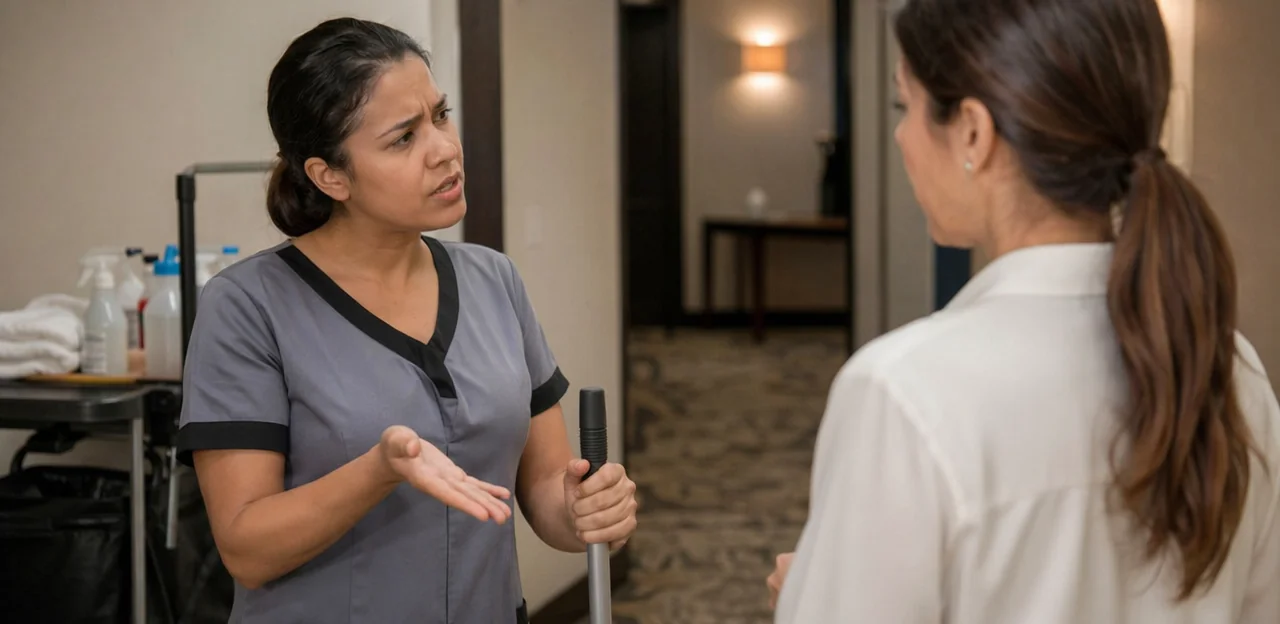
Broad ratings can create major customer satisfaction limitations when reviewing coworking cleanliness feedback. A single average score may look acceptable while hiding repeat issues in restrooms, kitchens, phone booths, or meeting rooms.
- Break down feedback by location, zone, and time of day
- Tag complaints by issue type, such as odors, supplies, spills, or trash
- Use cleanliness score analysis to compare hotspots across floors or sites
This helps operators find the real source of complaints and fix problems faster.
Ignoring qualitative comments and context
Numeric scores show what members felt, but not why. In coworking cleanliness feedback, open text, photos, and context often uncover the real issue:
- Member comments coworking can reveal patterns like “bins overflow after lunch” or “showers are clean, but supplies run out by 4 p.m.”
- Photos confirm severity, location, and repeat problems.
- Contextual notes such as time, zone, and occupancy strengthen qualitative feedback analysis and help teams fix root causes, not just symptoms.
Failing to act quickly or communicate progress
Collecting coworking cleanliness feedback without visible action can quickly erode trust. If members report overflowing bins, dirty kitchens, or neglected restrooms and hear nothing back, they may stop sharing useful input altogether.
- Build a clear feedback response strategy with response-time targets for cleaning issues.
- Acknowledge reports fast, even if the fix takes longer.
- Share status updates through signage, apps, or staff messages.
This kind of transparent guest experience management shows members their feedback leads to real improvements.
Conclusion
Ultimately, maintaining a high standard of hygiene in shared work environments is not just about appearance, it is a direct driver of member satisfaction, retention, and trust. The most effective operators do more than schedule cleaning rounds; they build a system for collecting and acting on coworking cleanliness feedback at the moments that matter most. That means tracking feedback by location, time of day, issue type, recurrence, resolution speed, and member sentiment across high-traffic areas such as restrooms, kitchens, meeting rooms, lounges, and phone booths.
When coworking cleanliness feedback is gathered consistently, patterns become easier to spot, teams can respond faster, and recurring issues can be addressed before they damage the overall member experience. Just as importantly, closing the loop with members shows that their input leads to visible improvements.
The next step is to audit your current feedback process: identify your highest-risk cleanliness touchpoints, define the metrics you want to monitor, and make it easy for members to report issues in real time. You may also want to explore tools such as Tapsy, which can help coworking operators collect instant, touchpoint-based feedback without adding friction.
If you want cleaner spaces and stronger member loyalty, start treating coworking cleanliness feedback as an operational KPI, not an afterthought.
Frequently Asked Questions
- Why is cleanliness feedback so important in coworking spaces?
Cleanliness shapes first impressions, daily comfort, and trust in the workspace. It also affects whether members stay, renew, recommend the space, or leave negative reviews. Small lapses in visible areas can quickly damage the overall perception of the brand.
- Which areas should coworking operators track most closely for cleanliness?
Operators should monitor restrooms, kitchens, lounges, hot desks, private offices, meeting rooms, phone booths, and reception areas. These spaces are highly visible and often used throughout the day. Tracking them separately makes it easier to find where standards are slipping.
- What cleanliness issues are commonly overlooked in shared workspaces?
Frequently missed issues include empty soap dispensers, wet restroom floors, dirty mugs, food spills, fridge clutter, leftover meeting room trash, odors, overflowing bins, and sticky shared desks. These problems often show up in comments more than in summary dashboards. They are especially noticeable during busy periods or after events.
- Should operators use one overall cleanliness score or separate scores by space type?
Separate scores by space type are more useful than one overall rating. A single average can hide recurring problems in specific zones such as kitchens or phone booths. Zone-level scoring helps teams improve schedules, staffing, supplies, and inspections more precisely.
- What core cleanliness metrics should be tracked besides satisfaction scores?
Operators should track issue frequency, issue severity, and cleaning response time. Frequency shows where problems happen repeatedly, severity helps prioritize risk, and response time shows how quickly teams acknowledge and resolve issues. Together, these metrics give a clearer operational picture than complaint volume alone.
- How should cleanliness feedback be segmented to reveal useful patterns?
Feedback should be reviewed by daypart, weekday, occupancy level, floor or zone, site, and member type. This helps uncover hidden friction points such as lunch-hour kitchen messes or one underperforming floor. Segmentation supports smarter staffing, cleaning schedules, and resource allocation.
- What are the best ways to collect cleanliness feedback from members and guests?
Useful channels include post-visit email or SMS surveys, kiosk prompts, QR codes at touchpoints, and member app forms. The most effective methods are quick, simple, and placed close to the moment of experience. Short forms, clear categories, and optional anonymity can help increase response rates.
- How can staff observations improve cleanliness tracking?
Community managers, cleaners, and reception staff often notice recurring issues before members formally report them. Their walk-through notes, photo logs, and informal member comments add context to survey data. Combining staff input with member feedback helps verify patterns and prioritize action faster.
- Should operators include reviews and support tickets in cleanliness analysis?
Yes, because cleanliness feedback often appears across public and private channels. Online reviews, help-desk requests, chat messages, and front-desk comments can all reveal repeated issues by location, time, and severity. Reviewing these sources together helps identify patterns that a single channel might miss.
- How can operators decide which cleanliness problems to fix first?
A simple priority framework should rank issues by frequency, severity, visibility, and member impact. High-traffic and high-risk problems such as spills, odors, sanitation failures, or recurring restroom complaints should be addressed before minor cosmetic issues. This approach helps separate quick wins from deeper systemic problems.
- What should a coworking cleanliness standard include?
A strong standard should define what clean means for each zone and assign clear ownership for action. It should include zone-based checklists, inspection schedules, vendor expectations, escalation paths for urgent issues, and named responsibilities across operations, facilities, and community teams. Clear standards improve accountability and consistency.
- How should operators close the feedback loop with members?
They should acknowledge reports quickly, explain what action is being taken, and share realistic timelines for resolution. Once the issue is fixed, they should communicate the improvement through email, app updates, signage, or community channels. Visible follow-up builds trust and reduces repeat complaints.
- What KPIs belong on a cleanliness feedback dashboard?
A practical dashboard should include cleanliness CSAT by space type, complaint volume, repeat issue rate, resolution time, inspection pass rate, and location-level performance. These KPIs help teams connect member sentiment with operational execution. They also make it easier to compare shifts, zones, and sites.
- How should multi-location coworking operators benchmark cleanliness fairly?
They should use the same core metrics across all sites, including restroom cleanliness, kitchen condition, waste overflow, odor, supply availability, and response time. Results should then be segmented by building, floor, vendor, shift, and daypart, while also considering occupancy and footfall. This creates fairer comparisons and helps share best-performing routines.
- What mistakes should operators avoid when tracking cleanliness feedback?
Common mistakes include relying only on overall satisfaction scores, ignoring comments and photos, and failing to act or communicate progress quickly. Broad averages can hide problem zones, while qualitative feedback often explains the real cause of complaints. Without visible action, members may lose trust and stop reporting issues.