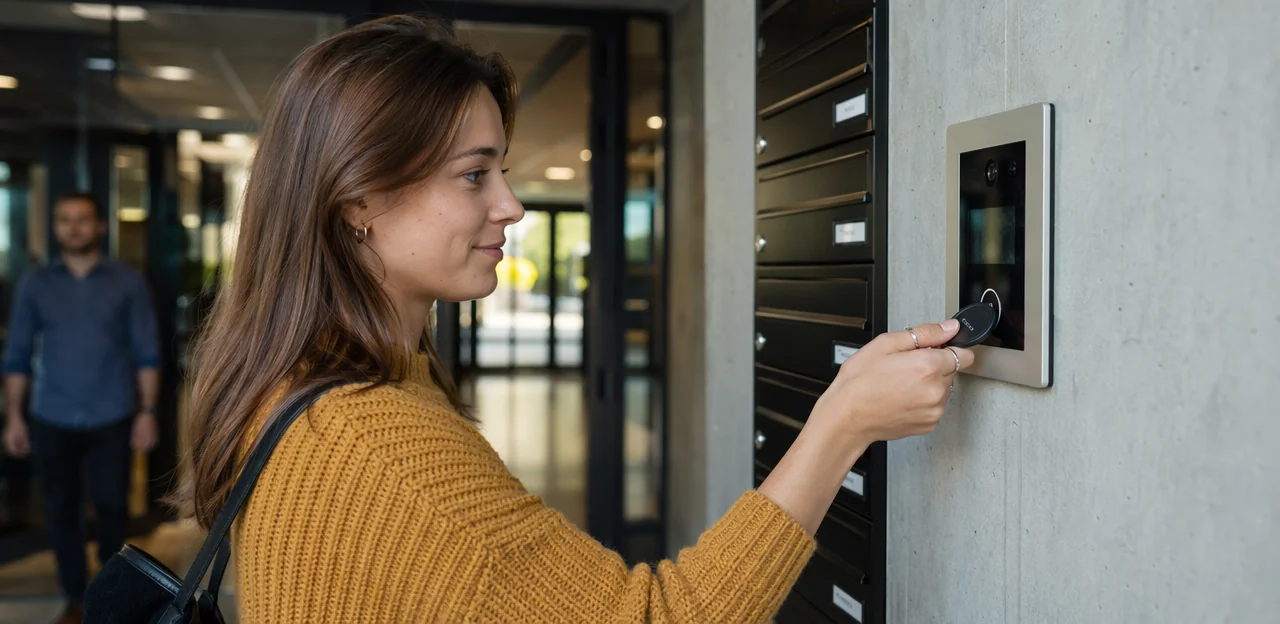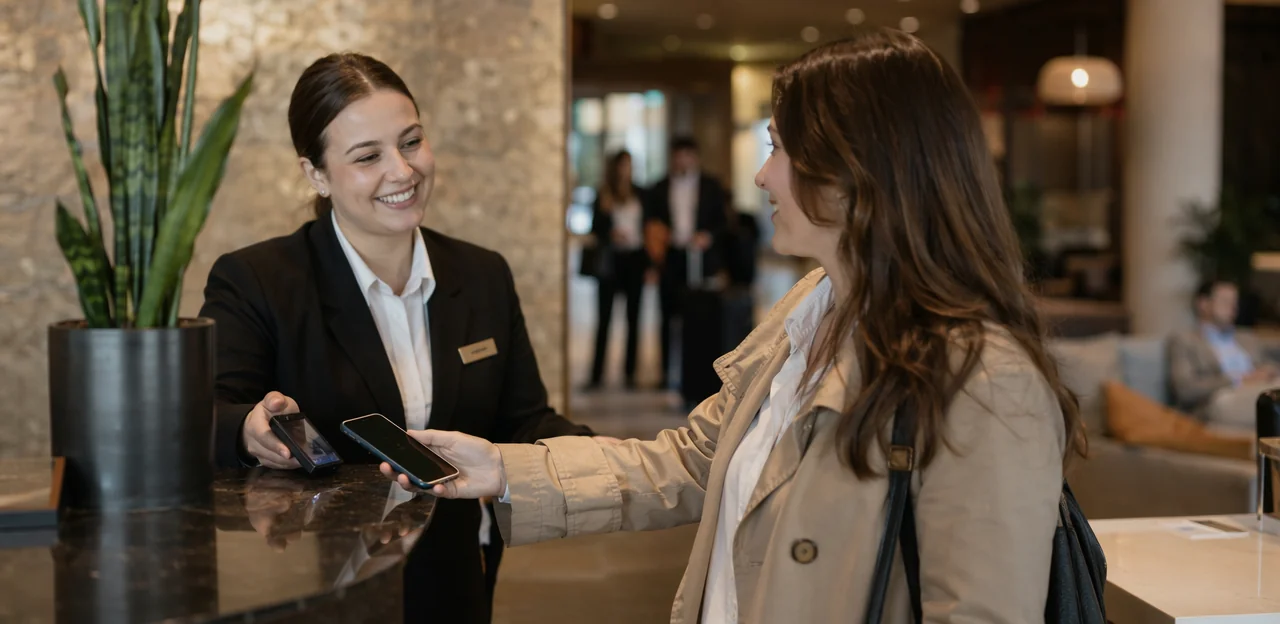
In hospitality, timing shapes everything, especially when it comes to understanding the guest experience. By the time a diner leaves, a hotel guest checks out, or an event attendee heads home, valuable impressions can already be lost. That is why tap to feedback is quickly emerging as a smarter way to capture customer feedback in the moment, right where the experience happens.
Using NFC and QR touchpoints, restaurants, hotels, and event venues can turn a simple tap into an instant feedback form, making it easier for guests to share user feedback without downloading an app or filling out a lengthy survey later. This shift is changing how businesses approach customer feedback surveys, moving from delayed outreach to real-time engagement that feels effortless for the guest and actionable for the operator.
More than just convenience, a modern guest feedback tool or guest feedback software can help hospitality brands spot service issues faster, improve satisfaction, and uncover trends across multiple touchpoints. In this article, we will explore how tap-to-feedback systems work, why they are becoming essential customer feedback tools in accommodation and hospitality settings, and how AI and analytics are helping teams turn everyday responses into better service, stronger loyalty, and smarter operational decisions.
Why Tap to Feedback Matters in Hospitality
The shift from delayed surveys to instant guest feedback
Traditional customer feedback surveys sent by email or SMS often arrive after the experience, when details are forgotten and response rates drop. In hospitality, timing matters. Tap to feedback captures reactions in the moment—during a hotel stay, right after a meal, or as guests leave an event—when impressions are still fresh and useful.
Why this matters:
- Faster insight: Teams can spot service issues immediately and act before negative experiences escalate.
- Less friction: A quick tap or scan opens a simple feedback form, reducing effort for guests.
- Higher completion rates: Real-time prompts outperform delayed customer feedback requests.
- Better decisions: Fresh user feedback gives clearer context for operations, staffing, and service improvements.
A smart guest feedback tool or guest feedback software also helps businesses collect more actionable data than many traditional customer feedback tools.
Where NFC touchpoints fit into the guest journey
Tap to feedback works best when it appears exactly where the experience happens. Well-placed NFC & QR touchpoints let guests open a feedback form in seconds, turning every interaction into useful customer feedback.
- Restaurant tables and menus: Capture reactions to food, service, and wait times while the visit is still fresh.
- Reception desks: Use a quick guest feedback tool at check-in or checkout to measure arrival and departure experience.
- Room cards or in-room signage: Prompt hotel guests to share housekeeping, comfort, or amenity feedback in the moment.
- Self-service kiosks: Trigger short customer feedback surveys after ordering or check-in.
- Event signage and booths: Collect real-time user feedback on sessions, queues, and venue flow.
This placement strategy helps guest feedback software and other customer feedback tools collect higher-quality responses at the point of experience.
Benefits for restaurants, hotels, and event venues
A tap to feedback setup helps each hospitality business collect timely insights at the exact moment of service, making guest feedback software far more actionable than delayed outreach.
- Restaurants: Use a guest feedback tool at tables, counters, or exits to monitor food quality, wait times, order accuracy, and staff friendliness. Quick customer feedback surveys can highlight menu issues before negative reviews spread.
- Hotels: Place a digital feedback form at check-in desks, in rooms, or near elevators to track arrival experience, room cleanliness, amenities, and staff responsiveness. This helps teams act on user feedback while guests are still on-site.
- Event venues: Deploy customer feedback tools across entrances, bars, seating zones, and restrooms to measure venue flow, service speed, and crowd satisfaction.
Used well, customer feedback drives faster fixes, better service, and stronger loyalty.
How Tap to Feedback Works

The basic NFC feedback flow
The tap to feedback journey is designed to be effortless for guests and fast for operators:
- Tap or scan the touchpoint: A guest taps their phone on an NFC-enabled stand or uses the QR backup.
- Open a mobile-friendly feedback form: The page launches instantly in the browser, with no app download, login, or account creation.
- Answer a few quick questions: Short customer feedback surveys can capture ratings, comments, and simple sentiment in seconds.
- Submit and complete: The guest sends customer feedback immediately, giving teams real-time insight while the experience is still fresh.
For hospitality venues, this makes a guest feedback tool far more accessible than email follow-ups. The best guest feedback software keeps forms short, mobile-first, and location-specific, turning more taps into useful user feedback and better results from customer feedback tools.
Pairing NFC with QR and mobile-first design
Hospitality brands often combine NFC & QR touchpoints because guests use different devices, settings, and habits. A true tap to feedback journey should feel instant, whether someone prefers tapping a phone or scanning a code. This reduces friction and increases completion rates for user feedback and customer feedback surveys.
- NFC enables speed: a quick tap opens the feedback form with minimal effort.
- QR adds universal access: ideal for older phones, camera-first users, or guests with NFC disabled.
- Mobile-first design matters: short pages, large buttons, and fast loading improve customer feedback capture.
- Better reach, better data: combining both options helps a guest feedback tool or guest feedback software collect more responses across restaurants, hotels, and events.
For best results, keep forms short, contextual, and optimized for mobile customer feedback tools.
Using AI and analytics to turn responses into action
With tap to feedback, every scan or tap can feed AI & analytics that turn raw comments into operational next steps. Modern guest feedback software and customer feedback tools help hospitality teams act faster by:
- Categorizing sentiment automatically across ratings, open-text comments, and each feedback form
- Spotting recurring issues such as slow check-in, room cleanliness, food delays, or event queue problems
- Routing urgent complaints instantly to the right team so staff can recover service before a guest leaves
- Surfacing trends from customer feedback surveys, user feedback, and broader customer feedback to guide staffing, training, and service changes
The best guest feedback tool turns high-volume responses into dashboards, alerts, and clear priorities—helping restaurants, hotels, and events make faster, smarter decisions from real guest insight.
Best Use Cases by Hospitality Segment
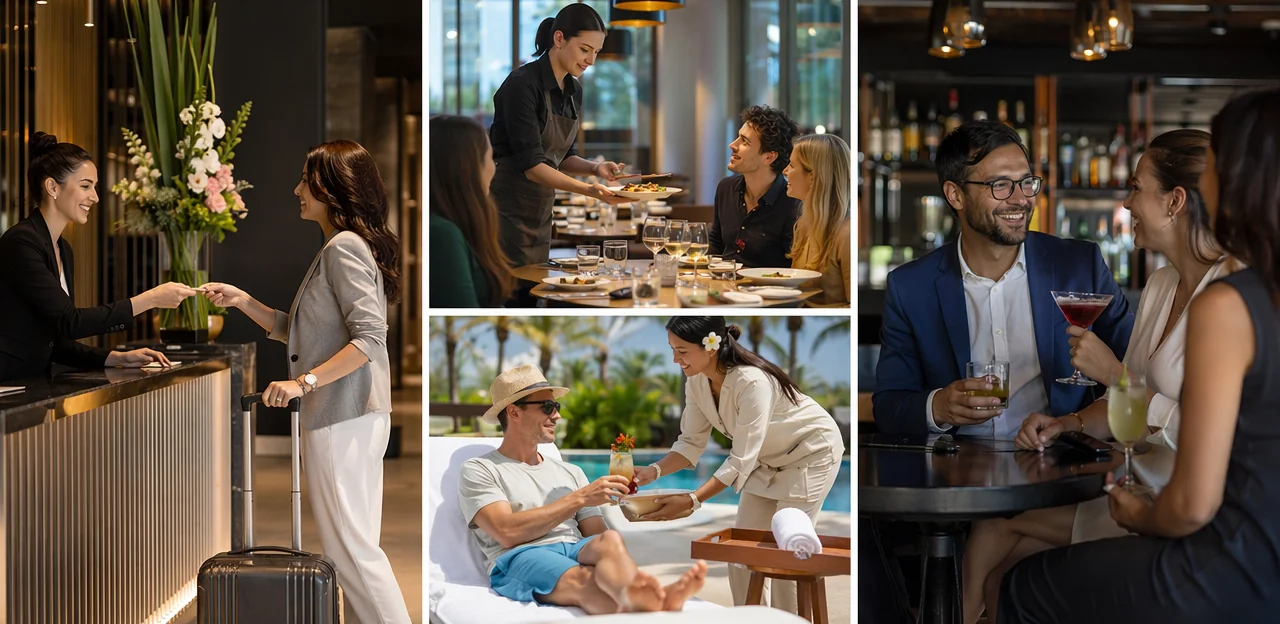
Restaurants: table service, takeaway, and payment touchpoints
Restaurants can use tap to feedback at the moments that matter most: after ordering, during table service, and at payment. Placing NFC or QR touchpoints on tables, pickup counters, receipts, and card terminals makes customer feedback surveys fast and frictionless, increasing response rates while the experience is still fresh.
- After ordering: Use a short feedback form to measure wait-time expectations, ordering ease, and first impressions.
- During table service: Capture user feedback on food temperature, taste, cleanliness, and staff attentiveness before issues escalate.
- At payment or takeaway pickup: Ask for quick ratings on value, speed, packaging, and overall satisfaction.
A well-designed guest feedback tool or guest feedback software helps teams spot trends, improve service speed, and coach staff using real-time customer feedback. Modern customer feedback tools, including platforms like Tapsy, also help restaurants act on insights immediately.
Hotels: check-in, rooms, amenities, and checkout
Hotels can use tap to feedback at every key touchpoint to track the full guest experience, not just the final impression. Place an NFC/QR guest feedback tool where feedback is easiest to give in the moment:
- Front desk/check-in: capture first impressions, wait times, and staff helpfulness with short customer feedback surveys.
- In-room: use a simple feedback form to gather user feedback on cleanliness, comfort, noise, and amenities.
- Spa, gym, and breakfast areas: measure service quality, facility condition, and product satisfaction with targeted customer feedback prompts.
- Checkout: ask what shaped the stay overall and identify issues before guests leave public reviews.
This approach helps hotels use guest feedback software and other customer feedback tools to spot problems faster, improve service recovery, and optimize each stage of the stay.
Events: registration, sessions, catering, and venue experience
For events, tap to feedback helps organizers capture user feedback exactly where experiences happen, so issues can be fixed during the event, not after it ends. Place NFC or QR touchpoints at key moments to turn quick reactions into actionable insight.
- Registration desks: use a simple feedback form to measure check-in speed, staff helpfulness, and queue flow.
- Breakout rooms: collect session ratings, speaker feedback, and topic relevance through short customer feedback surveys.
- Exhibitor booths: gather interest signals, product impressions, and lead quality with fast customer feedback tools.
- Food stations: track wait times, menu satisfaction, and dietary experience using a guest feedback tool.
- Exits: capture overall customer feedback on venue comfort, signage, and event value.
This real-time guest feedback software helps teams adjust staffing, catering, room setup, and attendee flow immediately.
How to Design High-Converting Feedback Experiences

Keep the feedback form short, relevant, and contextual
A strong tap to feedback strategy depends on keeping the feedback form fast and specific. Guests are far more likely to complete customer feedback surveys when they see only 2–4 questions tied to their exact moment of interaction.
- Ask location-based questions: a restaurant table can prompt food and service ratings, while a hotel room can focus on cleanliness, comfort, and amenities.
- Use one primary rating question, then one optional follow-up for richer user feedback.
- Avoid generic forms; contextual prompts improve customer feedback quality and reduce drop-off.
- Let your guest feedback tool adapt by touchpoint, time, or service type.
The best guest feedback software and customer feedback tools make each survey feel timely, relevant, and effortless.
Ask the right questions for service recovery and insights
A strong tap to feedback flow should collect specific, actionable customer feedback rather than vague impressions. Use a short, structured feedback form that helps teams spot issues fast and improve service.
- Ratings: Ask for a simple score on cleanliness, speed, friendliness, or food quality to make customer feedback surveys easy to complete.
- NPS-style prompts: Use “How likely are you to recommend us?” to measure loyalty and compare trends over time.
- Open comments: Add one optional text box to capture detailed user feedback in the guest’s own words.
- Issue flags: Include quick options like “room problem,” “slow service,” or “billing issue” so a guest feedback tool or guest feedback software can trigger rapid service recovery.
This approach helps customer feedback tools turn responses into clear operational insights.
Optimize placement, timing, and incentives
To boost tap to feedback participation, make the request feel helpful, not disruptive. The best results come from placing NFC tags where guests naturally pause and are most ready to respond.
- Place tags at high-intent touchpoints: table tents, check presenters, hotel room desks, reception counters, elevators, exits, and event booths.
- Match timing to the moment: trigger customer feedback surveys right after a meal, check-in, service interaction, or session while the experience is still fresh.
- Keep the flow short: a simple feedback form with 1–3 questions improves completion and captures useful user feedback.
- Use light incentives: offer a small perk like a discount, loyalty point, or instant entry into a prize draw.
When paired with the right guest feedback tool or guest feedback software, these customer feedback tools strengthen guest experience and increase meaningful customer feedback.
Choosing the Right Guest Feedback Software

Core features hospitality teams should look for
When choosing tap to feedback technology, hospitality teams should prioritize a guest feedback software platform that is fast, flexible, and easy for both guests and staff to use. Key capabilities include:
- Mobile-responsive design so every feedback form works smoothly on any phone.
- Multilingual support to capture customer feedback from international guests without friction.
- Role-based alerts that instantly notify the right team when urgent user feedback or service issues appear.
- Dashboard reporting with clear trends, sentiment, and location-level insights from customer feedback surveys.
- Integrations with PMS, CRM, POS, and loyalty systems to turn a guest feedback tool into action.
- Flexible survey logic that adapts questions by venue, visit type, or rating.
The best customer feedback tools make feedback immediate, measurable, and operationally useful.
Analytics, automation, and integration considerations
The most effective tap to feedback programs do more than collect responses—they connect your customer feedback tools to the systems your team already uses. When a guest feedback tool integrates with CRM, PMS, POS, help desk, and marketing platforms, every feedback form becomes actionable.
- CRM integration: turns customer feedback and user feedback into richer guest profiles for segmentation and follow-up.
- PMS/POS connection: links customer feedback surveys to stay data, spend, location, or service moment for clearer context.
- Help desk automation: instantly routes negative feedback to the right team for fast service recovery.
- Marketing sync: triggers thank-you offers, review requests, or win-back campaigns.
With strong AI & analytics, guest feedback software can spot trends, prioritize issues, and help teams close the loop quickly.
Privacy, consent, and operational rollout
To scale tap to feedback responsibly, hospitality teams need clear privacy rules, simple consent language, and a practical launch plan. Whether using a guest feedback tool or full guest feedback software, trust should be built into every touchpoint.
- Make consent explicit: Before any feedback form or reward capture, explain what data is collected, why it’s needed, and how long it’s stored.
- Minimize data collection: Gather only what supports customer feedback surveys and service improvement.
- Train staff well: Teams should know how to explain the process, reassure guests, and escalate privacy concerns.
- Plan deployment carefully: Start with high-traffic touchpoints, test response rates, and refine customer feedback tools using real user feedback and customer feedback trends.
Measuring Success and Turning Feedback Into Better Experiences

Key metrics to track after launch
After launching a tap to feedback program, monitor the KPIs that show whether your guest feedback tool is actually improving service and revenue:
- Tap rate: How many guests tap or scan the NFC/QR point versus total footfall.
- Survey completion rate: Measures how many guests finish your customer feedback surveys after opening the feedback form.
- Satisfaction score: Track CSAT, NPS, or CES to quantify customer feedback trends.
- Issue resolution time: How quickly teams respond to negative user feedback.
- Repeat visit intent: Measure whether guests say they would return.
- Review uplift: Compare public review volume and ratings before and after launch.
The best guest feedback software and customer feedback tools make these metrics easy to track in one dashboard.
How teams can act on insights in real time
With tap to feedback, teams can turn in-the-moment responses into immediate action instead of waiting for post-visit reviews. A strong guest feedback tool surfaces live alerts, trend dashboards, and location-specific insights so staff can protect the guest experience while the customer is still on-site.
- Send instant alerts when low ratings or negative user feedback appear, so frontline teams can resolve issues before checkout, table turnover, or event close.
- Use dashboards to spot recurring themes from customer feedback surveys, such as slow service, cleanliness, or queue delays.
- Recognize staff wins by highlighting positive customer feedback tied to shifts, teams, or service areas.
- Improve standards by turning each feedback form response into coaching actions within your guest feedback software and other customer feedback tools.
Building a continuous improvement loop
A strong tap to feedback strategy turns every stay, meal, or event visit into a repeatable learning cycle. With the right guest feedback software or guest feedback tool, hospitality teams can collect user feedback in the moment, spot patterns, and act before small issues affect loyalty.
- Use simple NFC or QR feedback form prompts at key touchpoints.
- Review customer feedback surveys weekly to identify service, staffing, or amenity trends.
- Segment customer feedback by location, room type, table zone, or event area.
- Assign follow-up actions and measure whether changes improve scores over time.
This approach helps brands refine touchpoints, personalize service, and use customer feedback tools to build stronger long-term guest loyalty.
Conclusion
In a market where speed, convenience, and personalization shape every guest interaction, tap to feedback offers a smarter way to capture insights the moment an experience happens. For restaurants, hotels, and events, NFC-enabled touchpoints make it easy to replace ignored emails and delayed customer feedback surveys with instant, low-friction responses. The result is more actionable customer feedback, stronger service recovery, and a better overall guest experience.
More than a simple feedback form, a modern guest feedback tool helps businesses collect user feedback across key touchpoints, uncover trends, and respond faster to operational issues. When paired with the right guest feedback software or broader customer feedback tools, tap to feedback can support loyalty, improve satisfaction, and turn everyday interactions into measurable business intelligence.
The next step is to evaluate where feedback matters most in your journey: tables, check-in desks, hotel rooms, exits, or event stations. Then choose guest feedback software that supports NFC and QR touchpoints, real-time analytics, and easy-to-launch customer feedback surveys. If you’re ready to modernize your feedback strategy, explore solutions like Tapsy or compare platforms that fit your operational goals. Start with one high-impact location, measure response rates, and scale your tap to feedback program with confidence.
Frequently Asked Questions
- What is tap to feedback in hospitality?
Tap to feedback is a way for guests to open a feedback form instantly by tapping an NFC touchpoint or scanning a QR code. It helps restaurants, hotels, and event venues collect feedback in the moment, without requiring an app download or long follow-up survey.
- Why is real-time guest feedback better than delayed email or SMS surveys?
Real-time feedback captures impressions while the experience is still fresh, so details are more accurate and useful. It also reduces friction and can improve completion rates compared with surveys sent after guests have left.
- How does an NFC feedback flow typically work?
A guest taps an NFC-enabled stand or scans a QR code, which opens a mobile-friendly feedback form in the browser. They answer a few short questions and submit their response immediately, giving teams timely insight while the guest is still on-site.
- Why should venues use both NFC and QR touchpoints?
Using both options gives guests a faster and more flexible way to respond based on their device and preferences. NFC supports quick taps, while QR helps guests with older phones, camera-first habits, or disabled NFC settings.
- Where should restaurants place tap-to-feedback touchpoints?
Restaurants can place them on tables, menus, pickup counters, receipts, card terminals, and exits. These locations help capture feedback on food quality, wait times, service, packaging, and overall satisfaction at the moments that matter most.
- What are the best hotel touchpoints for collecting guest feedback?
Useful hotel locations include the front desk at check-in or checkout, in-room signage or room cards, and amenity areas such as the spa, gym, or breakfast space. These touchpoints help gather feedback on arrival, cleanliness, comfort, amenities, and staff responsiveness.
- How can event venues use tap to feedback during live experiences?
Event teams can place touchpoints at registration desks, breakout rooms, exhibitor booths, food stations, and exits. This makes it easier to measure check-in speed, session quality, queue flow, catering satisfaction, and overall venue experience while the event is still running.
- How many questions should a mobile feedback form include?
A strong form should usually stay short, with about 2 to 4 questions tied to the specific touchpoint. Keeping it brief and contextual helps reduce drop-off and makes responses more relevant for service improvement.
- What types of questions should hospitality teams ask?
Good forms combine a simple rating question with an optional open comment for more detail. Teams can also use NPS-style prompts and issue flags such as slow service, room problem, or billing issue to support faster service recovery.
- How do AI and analytics help turn feedback into action?
AI and analytics can categorize sentiment, detect recurring issues, and surface trends across ratings and comments. They can also route urgent complaints to the right team quickly, helping staff respond before a guest leaves.
- What features should businesses look for in guest feedback software?
Important features include mobile-responsive forms, multilingual support, role-based alerts, dashboard reporting, integrations, and flexible survey logic. These capabilities help teams collect feedback easily and turn it into operational decisions.
- Which integrations are useful for a tap-to-feedback system?
Helpful integrations include CRM, PMS, POS, help desk, marketing, and loyalty systems. These connections add context to responses, support faster follow-up, and make feedback more actionable across the guest journey.
- How should hospitality teams handle privacy and consent?
Consent should be clear before collecting data or offering rewards, with a simple explanation of what is collected, why it is needed, and how long it is stored. Teams should also minimize data collection, train staff to answer concerns, and roll out the program carefully.
- What metrics show whether a tap-to-feedback program is working?
Key metrics include tap rate, survey completion rate, satisfaction scores such as CSAT, NPS, or CES, issue resolution time, repeat visit intent, and review uplift. Tracking these measures helps teams see whether feedback collection is improving service and guest outcomes.
- What is the best way to launch and scale tap to feedback?
Start with one high-impact location where guests naturally pause, such as a table, check-in desk, room, or exit. Measure response rates, review trends, refine the form and placement, and then expand to more touchpoints with confidence.