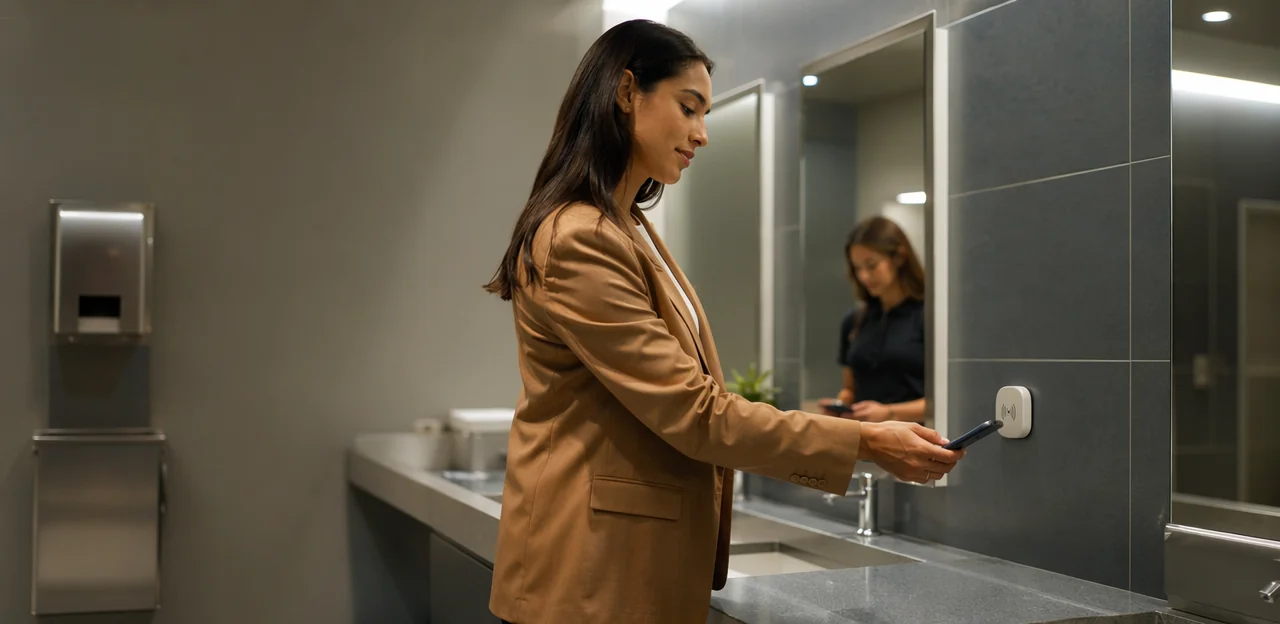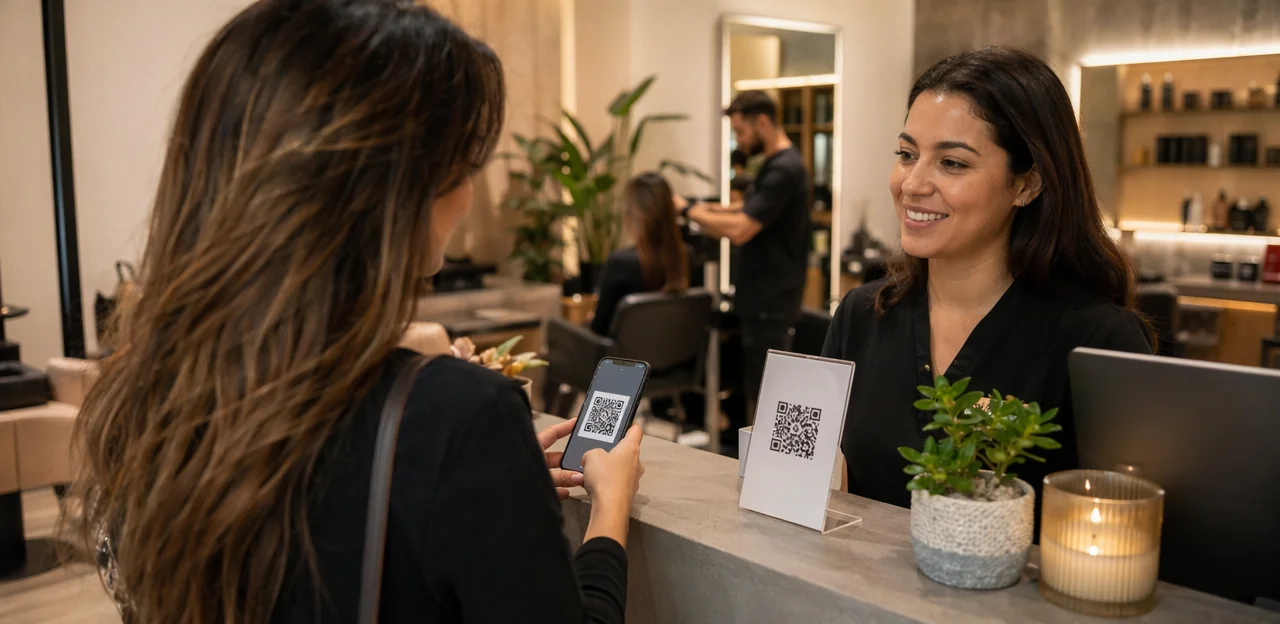
A great salon experience is built on more than beautiful results—it’s shaped by how clients feel at every touchpoint, from booking and check-in to the final mirror reveal. But getting honest, timely feedback can be a challenge when clients are busy, staff are moving fast, and traditional surveys often go ignored. That’s where a salon feedback QR code can make a real difference.
By placing simple QR touchpoints at reception, styling stations, checkout counters, or even on appointment cards, salons can make it effortless for clients to share their thoughts in the moment. The result is faster insights, more useful feedback, and a better chance to address small issues before they turn into lost loyalty or negative online reviews.
In this article, we’ll explore simple, practical ways salons can use QR-based feedback to improve client experience, understand service quality at specific touchpoints, and encourage more responses without adding friction. We’ll also look at how real-time feedback can help teams spot trends, recover service issues quickly, and build stronger long-term relationships with clients. For salons looking for a no-app way to collect in-the-moment feedback, solutions like Tapsy can also support a smoother, more responsive client experience.
Why salons should use QR feedback touchpoints

What a salon feedback QR code is and how it works
A salon feedback QR code is a scannable code placed at key touchpoints, such as the reception desk, mirror station, checkout counter, or appointment card. It gives clients a fast, no-app way to share their experience while it is still fresh.
Here’s how QR code feedback usually works:
- A client finishes their service.
- They scan the code with their phone camera.
- A page opens instantly with one of these options:
- a short feedback form
- a Google review page
- a quick star-rating flow
- The salon receives feedback right away and can respond quickly.
For a client feedback salon setup, keep the flow simple: ask 1–3 questions, allow an optional comment, and make it mobile-friendly. Tools like Tapsy can help salons collect real-time feedback at the right moment.
Why QR codes reduce friction in the feedback process
A salon feedback QR code makes it much easier for clients to respond while their experience is still fresh. Instead of asking them to search for your website later or remember a long URL, you give them one quick action: scan and share.
- No website hunting: Clients do not need to look up your salon online after they leave.
- No app download: A customer feedback QR code opens instantly in the browser, reducing drop-off.
- No forgotten links: The mobile feedback form appears right away, so there is less chance they delay and never respond.
- Better in-the-moment feedback: Place codes at checkout, styling stations, or reception to collect easy feedback for salons before clients walk out.
Tools like Tapsy can support this no-app, real-time approach.
Business benefits for salons and wellness brands
Using a salon feedback QR code gives salons a simple, low-friction way to improve operations and the overall salon client experience. Key benefits include:
- More responses: Clients are more likely to share feedback when they can scan and respond in seconds before leaving.
- Faster issue detection: Real-time comments help teams spot problems with wait times, cleanliness, staff communication, or treatment quality before they turn into public complaints.
- Stronger online reputation: A smart salon review strategy can guide happy clients toward leaving reviews, while unhappy clients are routed to private feedback first.
- Improved retention: Acting quickly on concerns boosts trust and supports better customer satisfaction salon outcomes.
- Better service insights: Track patterns by stylist, service, shift, or location to make smarter staffing and training decisions.
Tools like Tapsy can help automate this process across touchpoints.
Best places to use QR codes in the salon journey
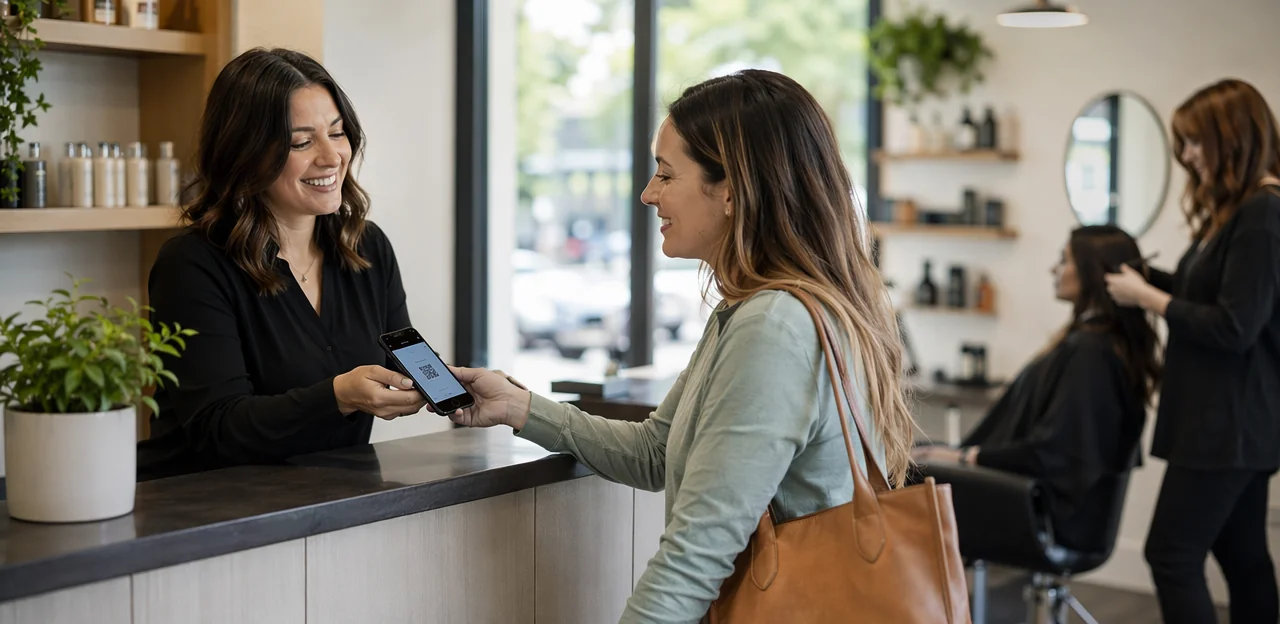
At checkout, reception, and payment stations
Front-desk touchpoints are ideal for a salon feedback QR code because clients are already pausing to pay, rebook, or check their look one last time. A well-placed salon checkout QR code captures honest impressions while the appointment is still fresh.
- Place codes beside card readers so clients can scan during payment without adding friction.
- Add a reception feedback QR at the appointment desk where guests confirm their next booking.
- Position one near mirrors so clients can share immediate reactions to the cut, color, or treatment results.
- Keep the survey short: 1–3 rating questions plus an optional comment field works best for post-appointment feedback.
- Train front-desk staff to invite quick scans naturally: “If you have 20 seconds, we’d love your feedback.”
Tools like Tapsy can help route responses instantly and flag issues before they become public reviews.
On mirrors, styling stations, and product displays
The best salon feedback QR code placements feel like part of the space, not an extra task. Use small, elegant prompts where clients naturally pause and look around.
- Mirrors: Add a discreet salon signage QR code in the corner with a line like “How’s your experience so far?” This works well during processing time without interrupting service.
- Styling stations: Place an in-salon QR code near tools, tablets, or payment trays so clients can leave styling station feedback while viewing the final result.
- Product displays: Add a code beside featured retail shelves for quick comments on recommendations, product availability, or checkout experience.
Keep signage simple: one clear CTA, a fast rating option, and an optional comment box. Tools like Tapsy can help make this flow quick and natural.
On receipts, booking confirmations, and follow-up messages
A salon feedback QR code should not stop at the front desk. Digital and printed touchpoints keep the feedback window open after the appointment, when clients have had time to reflect on the service.
- Add a receipt QR code feedback link to printed receipts and digital invoices so clients can respond in seconds.
- Include an SMS feedback request salon message 1–3 hours after the visit, while the experience is still fresh.
- Send an email review request salon in booking confirmations, thank-you emails, and post-visit follow-ups.
- Place feedback links inside rebooking reminders to capture input before the next appointment.
Keep forms short, mobile-friendly, and tied to the specific service or stylist. Tools like Tapsy can help connect QR and follow-up feedback into one simple flow.
How to create a feedback flow clients will actually complete

Keep forms short, mobile-friendly, and specific
When a client scans a salon feedback QR code, they should reach a fast, friction-free form that takes less than a minute to complete. The best results usually come from a short customer survey salon owners can review quickly and act on right away.
Follow these salon survey best practices:
- Ask 3–5 focused questions only, such as service quality, staff friendliness, wait time, and cleanliness.
- Use clear rating scales like 1–5 stars or “Poor to Excellent” so clients can answer instantly.
- Keep one optional comment box for extra detail instead of requiring long written responses.
- Make sure the page is a true mobile-friendly feedback form with large buttons, readable text, and fast loading on any phone.
- Match questions to the visit type, such as haircut, color, nails, or massage, to keep feedback specific and useful.
Tools like Tapsy can help salons create quick, no-app feedback flows that respect the client’s time.
Ask the right questions for service quality and experience
To get useful responses from a salon feedback QR code, keep your survey short and focused on the moments clients remember most. Strong salon feedback questions include:
- Wait time: “How satisfied were you with your wait time today?”
- Staff friendliness: “How welcoming, attentive, and professional was our team?”
- Cleanliness: “How would you rate the cleanliness of the salon and treatment area?”
- Treatment results: “Did your haircut, color, facial, or other service meet your expectations?”
- Likelihood to return: “How likely are you to book with us again?”
For a better customer satisfaction survey salon setup, combine quick rating scales with one optional comment box. Ratings make trends easy to track, while open comments explain why a score was given. Use 4–5 core client experience questions, then add a final prompt like: “What could we improve?” This keeps feedback actionable without overwhelming clients.
Use incentives carefully without hurting trust
Incentives can help increase survey responses, but they should never feel like a bribe for praise. With a salon feedback QR code, the safest approach is to reward participation, not positive ratings.
- Offer small, neutral rewards such as:
- entry into a monthly giveaway
- loyalty points
- a future add-on discount
- Make the incentive available for all completed feedback, whether the response is positive, neutral, or negative.
- Keep wording ethical and clear: “Share your experience” works better than “Leave us a 5-star review.”
For strong ethical review requests, avoid tying rewards to public platform reviews if that could violate review-site policies. Instead, use incentives for private surveys first, then invite happy clients to post a public review separately and voluntarily.
Tools like Tapsy can support this by separating feedback collection from reward delivery, helping salons use feedback incentives salon strategies without adding pressure or bias.
Turning salon feedback into better reviews and retention

Separate private feedback from public review requests
A smart salon review funnel helps you protect reputation while improving service. With a salon feedback QR code, send every client into a short rating flow first, then route them based on satisfaction.
- Low ratings: direct unhappy clients to an internal form where they can explain issues privately. Ask about wait time, stylist communication, cleanliness, or result satisfaction.
- High ratings: invite happy clients to leave Google reviews salon prospects trust, with a direct link to your Google Business Profile.
- Add alerts: notify a manager immediately when negative feedback comes in so the team can follow up fast.
- Keep it simple: use 1–2 rating questions and one optional comment box.
This approach balances private feedback vs public reviews, helping salons recover problems early and generate more positive public proof.
Respond to issues quickly and recover service problems
A salon feedback QR code helps you catch problems while the visit is still fresh, giving your team a chance to act before a client quietly disappears. Fast service recovery salon processes can turn a disappointing appointment into proof that you care.
- Set alerts for low ratings so staff can respond to negative feedback within hours, not days.
- Contact the client personally, acknowledge the issue, and explain the next step clearly.
- Offer a practical fix such as a redo, adjustment, refund, or priority rebooking.
- Track complaint themes to spot repeat service gaps and coach staff.
Quick, thoughtful follow-up reduces churn, rebuilds trust, and supports stronger salon customer retention. Tools like Tapsy can help route low-score alerts in real time.
Use trends and patterns to improve operations
A salon feedback QR code works best when you review responses in batches, not one by one. Consistent themes in salon feedback analysis can show exactly where to improve salon operations and protect the client experience.
- Staffing gaps: Repeated comments about long waits or rushed appointments may signal understaffing during peak hours.
- Training needs: If clients mention uneven results, unclear consultations, or inconsistent service, use that feedback to guide coaching.
- Scheduling issues: Patterns around delayed starts or overbooked slots can help you adjust timing and booking rules.
- Service and upsell opportunities: Positive comments about specific treatments or add-ons reveal what to promote more often.
These client insights salon teams collect can turn feedback into smarter staffing, stronger service quality, and higher revenue.
Implementation tips, tools, and common mistakes to avoid

Choosing between static QR codes, dynamic QR codes, and NFC
For a salon feedback QR code, the right setup depends on how much flexibility and insight you want:
- Static QR codes: Best for simple, low-cost use. They link to one fixed form and work well for mirrors, reception desks, or checkout counters.
- Dynamic QR code salon setups: Better if you want easy edits, campaign changes, and stronger QR code tracking. You can update the destination without reprinting signs and measure scans by location or service area.
- NFC and QR touchpoints: Ideal for premium salons that want a smoother tap-or-scan experience at styling stations or product shelves.
If you want deeper tracking and a more polished client journey, dynamic QR plus NFC is usually the smartest choice.
Design, placement, and call-to-action best practices
To improve responses from a salon feedback QR code, keep the experience visible, branded, and effortless:
- Prioritize visibility: Place codes at checkout, styling stations, mirrors, reception, and waiting areas where clients naturally pause.
- Use strong salon QR code design: Match your brand colors, add a short headline, and include a clear frame so clients instantly know it’s for feedback.
- Write a simple QR code call to action: Use lines like “Share a quick thought in under a minute” or “Rate your visit in 30 seconds.”
- Focus on scan rate optimization: Test size, lighting, print quality, and phone compatibility before rollout.
- Keep the landing page short: One to three questions works best.
Mistakes that lower response rates or create poor experiences
Common QR code mistakes can quickly lead to a low survey response rate and frustrate clients instead of helping your salon improve. Avoid these customer feedback errors:
- Making surveys too long: Keep your salon feedback QR code flow to 1–3 quick questions plus an optional comment.
- Using broken or outdated links: Test every code regularly on iPhone and Android.
- Placing codes with weak signage: Add clear prompts like “Scan to rate today’s visit in 10 seconds.”
- Writing generic messaging: Be specific about why feedback matters and what happens next.
- Asking at the wrong moment: Don’t interrupt color processing or checkout stress; ask right after the service outcome is clear.
Measuring success and building a long-term feedback strategy

Key metrics to track for QR feedback campaigns
Track QR feedback metrics that show both response quality and business impact from each salon feedback QR code touchpoint:
- Scan rate: how many clients scan versus how many see the code
- Survey completion rate: percentage who finish the form after scanning
- Average rating: monitor service, staff, cleanliness, and wait-time scores
- Review volume: total feedback submissions and public review growth
- Repeat bookings: how often respondents return after leaving feedback
- Issue resolution time: how quickly low scores or complaints are handled
These salon KPI feedback points help refine placement, staff training, and follow-up.
How often to review results and update your approach
Keep your salon feedback QR code process simple and consistent:
- Weekly: Check responses for urgent issues like cleanliness, wait times, or staff concerns. This helps managers act fast and improve day-to-day service.
- Monthly: Review feedback reporting salon data for patterns, top complaints, and recurring praise. Use this to refine your customer experience strategy and adjust training, scheduling, or service menus.
- Quarterly: Compare longer-term salon management insights to measure whether changes are improving ratings, repeat visits, and client satisfaction.
If you use a tool like Tapsy, alerts can make weekly reviews even faster.
Creating a client-first culture around feedback
A client-first salon treats every response as a service cue, not just a score. To build a strong feedback culture around your salon feedback QR code, make feedback part of your daily salon customer experience strategy:
- Train staff to invite feedback warmly and respond without defensiveness.
- Be transparent by sharing common themes and the improvements made.
- Follow up consistently on low ratings or comments, so clients see action.
When clients notice their input shapes the experience, feedback becomes part of your brand promise, not just a survey.
Conclusion
In a busy salon, timing matters—and so does feedback. A well-placed salon feedback QR code makes it easy for clients to share their thoughts in the moment, whether they’re commenting on service quality, wait times, cleanliness, or their overall experience. That real-time insight helps salon owners spot patterns, fix small issues before they become negative reviews, and better understand what keeps clients coming back.
The biggest advantage is simplicity. Clients can scan, respond in seconds, and move on—no app, no friction, no lengthy survey. For salons, that means higher response rates, more honest feedback, and a clearer view of each touchpoint in the client journey. Over time, a salon feedback QR code can support stronger retention, improved staff coaching, and a more consistent client experience.
If you’re ready to put client insight to work, start by choosing a few high-visibility locations like reception, styling stations, and checkout areas. Keep your survey short, route low ratings for fast follow-up, and review trends regularly. If you want a no-app option for QR and NFC touchpoints, tools like Tapsy can help streamline the process.
The next step is simple: launch your salon feedback QR code, listen closely, and turn everyday feedback into better service and stronger loyalty.
Frequently Asked Questions
- What is a salon feedback QR code?
A salon feedback QR code is a scannable code placed at touchpoints like reception, styling stations, checkout counters, or appointment cards. When clients scan it with their phone camera, it opens a short feedback form, star-rating flow, or review page without requiring an app.
- How does QR feedback work in a salon setting?
The client finishes their service, scans the code, and lands on a mobile page with a simple feedback option. The salon receives the response right away, which makes it easier to react quickly to praise or problems.
- Why do QR codes make salon feedback easier for clients?
QR codes remove extra steps like searching for a website, typing a long URL, or downloading an app. Because the form opens instantly while the visit is still fresh, clients are more likely to respond before they leave.
- Where should a salon place feedback QR codes for the best response?
Strong placements include checkout counters, reception desks, mirrors, styling stations, product displays, receipts, and appointment-related messages. These spots work well because clients naturally pause there and can respond without much effort.
- What should a salon feedback form include?
Keep the form short, mobile-friendly, and specific to the visit. A simple setup is 1–3 quick rating questions or up to 3–5 focused questions, plus one optional comment box for extra detail.
- What are the most useful questions to ask salon clients?
Useful topics include wait time, staff friendliness, cleanliness, treatment results, and likelihood to return. Quick rating scales work best, and one final prompt such as asking what could be improved can make the feedback more actionable.
- Should salons offer incentives for feedback?
Incentives can be used carefully if they reward participation rather than positive ratings. Small neutral rewards like loyalty points, giveaway entries, or a future add-on discount are safer when they apply to all completed feedback.
- How can salons turn private feedback into better public reviews?
A smart approach is to send every client through a short rating flow first. Lower ratings can be routed to a private form for issue details, while higher ratings can be invited to leave a public review on Google.
- What should a salon do when it receives negative QR feedback?
The team should respond quickly, ideally within hours, while the experience is still fresh. A personal follow-up, clear acknowledgment, and a practical fix such as a redo, adjustment, refund, or priority rebooking can help recover trust.
- How can salons use feedback trends to improve operations?
Reviewing responses in batches can reveal patterns around wait times, staffing gaps, uneven results, unclear consultations, or scheduling issues. Those patterns can guide training, staffing decisions, booking adjustments, and service promotion.
- What is the difference between static and dynamic QR codes for salon feedback?
Static QR codes link to one fixed destination and are useful for simple, low-cost setups. Dynamic QR codes offer more flexibility because the destination can be changed without reprinting, and they support stronger tracking by location or service area.
- When does NFC make sense alongside QR codes in a salon?
NFC can be useful for salons that want a smoother tap-or-scan experience at styling stations or product shelves. It is presented as a more premium option, especially when paired with dynamic QR codes for a polished client journey.
- What design and call-to-action tips help more clients scan a salon QR code?
The code should be visible, branded, and placed where clients naturally stop, such as waiting areas, mirrors, reception, and checkout. Clear prompts like asking clients to rate their visit in under a minute can make the purpose obvious and improve scan rates.
- What common mistakes reduce salon QR feedback response rates?
Long surveys, broken links, weak signage, generic messaging, and poor timing can all reduce responses. It also helps to avoid asking during stressful or awkward moments, such as interrupting service or creating friction during payment.
- Which metrics should salons track to measure QR feedback success?
Useful metrics include scan rate, survey completion rate, average rating, review volume, repeat bookings, and issue resolution time. Reviewing urgent issues weekly, patterns monthly, and longer-term progress quarterly creates a more consistent feedback strategy.