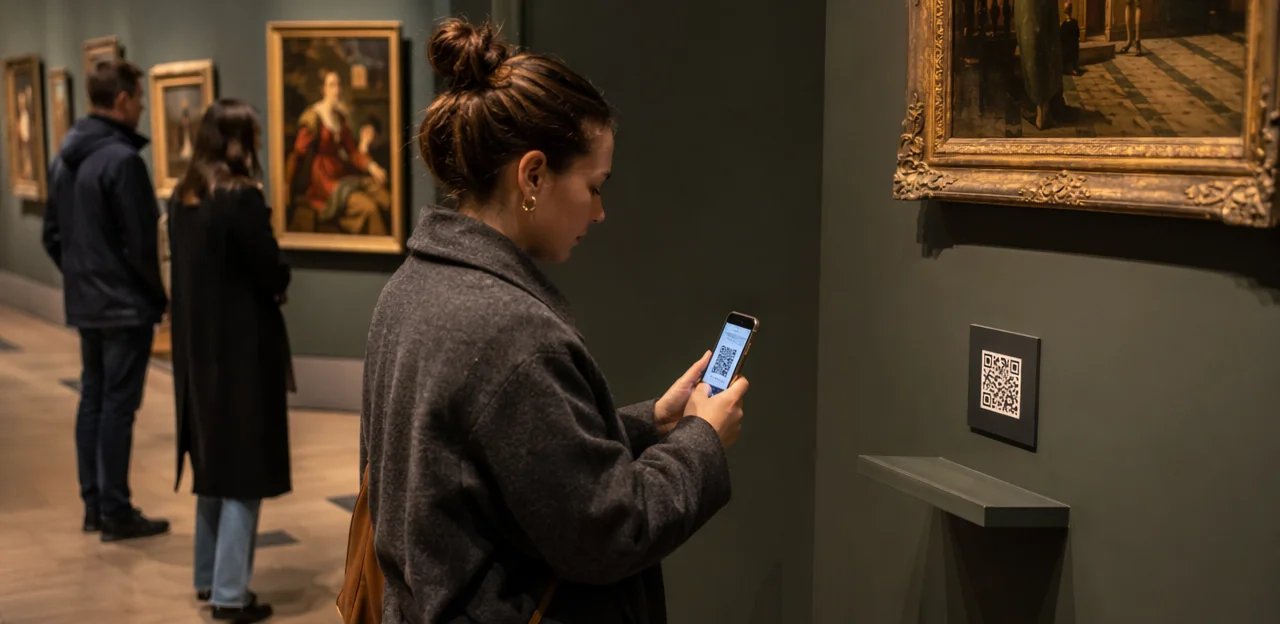
In museums and cultural attractions, every gallery, exhibit, and visitor touchpoint offers a chance to learn what audiences truly think. Yet traditional feedback methods often arrive too late or ask too much. A visitor feedback qr code changes that by making it easy for guests to share reactions in the moment, right where the experience happens. With a quick scan on a label, display, or exit panel, museums can capture timely insights that help improve exhibitions, services, accessibility, and overall audience engagement.
From simple qr code stickers placed beside installations to more durable custom qr code stickers designed for high-traffic spaces, these tools are becoming an increasingly practical part of visitor experience strategy. Decisions around qr code sticker size, placement, and qr code printing can directly affect scan rates, while choices such as qr code paper or weather-resistant materials matter for both indoor and outdoor use. Whether you want to print qr code stickers for temporary exhibitions or invest in a long-lasting qr code sticker solution across multiple venues, the right setup can turn passive observation into active participation.
This article explores how museums and attractions can use QR-based feedback effectively, what makes a code easy to notice and scan, and how AI and analytics can transform visitor responses into meaningful operational and curatorial improvements.
Why Museums Need a Visitor Feedback QR Code Strategy

The role of instant feedback in modern visitor experience
Museums and attractions need faster, lower-friction ways to hear from visitors while impressions are still fresh. A visitor feedback qr code placed at exits, galleries, cafés, and ticket desks makes it easy to capture real-time opinions during or immediately after a visit, improving both audience experience and customer experience.
- Gather in-the-moment feedback before details are forgotten
- Spot issues quickly, from queue times to unclear signage
- Test exhibits, events, and amenities with faster response rates
- Use qr code stickers or a qr code sticker on high-traffic touchpoints
- Improve visibility with smart qr code printing, durable qr code paper, and the right qr code sticker size
- Deploy custom qr code stickers and print qr code stickers for different zones to compare performance and guide operational improvements
How QR and NFC touchpoints fit cultural venues
Museums and attractions can use NFC & QR touchpoints to collect feedback exactly where experiences happen, without disrupting the visit. A well-placed visitor feedback qr code lets guests respond in seconds at natural pause points.
- Exhibitions: place qr code stickers beside key displays to capture reactions to interpretation, accessibility, and flow.
- Entrances: use a qr code sticker for first impressions, ticketing ease, and wayfinding.
- Cafés and gift shops: gather feedback on service, pricing, and product selection.
- Exits: invite overall reflections while the visit is still fresh.
For best results, use durable custom qr code stickers, choose the right qr code sticker size, and plan qr code printing on suitable qr code paper. Many venues also print qr code stickers with NFC backup for easier tap-or-scan access.
Benefits for museums, galleries, and visitor attractions
A visitor feedback qr code helps museums & attractions capture more in-the-moment responses than delayed email surveys, improving engagement across visitor attractions of all sizes. Placing qr code stickers beside exhibits, entrances, cafés, and exits creates clear, location-specific insight that supports faster operational improvements.
- Higher response rates: Visitors can scan instantly, especially when using well-placed custom qr code stickers.
- Location-based insight: Track feedback by gallery, exhibition, shop, or queue point to identify friction and standout moments.
- Multilingual accessibility: QR journeys can offer multiple languages, improving inclusivity for tourists and diverse audiences.
- Smarter decisions with AI & analytics: Use trends to refine exhibition layouts, staffing levels, signage, and programming.
For best results, plan qr code printing carefully, choose the right qr code sticker size, and print qr code stickers or durable qr code paper suited to each environment.
How to Design QR Feedback Touchpoints That Visitors Actually Use
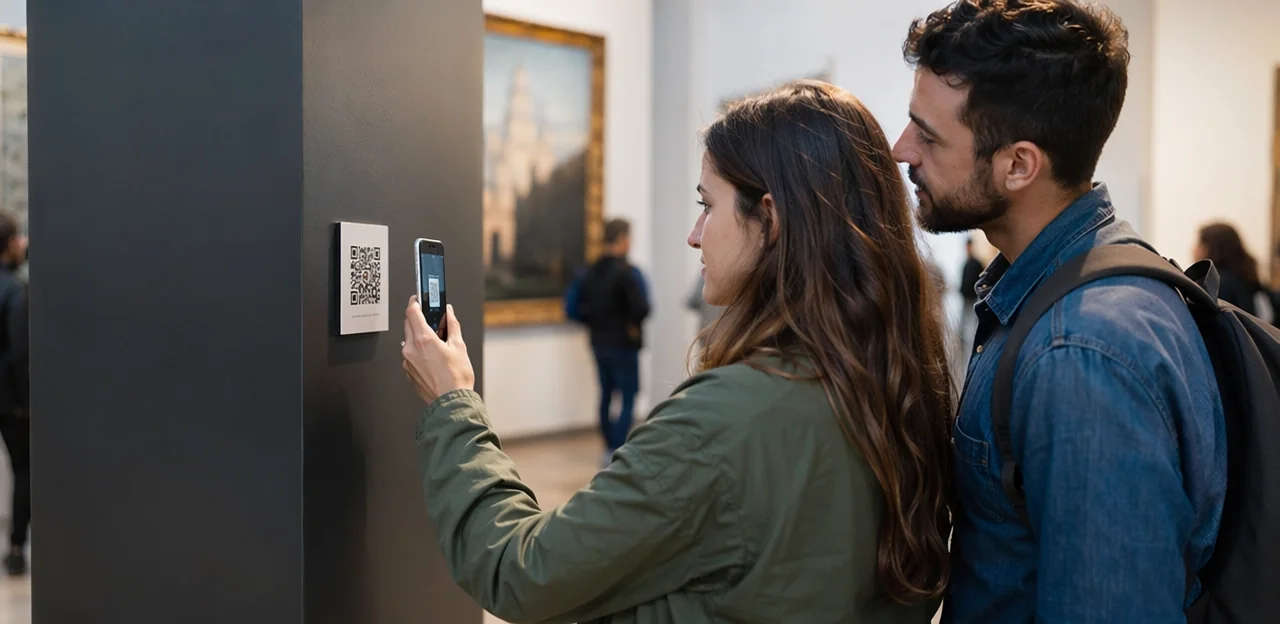
Choosing the right format: stickers, signs, cards, and labels
Selecting the best format for a visitor feedback qr code depends on where visitors pause and how long they engage.
- QR code stickers work well for high-traffic, low-space areas such as entry points, exit doors, lockers, and café counters. Use durable, wipe-clean materials and test qr code sticker size for easy scanning at arm’s length.
- A qr code sticker on display labels is ideal in permanent galleries, where visitors already lean in to read object information. Keep the code discreet but visible, and use strong qr code printing for long-term readability.
- Printed tabletop prompts suit museum cafés, learning zones, and family activity areas, encouraging more reflective feedback.
- Wall signage is best for temporary exhibitions, immersive rooms, or final exit points where larger messaging can explain why feedback matters.
For rotating shows, custom qr code stickers and flexible qr code paper inserts make updates faster. Always print qr code stickers with clear calls to action and location-specific prompts.
Best practices for visibility, wording, and calls to action
To improve scans, place each visitor feedback qr code where decision-making happens: gallery exits, interactive zones, cafés, and near accessibility services. Visibility matters, so use high-contrast custom qr code stickers and test qr code sticker size from normal viewing distance; in most museum settings, larger codes outperform tiny labels. Good qr code printing on durable materials also prevents scan failures.
- Keep wording short: “Tell us what you thought in 20 seconds.”
- Show clear value: “Help us improve exhibit clarity and accessibility.”
- Ask specific prompts: “Was this exhibit easy to understand?” “How accessible was your visit?” “How satisfied were you overall?”
- Match format to location: use wall-mounted qr code stickers, a counter qr code sticker, or temporary qr code paper for rotating exhibits.
- Test and refine: A/B test CTAs before you print qr code stickers at scale.
Clear prompts and smart placement directly strengthen customer experience.
Material and production considerations for busy venues
For a visitor feedback qr code to perform reliably in museums and attractions, material choice matters as much as design. High-traffic spaces need finishes that resist scuffs, cleaning chemicals, sunlight, and moisture.
- Indoor use: Laminated vinyl qr code stickers or rigid acrylic/PVC signs offer strong durability for galleries, cafés, and ticket desks. Choose a matte finish to reduce glare under spotlights.
- Outdoor or semi-outdoor use: Use weatherproof, UV-resistant custom qr code stickers or metal/plastic plaques with sealed edges. This improves scan reliability in changing light and rain.
- Production workflow: For scalable qr code printing, create one master file, test scan distance, then print qr code stickers in batches by location or exhibit. Check qr code sticker size carefully so codes scan easily from expected viewing distances.
- Short-term campaigns: Qr code paper can work for temporary exhibitions or pilot feedback points, but it wears quickly and is best kept indoors away from moisture and heavy handling.
Where to Place QR Codes Across the Museum Journey
Entry, orientation, and ticketing areas
Arrival points are ideal for a visitor feedback qr code because they capture first impressions while details are still fresh. Placing qr code stickers at entrances, admissions desks, and self-service kiosks helps museums identify friction early and improve the overall visitor experience.
- At admissions desks: Ask visitors to rate welcome quality, wait times, and staff helpfulness.
- At self-service kiosks: Prompt feedback on ticket purchase speed, screen clarity, and payment issues.
- At orientation zones: Capture wayfinding problems, signage confusion, and accessibility concerns.
For best results, use custom qr code stickers with clear calls to action, test qr code sticker size for scanning distance, and invest in durable qr code printing materials such as qr code paper for short-term use. Many venues print qr code stickers for counters, barriers, and queue points.
Exhibitions, interpretation points, and interactive zones
Place a visitor feedback qr code exactly where reactions happen: beside exhibits, at digital interactives, and in learning spaces. This helps museums capture exhibit-specific insight while the experience is still fresh, improving both curation and audience experience.
- Use a clear qr code sticker size that scans easily from normal viewing distance without overpowering labels or display graphics.
- For object labels and compact interpretation panels, choose discreet qr code stickers; for hands-on zones, larger custom qr code stickers often perform better.
- Prioritize sharp qr code printing on durable qr code paper or museum-grade materials.
- Always test before launch: print qr code stickers, check lighting, glare, and placement height, and confirm every qr code sticker opens a mobile-friendly feedback form quickly.
Done well, feedback points feel helpful, not intrusive.
Exit points, cafés, shops, and member spaces
End-of-visit touchpoints give museums and other visitor attractions a fuller view of customer experience by capturing sentiment while the visit is still fresh. A well-placed visitor feedback qr code at exits, cafés, retail counters, and member lounges helps teams compare overall satisfaction with spend-related and loyalty-related feedback.
- Exit points: measure overall satisfaction, ease of navigation, and likelihood to recommend.
- Cafés and shops: use a qr code sticker or qr code stickers to collect feedback on service speed, product range, and value.
- Member spaces: understand renewal intent, event satisfaction, and exclusive benefit usage.
For stronger analytics, use segmented placement with custom qr code stickers, thoughtful qr code sticker size, and durable qr code printing on qr code paper where suitable. When you print qr code stickers by location, each touchpoint can reveal actionable trends by zone.
Using AI and Analytics to Turn Feedback Into Action

What data museums should track from QR feedback
A visitor feedback qr code gives museums far more precise insight than a generic post-visit survey because feedback can be tied to a specific gallery, exhibit, café, or exit point.
Track these key metrics:
- Scan rate: How many visitors scan each code, helping assess placement, signage, and qr code sticker size.
- Completion rate: The percentage who finish the form after scanning, useful for refining question length and customer experience.
- Sentiment: Use AI & analytics to detect positive, neutral, or negative themes in open-text responses.
- NPS-style scores: Measure likelihood to recommend the museum or a temporary exhibition.
- Exhibit-level satisfaction: Compare responses by location using custom qr code stickers or qr code stickers placed at individual touchpoints.
- Time-based trends: Spot peaks in complaints or praise by hour, day, or season.
With thoughtful qr code printing, whether on qr code paper, a single qr code sticker, or when you print qr code stickers for multiple zones, museums can identify exactly where experience improvements are needed.
How AI helps identify themes and visitor sentiment
A visitor feedback qr code does more than collect comments; it gives museums a scalable way to use AI & analytics to improve visitor experience and audience experience across sites and exhibits.
- Summarize open-text feedback: AI turns hundreds of free-text responses into clear themes, saving teams hours of manual review.
- Detect recurring issues: It flags repeated concerns around accessibility, unclear interpretation, queue management, staffing levels, or exhibit design.
- Compare locations and touchpoints: Feedback from galleries, cafés, entrances, or temporary exhibitions can be benchmarked using data from qr code stickers, a qr code sticker, or custom qr code stickers placed throughout the venue.
- Surface practical opportunities: Insights can guide better label writing, staff deployment, wayfinding, and inclusive design.
For best results, align qr code printing, print qr code stickers, qr code paper, and qr code sticker size with each environment so response points stay visible and easy to use.
Closing the loop with teams, curators, and operations
A visitor feedback qr code only creates value when museums turn responses into visible improvements across teams. Share live dashboards with curators, front-of-house staff, and operations leads so issues can be reviewed weekly and prioritized by volume, urgency, and impact on customer experience.
- Curators: refine exhibit interpretation, label clarity, or multilingual content when visitors report confusion.
- Operations: adjust staffing patterns at busy galleries, entrances, or cafés based on peak-time feedback.
- Facilities: update wayfinding and signage where guests mention difficulty finding restrooms, exits, or key exhibits.
Use small tests, then measure results over time. For example, compare feedback before and after changing qr code sticker size, moving qr code stickers, or using custom qr code stickers on signage. Consistent qr code printing, whether on qr code paper or when you print qr code stickers, helps museums & attractions improve faster and smarter.
Implementation Tips: From QR Code Printing to Ongoing Optimization

Creating scannable, branded, and durable QR assets
A visitor feedback qr code should be easy to scan, on-brand, and durable enough for busy museum environments.
- Prioritize contrast: For reliable scans, dark codes on light backgrounds usually outperform decorative designs. While custom qr code stickers support brand consistency, simple black-and-white codes often work best in low light or behind glass.
- Use strong settings: Choose high error correction when adding logos, and confirm the final qr code sticker size is large enough for typical viewing distance.
- Select durable materials: Match qr code printing to placement—laminated qr code stickers, waterproof finishes, or sturdy qr code paper for short-term exhibits.
- Test before rollout: Print qr code stickers and scan them on multiple phones, angles, and lighting conditions before approving any qr code sticker design.
Testing size, placement, and print materials
To optimize a visitor feedback qr code, test variables in real gallery conditions before full rollout:
- Check qr code sticker size: Start with 3–5 cm for close-up labels and larger formats for entrances or queue areas. Scan from typical visitor distances.
- Test placement: Mount each qr code sticker at chest-to-eye height, avoiding glare, curved surfaces, or crowded signage.
- Review lighting and usability: Confirm codes scan under dim exhibit lighting and that the mobile form loads fast, displays clearly, and needs minimal typing.
- Compare materials: Use durable vinyl or laminated custom qr code stickers for permanent installations; choose qr code paper for pilots, events, or temporary exhibits.
Before scaling, print qr code stickers in multiple finishes and validate qr code printing quality across devices.
Privacy, accessibility, and multilingual survey design
A well-planned visitor feedback qr code should protect privacy while improving audience experience and customer experience across diverse museum visitors.
- Privacy first: Use GDPR-style consent language, explain what data is collected, and offer anonymous responses by default. If using prize draws or follow-up emails, separate personal details from survey answers.
- Accessible design: Make forms screen-reader friendly with clear labels, strong contrast, large tap targets, and simple mobile layouts. Test placement on qr code stickers for easy scanning at exhibits and exits.
- Multilingual flows: Let visitors choose their language instantly after scanning a qr code sticker or custom qr code stickers. During qr code printing, ensure the qr code sticker size and qr code paper remain readable so every guest can respond confidently.
Common Mistakes Museums Should Avoid With QR Feedback Programs

Poor placement, weak prompts, and survey fatigue
Many museums underperform with a visitor feedback qr code because the prompt is easy to miss, asks too often, or gives no clear reason to scan. Improve response quality by tightening both placement and messaging:
- Put qr code stickers at natural pause points: exits, cafés, cloakrooms, and interactive galleries.
- Use one clear CTA: “Share feedback in 30 seconds for a better visitor experience.”
- Avoid repeating the same qr code sticker every few metres.
- Prioritize readable qr code printing, durable qr code paper, and the right qr code sticker size.
- Test custom qr code stickers and print qr code stickers with benefit-led wording, not generic “Scan here.”
Technical issues that reduce scan and completion rates
A visitor feedback qr code fails when small technical mistakes create friction before a guest even starts. Common problems include:
- Low-contrast designs: light-on-light codes are harder to scan, especially in dim galleries.
- Broken links: a damaged URL wastes every scan from the qr code sticker.
- Slow mobile forms: long load times cause drop-off before feedback is submitted.
- Poor qr code printing: blurry edges, glossy glare, weak adhesive, or the wrong qr code sticker size reduce readability.
Always test every qr code stickers placement before launch. Scan each one on multiple phones, check the landing page speed, and verify custom qr code stickers, qr code paper, and any plans to print qr code stickers perform reliably.
Collecting data without acting on it
A visitor feedback qr code only improves customer experience if someone owns the next step. Museums often invest in qr code stickers, custom qr code stickers, or qr code printing, then fail to review responses consistently or act on patterns surfaced by AI & analytics.
- Assign clear ownership for triage, escalation, and resolution.
- Set a reporting cadence: daily for urgent issues, monthly for trends.
- Turn insights into visible fixes, such as better signage, queue flow, or exhibit labels.
- Match practical details too: correct qr code sticker size, durable qr code paper, and reliable placement when you print qr code stickers or apply a single qr code sticker.
When visitors see changes, trust grows with both guests and staff.
Conclusion
In today’s cultural landscape, every visit is an opportunity to learn, improve, and deepen audience connection. A well-placed visitor feedback qr code helps museums and attractions capture real-time insights at the moment of experience—whether guests are leaving an exhibition, visiting a café, or exploring a family trail. Combined with AI and analytics, these touchpoints turn simple responses into actionable data that can improve exhibits, operations, accessibility, and overall visitor satisfaction.
The most effective programs are easy to spot and effortless to use. That’s why many venues rely on qr code stickers, custom qr code stickers, and thoughtful qr code printing to place feedback prompts exactly where they matter most. From choosing the right qr code sticker size for display labels and entry points to deciding whether qr code paper or more durable materials are best, the goal is the same: make participation seamless and consistent. If needed, teams can print qr code stickers in multiple formats for galleries, kiosks, and temporary installations.
Now is the time to make your visitor feedback qr code strategy part of a smarter audience experience plan. Start by identifying key touchpoints, testing your signage, and reviewing response data regularly. For next steps, explore tools that support multilingual feedback, NFC and QR journeys, and integrated analytics—such as solutions like Tapsy—to turn every visit into a source of insight and lasting engagement.
Frequently Asked Questions
- What is a visitor feedback QR code for museums?
A visitor feedback QR code is a scannable touchpoint that lets guests share feedback during or immediately after their visit. Museums can place it on labels, displays, counters, or exit panels to capture timely reactions about exhibitions, services, accessibility, and overall experience.
- Why do museums use QR codes for feedback instead of relying only on email surveys?
QR feedback captures opinions while details are still fresh, which helps teams gather more immediate and location-specific insight. It also reduces friction because visitors can respond in seconds at the point where the experience happens, rather than later from memory.
- Where should a museum place feedback QR codes for the best results?
Strong locations include entrances, ticket desks, orientation areas, exhibition spaces, interactive zones, cafés, gift shops, exits, and member spaces. The best placements are natural pause points where visitors already stop and can scan without interrupting their visit.
- What types of feedback can museums collect with QR touchpoints?
Museums can collect feedback on welcome quality, wait times, signage, accessibility, exhibit clarity, interpretation, service speed, pricing, product selection, and overall satisfaction. They can also measure likelihood to recommend and compare responses by specific gallery, café, or exit point.
- Are QR code stickers better than signs, cards, or labels for museum feedback?
Each format suits a different setting. QR code stickers work well in high-traffic or low-space areas, display labels fit permanent galleries, tabletop prompts suit cafés and family zones, and wall signage is useful for temporary exhibitions or exit areas where more explanation is needed.
- How can museums make a feedback QR code easier to notice and scan?
Use high contrast, clear calls to action, and a QR code sticker size that matches normal viewing distance. Placement also matters: chest-to-eye height, low glare, durable printing, and short wording such as a 20- or 30-second feedback prompt can improve scan rates.
- What size should a museum QR code sticker be?
For close-up labels, a starting range of 3–5 cm is suggested, while entrances and queue areas often need larger formats. The right size depends on how far away visitors will stand and whether lighting, glare, or surrounding signage affects scanning.
- Which materials are best for indoor and outdoor museum QR feedback points?
Indoor spaces often benefit from laminated vinyl stickers or rigid acrylic or PVC signs with a matte finish to reduce glare. Outdoor or semi-outdoor areas need weatherproof, UV-resistant materials or sealed plaques, while QR code paper is better suited to short-term indoor use.
- Should museums use custom QR code stickers or simple black-and-white codes?
Custom QR code stickers can support branding and help segment feedback by location, but simple dark-on-light designs are often easier to scan. If logos or branding are added, strong contrast and proper error correction are important to keep the code reliable.
- How can museums use AI and analytics with visitor feedback QR codes?
AI can summarize open-text comments, identify recurring themes, and detect positive, neutral, or negative sentiment. Analytics can compare locations, track trends over time, and help teams improve exhibit layouts, staffing, signage, accessibility, and programming.
- What metrics should museums track from QR feedback programs?
Useful metrics include scan rate, completion rate, sentiment, NPS-style scores, exhibit-level satisfaction, and time-based trends. Tracking by location helps museums understand which galleries, cafés, queues, or exits need attention.
- How do multilingual and accessible QR feedback forms improve the visitor experience?
Multilingual flows let visitors choose their language immediately after scanning, which supports tourists and diverse audiences. Accessible forms should use clear labels, strong contrast, large tap targets, screen-reader-friendly structure, and simple mobile layouts.
- What privacy practices should museums follow when collecting QR feedback?
Museums should explain what data is collected, use consent language, and allow anonymous responses by default where possible. If they collect contact details for prize draws or follow-up, those details should be separated from survey responses.
- What common mistakes reduce QR feedback response rates in museums?
Poor placement, weak prompts, repeated requests, low-contrast designs, broken links, slow mobile forms, and blurry or glossy printing can all reduce performance. Codes should be tested on multiple phones and in real lighting conditions before full rollout.
- How should museum teams act on feedback collected through QR codes?
Responses should be reviewed regularly through shared dashboards or reporting routines across curatorial, operations, front-of-house, and facilities teams. The most useful approach is to assign ownership, prioritize issues by urgency and impact, run small changes, and measure results over time.