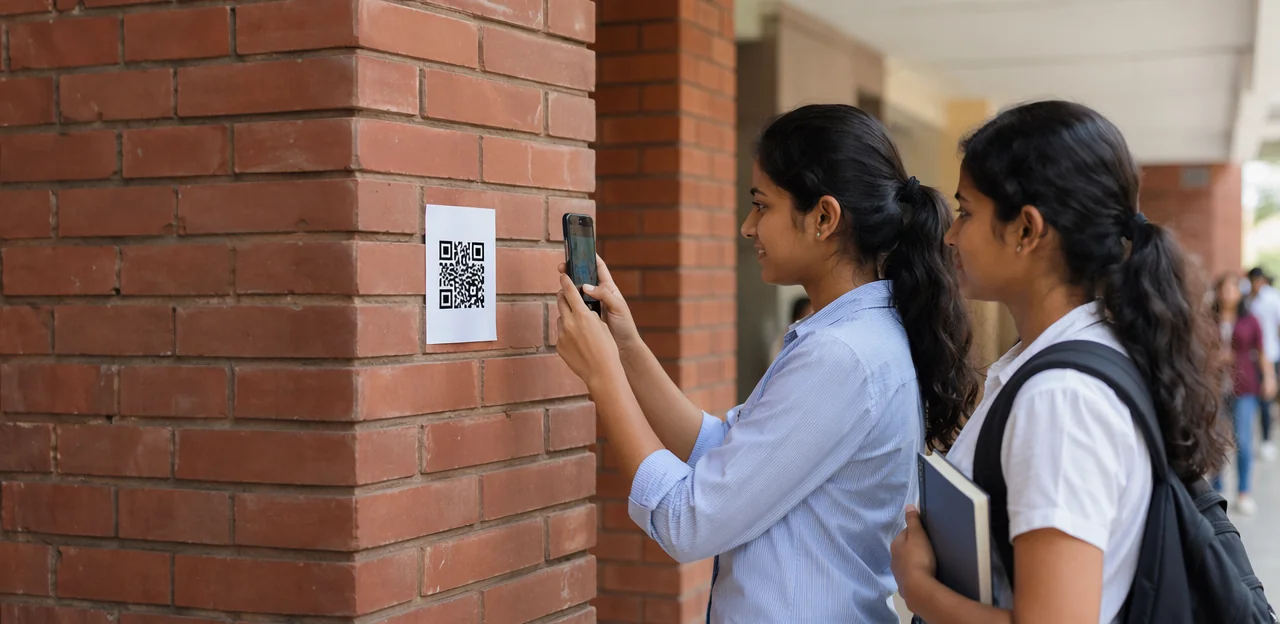
Students are far more likely to share honest opinions when feedback is quick, convenient, and offered at the right moment. That is exactly why the placement of a campus feedback QR code matters. A well-positioned code can turn everyday campus touchpoints—libraries, cafeterias, lecture halls, student services desks, residence halls, and event spaces—into simple opportunities for real-time participation. Put it in the wrong place, however, and even the best feedback initiative may go unnoticed.
As universities and colleges look for better ways to understand student experience, QR-based feedback offers a practical, mobile-first solution. It removes friction, meets students where they already are, and helps institutions collect insights while experiences are still fresh. But success depends on more than generating a code and printing a poster. Visibility, timing, context, and student motivation all influence whether students actually scan and respond.
In this article, we will explore where to place a campus feedback QR code for stronger participation, which campus locations tend to drive the highest response rates, and how to align QR touchpoints with the student journey. We will also look at best practices for signage, incentives, and real-time feedback flows, including how platforms like Tapsy can support more effective campus engagement.
Why QR code placement matters on campus
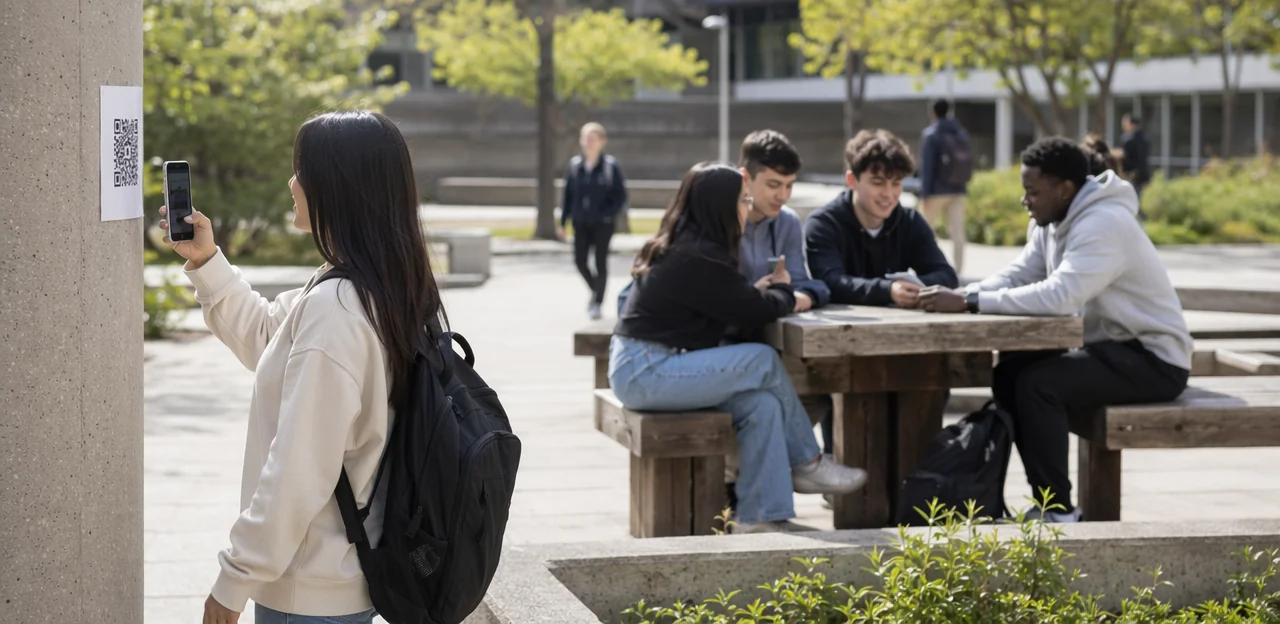
Location has a direct impact on QR code response rates because students act when feedback is easy, visible, and timely. A campus feedback QR code placed in the right physical context feels relevant, while a poorly placed one is ignored.
- Convenience matters: Put codes where students naturally pause—library exits, dining areas, reception desks, and residence halls. Fewer extra steps increase student feedback participation.
- Visibility drives scans: Use eye-level placement, clear signage, and uncluttered surroundings so students notice the code quickly.
- Timing shapes completion: Place QR codes immediately after an experience, such as after advising, events, or support services, when opinions are fresh.
Match placement to the moment of experience to improve both scans and completed responses.
The student experience connection
Well-placed feedback touchpoints make student experience feedback easier to capture at the exact moment an interaction happens. A campus feedback QR code near libraries, dining halls, study spaces, residence halls, or student services helps institutions collect real-time campus feedback while impressions are still fresh, specific, and useful.
- Capture honest reactions immediately: Students are more likely to report issues or praise when the experience just happened.
- Spot friction fast: Broken equipment, long queues, unclear signage, or poor Wi-Fi can be flagged before they affect more students.
- Improve response quality: In-the-moment insights give teams clearer, more actionable data than delayed surveys.
Simple, mobile-first education feedback tools can turn everyday campus moments into opportunities for improvement.
When QR codes outperform email surveys
For many campus survey methods, QR codes beat email because they capture feedback at the exact moment an experience happens. A campus feedback QR code placed outside the library, cafeteria, lab, or student services desk makes on-site feedback collection faster and more relevant than a survey sent hours or days later.
- Immediacy: students respond while details are fresh, improving accuracy.
- Lower friction: no inbox search, login, or long link—just scan and answer.
- Stronger context: feedback is tied to a specific building, queue, classroom, or service point.
- Higher actionability: teams can spot location-based issues quickly.
In a QR code survey vs email comparison, QR works best for real-time experience improvement.
Best places to put a campus feedback QR code
Academic buildings, libraries, and study spaces
To increase participation, place each campus feedback QR code where students naturally pause after using a space, not where they are rushing in.
- Lecture halls: Add a classroom feedback QR code near exits, podiums, and attendance screens. Prompt for quick input such as: Was the room comfortable, audible, and easy to follow today? This captures feedback while the class experience is fresh.
- Library exits: Use library QR feedback at checkout desks, printer areas, and exit gates. Ask about noise levels, seating availability, Wi-Fi, and finding materials.
- Tutoring centers: Place codes at reception desks and session-room doors. Match prompts to support quality, wait times, and whether the student got the help they needed.
- Computer labs: Position codes near printing stations, login terminals, and lab exits. Focus on device availability, software access, and technical issues.
- Quiet study zones: Keep study space feedback discreet on desk dividers or room exits. Ask about lighting, noise, temperature, and seat comfort.
Tools like Tapsy can help route location-specific issues quickly.
Dining halls, cafes, and student unions
Dining spaces and shared student hubs are some of the best places for a campus feedback QR code because they combine constant foot traffic with frequent, low-friction opinions. Students notice service issues in real time, making response rates higher when the prompt appears at the moment of experience.
Place codes where students naturally pause or decide how they feel about the space:
- Dining hall exits: Use a dining hall feedback QR code to capture views on cleanliness, food quality, wait times, and table availability.
- Cafe pickup counters: A campus cafe feedback prompt works well near drink collection points, where students can quickly rate speed, order accuracy, and staff service.
- Student union entrances and lounges: A student union QR code can gather feedback on seating, noise levels, event spaces, and overall comfort.
Keep the form short: 1–3 taps, plus an optional comment. For better participation, add clear signage, mobile-friendly design, and route low ratings instantly to facilities or food service teams.
Residence halls, wellness centers, and support offices
Private, high-use campus spaces are ideal for a campus feedback QR code because students can respond in the moment without feeling exposed. To improve participation, place codes where students naturally pause and where the feedback is specific to the service they just used.
- Dorm lobbies and front desks: Capture residence hall feedback on cleanliness, noise, maintenance response, and security.
- Laundry rooms: Add codes near machines or folding tables so students can quickly report broken equipment, supply issues, or overcrowding.
- Counseling waiting areas and health centers: Use discreet signage so students can share comfort, wait-time, and access concerns privately.
- Advising offices: A student services QR code at check-in desks or exit doors can collect feedback on appointment availability, clarity, and staff support.
- Career services: Place codes near interview rooms, workshop exits, and employer event check-ins to gather targeted campus support feedback.
Keep forms short, mobile-friendly, and anonymous when possible. Platforms like Tapsy can help route service-specific issues to the right team quickly.
Placement best practices that improve participation

Choose high-visibility, high-dwell-time touchpoints
For stronger participation, place each campus feedback QR code where students naturally pause, wait, or pass slowly. These campus touchpoints usually outperform random walls because students have a few extra seconds to notice the sign, understand the prompt, and scan.
Best locations include:
- Entrances and exits: capture first impressions and end-of-visit reactions
- Queues: dining halls, libraries, student services, and campus stores create ideal high dwell time signage moments
- Tabletops: cafeterias, study spaces, and common rooms keep the code in clear view
- Bulletin boards: students already expect to stop and read here
- Elevators: short waits make scanning easy
- Waiting areas: advising offices, clinics, and reception zones are excellent for feedback prompts
Among the most effective QR code placement best practices: keep codes at eye level, add a clear call to action, and match the message to the location’s experience.
Use clear calls to action and incentive cues
A well-placed campus feedback QR code performs better when students instantly understand why they should scan. Strong feedback signage copy should be short, specific, and student-focused, such as: “Tell us how this space is working for you.” That kind of direct QR code call to action reduces hesitation and increases participation.
- Lead with purpose: Explain what the feedback is about, like study spaces, dining, or library services.
- Set expectations: Add “Takes 30 seconds” or “2 quick questions” to lower perceived effort.
- Be transparent: Mention how responses are used, such as improving seating, Wi-Fi, or opening hours.
- Offer optional rewards: Small student survey incentives like prize draws, coffee vouchers, or campus points can lift scan rates without feeling coercive.
- Keep the next step clear: Use action verbs like Scan to share feedback now.
Platforms like Tapsy can also support simple reward-led feedback flows.
Design for mobile usability and accessibility
A campus feedback QR code only works if students can spot it, scan it, and finish the form quickly. Use these QR code design tips to improve participation:
- Make codes large enough: Print at least 1.2–1.5 inches wide for close viewing, and larger for hallways or entrances.
- Prioritize contrast: Dark code on a light, matte background improves scan speed and supports accessible QR code signage.
- Set readable placement height: Mount signage around 48–60 inches from the floor so most users can scan comfortably.
- Use ADA-aware signage: Pair the code with clear labels, plain language, tactile or braille elements where appropriate, and avoid glare or obstructed placement.
- Add multilingual prompts: Short instructions in the top campus languages can increase trust and response rates.
- Optimize the form for mobile: A mobile-friendly feedback form should load fast, ask 1–3 questions first, use large tap targets, and minimize typing to reduce abandonment after the scan.
How to tailor QR feedback by campus environment

Match the question to the location
A generic campus feedback form often produces vague answers because it ignores context. A campus feedback QR code works better when each placement asks contextual survey questions tied to that specific environment. This improves response quality and makes location-based feedback more actionable for campus teams.
- Library: Ask about noise levels, seating availability, lighting, and study space comfort.
- Dining hall: Focus on food quality, menu variety, cleanliness, and queue speed.
- Service offices: Ask about wait times, staff helpfulness, and clarity of information.
Keep each form short and relevant to the touchpoint. If you use a platform like Tapsy, create separate QR flows by location so students see questions that match their real experience.
Keep forms short and action-oriented
A campus feedback QR code works best when the form feels effortless. To improve student survey completion, keep it focused on fast responses students can finish between classes.
- Use 2–4 targeted questions tied to one location or experience, such as cleanliness, wait time, or staff helpfulness.
- Add rating scales like 1–5 stars or emoji scores to make the short feedback survey easy to scan and answer.
- Include one optional open-text field for extra context, not a required essay box.
- End with a clear CTA such as “Rate this space” or “Share your experience in 20 seconds.”
A quick QR code form reduces friction, increases participation, and captures more honest, in-the-moment student feedback.
Use dynamic QR codes for different departments
A campus feedback QR code works harder when it is dynamic rather than fixed. With dynamic QR codes campus teams can change the destination URL anytime, so a code on a library desk can later point to a finals-week survey, maintenance form, or service update without replacing the sign.
- Segment by department or building: create separate codes for residence halls, labs, cafeterias, and student services to improve department feedback tracking.
- Measure performance: use QR code analytics education dashboards to compare scans, response rates, and issue trends by location.
- Run fast campaigns: launch orientation, exam-period, or wellbeing surveys instantly.
Platforms like Tapsy can help manage these touchpoints centrally.
Common mistakes to avoid with campus QR feedback
Poor placement, clutter, and weak visibility
Many QR code placement mistakes come down to visibility. If a campus feedback QR code is buried on a crowded noticeboard, placed in a dim corridor, or posted in a low-traffic corner, students simply will not notice it.
- Avoid cluttered boards where posters compete for attention.
- Choose well-lit, eye-level spots near entrances, exits, queues, and service desks.
- Keep signage clear, bold, and isolated from visual noise.
Better campus signage visibility directly improves attention and reduces low scan rate causes linked to poor placement.
Asking too much or at the wrong moment
A campus feedback QR code works best when the ask feels quick, relevant, and well-timed. Poorly placed prompts can reduce trust and participation fast.
- Keep it short: Long forms increase form abandonment and make survey fatigue students worse.
- Avoid repetition: Asking for feedback at every touchpoint trains students to ignore requests.
- Get the timing right: Don’t ask before the service is finished, or students may feel pressured to respond without a full experience.
- Use 1–3 questions first: Add an optional comment box only when needed.
This improves feedback timing and response quality.
Failing to close the feedback loop
A campus feedback QR code will not sustain participation if students never see results. To close the feedback loop, clearly show what changed after feedback was submitted. This strengthens student trust feedback and supports a stronger campus engagement strategy.
- Share “You said, we did” updates on posters, digital screens, and student emails.
- Highlight quick wins, such as longer library hours or cleaner shared spaces.
- Use student union channels and social posts to reinforce progress.
- Keep updates short, visible, and regular so students connect feedback with action.
Measuring success and optimizing QR code participation
Track scans, completions, and location performance
To improve a campus feedback QR code strategy, monitor the metrics that show both visibility and response quality:
- Scan rate: Measure scans per poster, table tent, kiosk, or doorway to see which placements attract attention.
- Feedback completion rate: Compare starts vs. submitted responses to spot friction in the survey flow.
- Response quality: Track comment length, usable insights, and issue categories—not just volume.
- Campus survey metrics by location: Break down performance by building, department, library, cafeteria, residence hall, or service desk.
Use QR code analytics dashboards to identify high-performing touchpoints and relocate underperforming codes. Tools like Tapsy can help benchmark touchpoints across campus.
Test signage, wording, and placement variations
Use A/B testing QR signage to steadily improve results instead of guessing what students will notice or trust. For each campus feedback QR code, test one variable at a time and track scan rate, completion rate, and response quality.
- CTA copy: Compare “Share feedback in 30 seconds” vs. “Help improve this space.”
- Sign format: Test table tents, wall decals, posters, or stickers.
- Incentive language: Try “Enter to win coffee” vs. “Get a small reward for your response.”
- Placement: Compare eye level, desk height, exits, queues, and waiting areas.
This data-driven campus feedback strategy helps optimize survey participation over time.
To make a campus feedback program scalable, build a repeatable system rather than launching one-off surveys. A sustainable education QR strategy should include:
- Standardized templates: Use the same question structure, branding, and response scales for each campus feedback QR code.
- Clear governance: Assign owners for placement, review cycles, escalation rules, and response times across departments.
- Privacy safeguards: Keep forms minimal, explain data use clearly, and separate anonymous feedback from identifiable follow-up requests.
- Consistent reporting: Track participation, issue categories, resolution speed, and trends to support ongoing student experience improvement.
Platforms like Tapsy can help centralize touchpoint-level reporting.
Conclusion
In the end, better participation comes down to one simple principle: place feedback requests where student experiences actually happen. A well-positioned campus feedback QR code works best at high-traffic, high-intent touchpoints like library exits, dining halls, student services desks, residence halls, study spaces, and event venues. When the code appears at the right moment—right after a service, class, support interaction, or campus activity—students are far more likely to respond because the experience is still fresh.
The key is to keep the process visible, convenient, and low effort. Clear signage, mobile-friendly forms, brief surveys, and a clear reason to participate all help increase engagement. Schools should also test placements, track response rates by location, and refine their strategy over time. That turns a simple campus feedback QR code into a practical tool for improving student experience, identifying issues early, and making campus services more responsive.
The next step is to audit your campus journey and identify the touchpoints that matter most to students. Start with a few priority locations, measure results, and expand based on what drives the strongest participation. If you want a no-app way to collect real-time feedback at physical touchpoints, solutions like Tapsy can help streamline deployment. Put your campus feedback QR code where it matters most—and make student voices easier to hear.
Frequently Asked Questions
- Why does QR code placement affect student feedback participation on campus?
Placement affects response rates because students are more likely to scan when feedback is easy, visible, and timely. Codes work best when they appear in the physical context of the experience, such as right after using a library, dining hall, or service desk.
- Where should a campus feedback QR code be placed for the best response rates?
The strongest placements are high-traffic, high-dwell-time touchpoints where students naturally pause. Good examples include library exits, dining hall exits, reception desks, queues, waiting areas, residence hall lobbies, and study spaces.
- Why can QR feedback work better than email surveys for campus services?
QR feedback captures opinions at the exact moment an experience happens, which keeps details fresh and specific. It also reduces friction because students can scan and respond immediately without searching an inbox, logging in, or opening a long link.
- What are the best campus locations for academic-space feedback QR codes?
Academic buildings perform well when codes are placed where students pause after using the space rather than while rushing in. Effective spots include lecture hall exits, library checkout desks and exit gates, tutoring center reception areas, computer lab stations, and quiet study zone exits.
- How should QR codes be used in dining halls, cafes, and student unions?
Place them at decision points or pause points such as dining hall exits, cafe pickup counters, and student union lounges or entrances. These locations make it easy to ask about food quality, cleanliness, wait times, seating, noise, comfort, and service speed.
- Are residence halls and support offices good places for campus feedback QR codes?
Yes, these are strong locations because students can respond in the moment and often with more privacy. Useful placements include dorm lobbies, front desks, laundry rooms, counseling waiting areas, health centers, advising offices, and career services spaces.
- What makes a QR feedback sign more noticeable and effective?
Use eye-level placement, uncluttered surroundings, and a clear call to action so students understand the purpose immediately. Signs also perform better in well-lit areas and at touchpoints like entrances, exits, bulletin boards, elevators, queues, and waiting areas.
- What should the call to action on a campus QR feedback sign say?
The message should be short, specific, and student-focused, such as asking students to share how a space or service is working for them. It also helps to set expectations with phrases like 'Takes 30 seconds' or '2 quick questions' and explain how the feedback will be used.
- How long should a campus QR feedback form be?
The form should feel effortless and usually start with 1–3 questions, or 2–4 targeted questions for a single location or service. Rating scales and one optional comment box help keep completion fast while still collecting useful context.
- Should feedback questions change depending on the campus location?
Yes, matching the question to the environment makes responses more specific and actionable. A library code should ask about noise, seating, lighting, or Wi-Fi, while a dining hall code should focus on food quality, cleanliness, queue speed, or menu variety.
- What mobile and accessibility design details matter for campus QR feedback?
Codes should be large enough to scan easily, printed with strong contrast, and mounted at a comfortable height of about 48–60 inches from the floor. Clear labels, plain language, ADA-aware signage, reduced glare, and mobile-friendly forms with large tap targets all improve usability.
- When should a school use dynamic QR codes instead of fixed ones?
Dynamic QR codes are useful when teams want to change the destination later without reprinting signage. They also help segment feedback by building or department, compare performance by location, and launch time-specific campaigns such as orientation or finals-week surveys.
- What common mistakes reduce campus QR code scan rates?
Poor visibility, cluttered noticeboards, dim placement, and low-traffic corners often cause students to miss the code entirely. Long forms, repetitive requests, and asking for feedback before the service is finished can also lower trust, increase fatigue, and reduce completion.
- How can a campus team keep students engaged after collecting QR feedback?
Closing the feedback loop is essential, so students should see what changed after they responded. Short 'You said, we did' updates on posters, digital screens, emails, social channels, or student union communications help connect feedback with visible action.
- How should schools measure and improve QR feedback performance over time?
Track scan rate, completion rate, response quality, and performance by location to see which touchpoints are working. Then test one variable at a time, such as wording, sign format, incentives, or placement height, and relocate or refine underperforming codes based on the results.