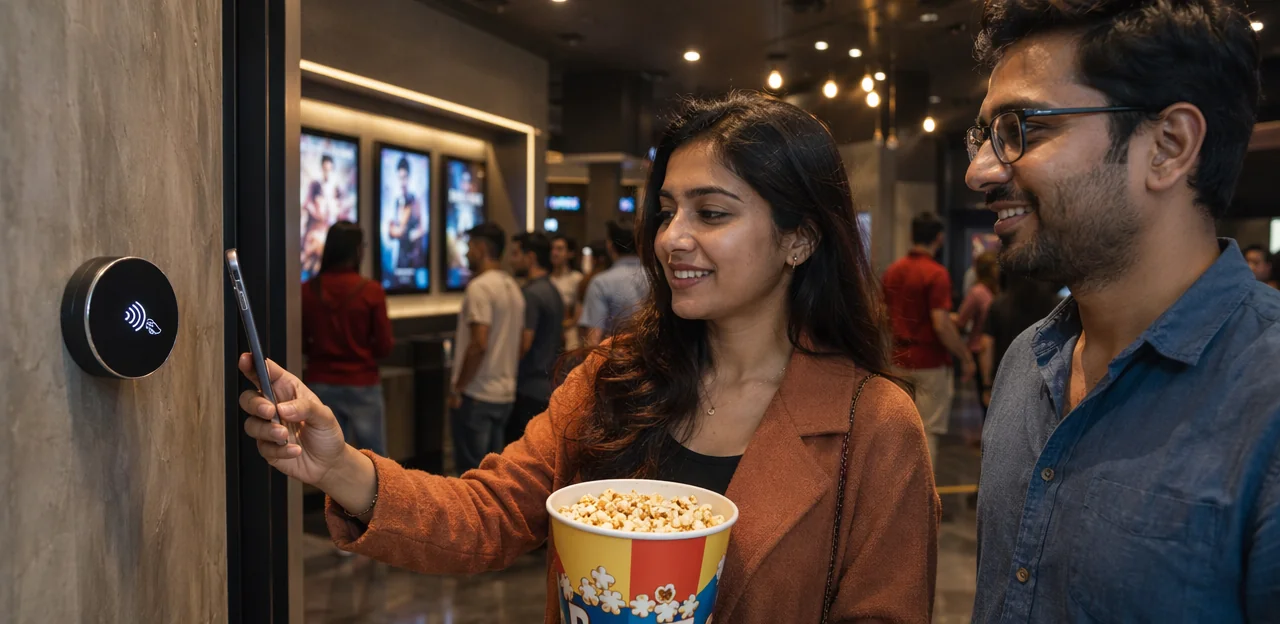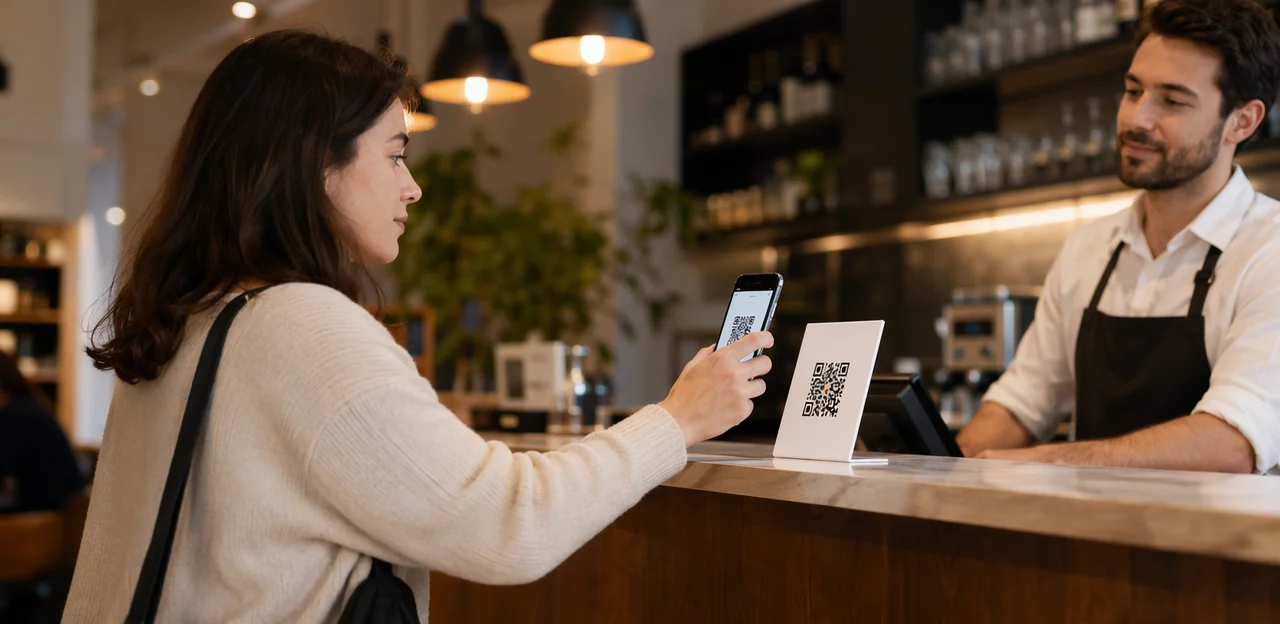
In a world where customer attention is short and expectations are high, the easiest way to collect feedback is often the one guests actually use. That’s why more brands are choosing to print QR code stickers and place them directly at the moment of experience—on tables, counters, packaging, doors, receipts, and product displays. A simple scan can turn a physical touchpoint into a fast route for reviews, surveys, support, loyalty signups, or social engagement.
From hospitality and retail to healthcare, events, real estate, and professional services, qr code stickers offer a low-friction way to improve customer experience while capturing valuable first-party insights. Whether you need a single qr code sticker for a checkout counter, custom qr code stickers for branded campaigns, or qr code stickers for business across multiple locations, the right setup can make engagement more immediate and measurable. Businesses are also exploring qr code stickers with logo for stronger brand recognition, waterproof qr code stickers for outdoor or high-moisture environments, and durable qr code vinyl stickers for long-term use. Even instagram qr code stickers are becoming a smart tool for blending in-person interactions with digital communities.
In this article, we’ll explore how to choose, design, and deploy QR feedback stickers effectively across industries, what software and analytics features matter most, and how NFC and QR touchpoints can support smarter, AI-driven customer engagement.
Why Print QR Code Stickers for Feedback Points
How QR feedback points improve customer experience
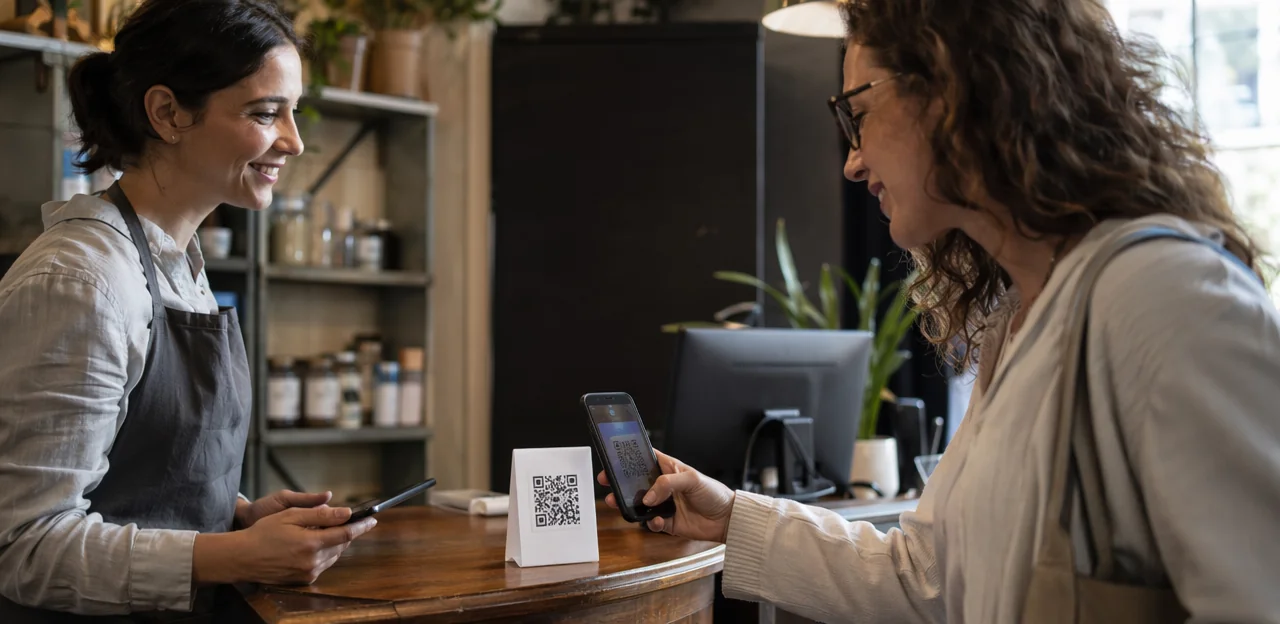
When you print QR code stickers and place them where service happens, feedback becomes immediate, easy, and far more useful. In retail, hospitality, healthcare, events, offices, and service settings, a well-positioned qr code sticker lets customers respond in the moment—while the experience is still fresh.
- Put qr code stickers for business at tables, exits, reception desks, fitting rooms, waiting areas, and packaging.
- Use custom qr code stickers or qr code stickers with logo to build trust and improve scan rates.
- Choose waterproof qr code stickers or qr code vinyl stickers for outdoor, kitchen, washroom, or high-cleaning environments.
- Link each sticker to a short mobile form so teams can spot issues fast and improve CX programs continuously.
Well-designed qr code stickers reduce friction, lift response rates, and turn everyday touchpoints into actionable insight. Even instagram qr code stickers can support follow-up engagement after feedback is captured.
Cross-industry use cases and high-value touchpoints
When businesses print QR code stickers for feedback points, the highest-value placements are the moments closest to service delivery, where response rates and context are strongest. Standardize the same flow, branding, and analytics across locations, then tailor prompts by touchpoint.
- Retail counters: place qr code stickers for business at checkout for service, wait-time, and staff feedback.
- Restaurant tables: use custom qr code stickers or qr code stickers with logo to capture meal satisfaction before guests leave.
- Hotel rooms: add a qr code sticker for housekeeping, amenities, and maintenance requests.
- Clinics and campuses: choose waterproof qr code stickers or qr code vinyl stickers for durable, high-traffic areas.
- Transportation hubs and field service visits: collect real-time experience data at gates, kiosks, vehicles, or job completion points.
- Marketing add-on: pair operational feedback with instagram qr code stickers where social engagement also matters.
QR vs NFC touchpoints for feedback collection
Print QR code stickers are the fastest, lowest-cost way to launch feedback points: guests simply open their camera and scan. They work well for high-traffic areas, temporary campaigns, and broad device compatibility, especially with qr code stickers for business placed on tables, packaging, doors, or receipts. Options like custom qr code stickers, qr code stickers with logo, waterproof qr code stickers, or qr code vinyl stickers help match different environments.
Use cases:
- QR only: budget-sensitive rollouts, outdoor signage, takeaway packaging, or visual prompts like a qr code sticker.
- QR + NFC: premium venues, low-friction guest journeys, accessibility-focused setups, and faster tap-to-feedback moments.
Together, NFC & QR touchpoints create omnichannel capture across physical locations and post-visit journeys. Even niche uses like instagram qr code stickers can extend engagement from in-person feedback to social follow-up.
Designing QR Code Stickers That Get More Scans
Best practices for size, contrast, and scan reliability
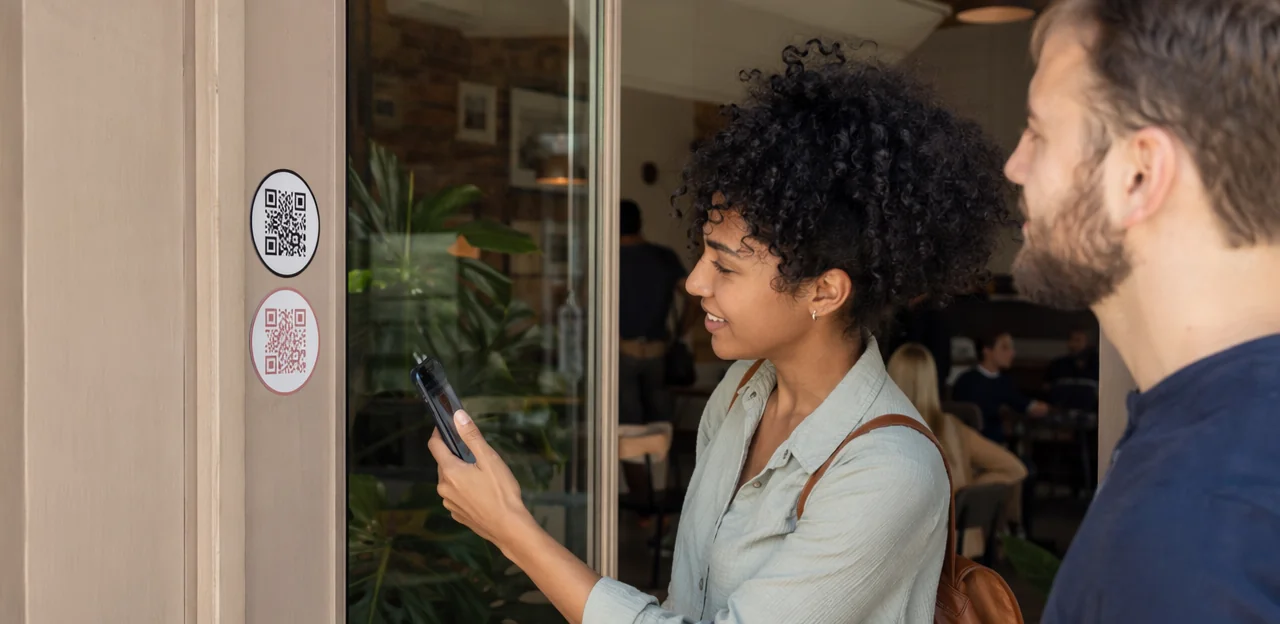
When you print QR code stickers, small design choices have a big impact on scan speed and completion rates.
- Keep a quiet zone: Leave a clear white border around the code, ideally at least 4 modules wide. Crowding a qr code sticker with text or graphics reduces readability.
- Use high contrast: Black on white works best. Stylish qr code stickers with logo should never sacrifice contrast for branding.
- Print sharp files: Export vector artwork or use at least 300 DPI to avoid blurry edges on custom qr code stickers and qr code vinyl stickers.
- Choose the right size: For most indoor qr code stickers for business, aim for at least 2.5–3 cm square; increase size for distance scanning.
- Match placement to environment: Use matte finishes indoors to reduce glare, and waterproof qr code stickers outdoors where moisture, sun, and wear matter.
- Test across devices: Scan with older phones, newer phones, Android, and iPhone before rollout—even for niche uses like instagram qr code stickers.
Branding with logos, colors, and custom layouts
When you print QR code stickers, branding should support scanning, not compete with it. The best custom qr code stickers look polished while keeping the code easy to detect on any surface.
- Use qr code stickers with logo only if the logo stays small and centered, with strong error correction and clear quiet space.
- Keep contrast high: dark code on a light background performs better than heavily stylized color combinations.
- Match brand colors in borders, frames, and CTA buttons rather than inside the code itself.
- Add direct CTA text like “Scan for feedback”, “Tap or scan to review”, or “Get your reward” to improve response rates.
For qr code stickers for business, prioritize visual hierarchy: logo first, CTA second, code third. Whether using waterproof qr code stickers, qr code vinyl stickers, or even instagram qr code stickers, test every qr code sticker design before full production.
Choosing materials for durability and placement
When you print QR code stickers, match the material to the surface, traffic level, and cleaning routine so scans stay easy and the code stays readable.
- Paper qr code stickers: Best for short-term indoor use such as packaging inserts, takeaway bags, or event handouts. Low cost, but less durable.
- Laminated stock: A smart upgrade for qr code stickers for business placed on tables, counters, and menus. It resists light spills, scratches, and frequent handling.
- Waterproof qr code stickers: Ideal for bathrooms, windows, outdoor pickup areas, kitchens, and high-cleaning environments where moisture and disinfectants are common.
- QR code vinyl stickers: Best for walls, glass, doors, outdoor surfaces, and long-term placement. Durable adhesive makes them great for custom qr code stickers and qr code stickers with logo.
For branding-heavy uses like instagram qr code stickers, choose laminated or vinyl for a polished finish.
Industry-Specific Feedback Sticker Strategies

Retail, restaurants, and hospitality
For customer-facing venues, print QR code stickers where feedback naturally happens: checkout counters, table tents, menus, receipts, room cards, elevators, and lobby desks. The goal is to make reviews, service feedback, and issue reporting fast, relevant, and easy.
- Use qr code stickers for business at checkout to prompt a quick rating or Google review after purchase.
- Add a qr code sticker to tables or menus so diners can report slow service, request help, or review dishes in the moment.
- Place custom qr code stickers on room cards and lobby areas for hotel stay feedback, housekeeping requests, or maintenance alerts.
- Choose qr code stickers with logo for brand trust, plus waterproof qr code stickers or qr code vinyl stickers for high-traffic, spill-prone spaces.
- Include instagram qr code stickers where social follows or user-generated content matter.
Keep each scan context-aware with one clear action and a short form.
Healthcare, education, and public services
In privacy-sensitive, high-traffic spaces, feedback points must feel safe, visible, and effortless to use. When you print qr code stickers for clinics, schools, libraries, and municipal buildings, prioritize trust, accessibility, and durability.
- Use waterproof qr code stickers or qr code vinyl stickers in waiting rooms, front desks, and restrooms so surfaces can be sanitized frequently without damage.
- Place each qr code sticker at eye level with plain-language prompts, large type, and clear privacy messaging: no login, no personal data required unless volunteered.
- Choose custom qr code stickers or qr code stickers with logo to reinforce legitimacy and reduce hesitation.
- For classrooms, libraries, and public counters, use qr code stickers for business that link to short, mobile-friendly forms with multilingual and accessibility-friendly design.
Avoid distracting formats like instagram qr code stickers unless social engagement is the goal.
Events, offices, and social engagement campaigns
When you print QR code stickers for short-term campaigns, you create flexible feedback points that work well beyond hospitality. Conferences, pop-ups, offices, and creator activations can use qr code stickers for business to capture reactions in the moment, drive follows, and extend engagement after the event.
- Conferences and trade shows: place custom qr code stickers on booths, badges, and tables for session ratings, lead capture, and post-event surveys.
- Pop-ups and retail activations: use qr code stickers with logo to match campaign branding and collect instant product feedback.
- Offices and internal spaces: a simple qr code sticker in break rooms or reception can support employee pulse checks and workplace suggestions.
- Creator campaigns: pair instagram qr code stickers with feedback prompts so visitors can follow, review, and claim offers from one touchpoint.
For outdoor or high-traffic use, choose waterproof qr code stickers or durable qr code vinyl stickers.
From Scan to Insight: AI, Analytics, and Optimization

What data to track from QR feedback points
When you print QR code stickers for feedback points, track the metrics that connect each scan to real customer experience outcomes:
- Scan volume: Measure total scans by sticker, venue, and campaign to see which qr code stickers for business attract attention.
- Completion rate: Compare scans to submitted responses to spot friction in the feedback flow.
- Location performance: Benchmark tables, exits, counters, or rooms to learn where custom qr code stickers work best.
- Time-of-day trends: Identify peak feedback windows to align staffing and service checks.
- Device type: Track mobile OS and browser behavior to optimize usability across devices.
- Sentiment outcomes: Use AI & analytics to classify comments by positive, neutral, or negative themes.
This helps improve placement, design, and durability choices, from qr code stickers with logo to waterproof qr code stickers or qr code vinyl stickers. Even specialty formats like instagram qr code stickers can reveal engagement patterns.
Using AI to analyze feedback at scale
When you print QR code stickers for feedback points, AI & analytics turns every scan into usable insight instead of a pile of comments. Whether you use qr code stickers for business, a single qr code sticker at checkout, or custom qr code stickers on packaging, AI helps teams act faster.
- Summarize open text: AI condenses hundreds of responses into clear themes.
- Detect recurring issues: Spot repeated complaints about wait times, cleanliness, or product quality across qr code stickers campaigns.
- Classify sentiment: Automatically label responses as positive, neutral, or negative.
- Route urgent complaints: Flag serious issues instantly for managers.
This makes qr code stickers with logo, waterproof qr code stickers, qr code vinyl stickers, and even instagram qr code stickers part of a prioritized action plan, not just data collection.
A/B testing sticker placement and calls to action
To improve scan rates, print qr code stickers in small test batches and compare one variable at a time across locations, audiences, and dayparts. What works in retail may differ from hotels, healthcare, or restaurants.
- Wording: Test “Scan to give feedback” vs. “Tap to get 10% off.”
- Color and branding: Compare high-contrast designs, qr code stickers with logo, and custom qr code stickers that match brand identity.
- Placement: Try eye-level, tabletop, checkout, packaging, doors, and equipment; for outdoor or wet zones, use waterproof qr code stickers or qr code vinyl stickers.
- Offers: Measure no incentive, discounts, loyalty points, or prize draws.
- Landing page: Test shorter forms, mobile-first layouts, and segmented pages for different customer groups.
This iterative approach helps qr code stickers for business generate better response quality, whether using a basic qr code sticker or even niche formats like instagram qr code stickers.
How to Print QR Code Stickers and Deploy Them Successfully

Preparing QR destinations and dynamic links
Before you print qr code stickers, finalize exactly where each scan should lead. A strong setup avoids wasted reprints and improves response rates.
- Create a mobile-friendly landing page for each touchpoint.
- Match the destination to the location: feedback form, review prompt, menu, offer, or redirect.
- Use separate links for tables, counters, rooms, or exits so your qr code stickers for business generate clearer analytics.
- Choose dynamic QR links whenever possible. They let you update the destination later without replacing every qr code sticker.
This is especially useful for custom qr code stickers, qr code stickers with logo, waterproof qr code stickers, qr code vinyl stickers, or even instagram qr code stickers already installed across multiple sites. Platforms like Tapsy can also help manage feedback destinations centrally.
Printing methods, proofing, and quality control
When you print qr code stickers, choose the method based on volume and environment:
- In-house printing works for short runs and fast updates. Use print-ready PDF, SVG, or high-resolution PNG files for sharp edges on every qr code sticker.
- Professional printing is better for large batches, custom qr code stickers, and branded qr code stickers with logo, especially for qr code stickers for business exposed to heat, moisture, or cleaning products.
- Pick the right stock: qr code vinyl stickers offer stronger adhesion and durability, while waterproof qr code stickers suit bathrooms, kitchens, windows, and outdoor use.
- Always run test prints, scan from different phones, distances, and lighting conditions.
- Validate each batch for contrast, quiet zone spacing, adhesive strength, and readability over time, including specialty uses like instagram qr code stickers.
Installation, maintenance, and governance across locations
To scale print qr code stickers across multiple sites, standardize rollout from day one:
- Create a naming convention by site, zone, surface, and purpose (for example:
LON-01-Lobby-Feedback), so every qr code sticker is trackable. - Define placement rules: eye level at entrances, table-edge for dining, checkout counters for retail, and weather-safe spots for waterproof qr code stickers or qr code vinyl stickers.
- Use approved templates for custom qr code stickers, including qr code stickers with logo, sizing, color contrast, and CTA text.
- Schedule monthly scans, damage checks, and analytics reviews to confirm every qr code stickers for business touchpoint works.
- Set replacement cycles by environment and owner team, with central approval for franchise and enterprise governance.
Even niche uses, like instagram qr code stickers, should follow the same policy.
Choosing the Right Software for QR Feedback Programs

Core software features to evaluate
When choosing software to support print qr code stickers programs, compare the features that directly improve response rates, reporting, and rollout consistency:
- Dynamic QR management: Update destinations without reprinting qr code stickers, whether you use a single qr code sticker, custom qr code stickers, or qr code stickers with logo.
- Analytics dashboards: Track scans, completion rates, location performance, and trends across qr code stickers for business deployments.
- AI summaries: Turn open-text feedback into fast themes, sentiment, and action points.
- Integrations: Connect with CRM, POS, help desk, and loyalty tools.
- Permissions and roles: Control access by site, team, or region.
- Branding and multi-location support: Keep designs consistent across waterproof qr code stickers, qr code vinyl stickers, or even campaign-specific assets like instagram qr code stickers.
Integration with CRM, help desk, and CX systems
When you print qr code stickers for feedback points, integration matters as much as placement. The best qr code stickers for business connect directly to your CRM, help desk, survey platform, review management tools, and AI & analytics stack so feedback turns into action fast.
- Send each scan from a qr code sticker into customer profiles for better customer experience tracking.
- Create support tickets automatically when low ratings are submitted.
- Route positive responses to review requests and negative ones to recovery workflows.
- Push survey and location data into BI dashboards to spot trends by site, product, or team.
Whether using custom qr code stickers, qr code stickers with logo, waterproof qr code stickers, or qr code vinyl stickers, choose tools with APIs, webhooks, and real-time alerts. Even niche uses like instagram qr code stickers should feed a unified reporting system.
Questions to ask vendors before you commit
Before you print QR code stickers, use this quick software selection checklist to avoid choosing a tool that only handles basic campaigns:
- Pricing: Are costs per location, scan, user, or response? Will qr code stickers for business scale affordably?
- Scalability: Can the platform support one qr code sticker or thousands of custom qr code stickers across sites?
- Data ownership: Do you fully own customer data and feedback results?
- Security & uptime: Ask about encryption, compliance, backups, and uptime guarantees.
- Customization: Can you brand landing pages to match qr code stickers with logo and other assets?
- Reporting: Does it offer real-time dashboards, exports, AI insights, and location-level comparisons?
Also confirm support for waterproof qr code stickers, qr code vinyl stickers, and even campaign-specific uses like instagram qr code stickers.
Conclusion
In a world where speed, convenience, and measurable customer experience matter more than ever, choosing to print QR code stickers is a simple move that can deliver outsized results. Across hospitality, retail, healthcare, events, offices, and service businesses, well-placed qr code stickers turn everyday touchpoints into instant feedback channels, helping brands capture insights in the moment, improve operations faster, and build stronger customer relationships.
Whether you need a single qr code sticker for a counter or scalable custom qr code stickers for multiple locations, the key is to prioritize durability, visibility, and brand consistency. For many organizations, qr code stickers for business work best when tailored by use case, from qr code stickers with logo for branded presentation to waterproof qr code stickers and qr code vinyl stickers for high-traffic or outdoor environments. Even niche formats like instagram qr code stickers can support social engagement alongside feedback collection.
The next step is to map your feedback points, choose the right materials, and test placement for maximum scans and responses. If you want to go further, explore platforms that pair QR touchpoints with analytics, rewards, and AI-powered insights, such as Tapsy. Now is the time to print QR code stickers that not only look professional, but also turn customer interactions into action.
Frequently Asked Questions
- Why do businesses print QR code stickers for feedback points?
QR code stickers make feedback fast and easy at the exact moment of service. They help businesses collect reviews, surveys, support requests, loyalty signups, or social engagement from physical touchpoints like tables, counters, packaging, doors, and receipts.
- Where should QR code stickers be placed for the best response rates?
The strongest placements are closest to service delivery, where the experience is still fresh. Common high-value spots include checkout counters, restaurant tables, hotel rooms, reception desks, waiting areas, exits, packaging, and job completion points.
- What is the difference between using QR-only stickers and QR plus NFC for feedback?
QR-only setups are the fastest and lowest-cost option, and they work well for high-traffic areas, temporary campaigns, and broad device compatibility. QR plus NFC is better for premium venues, accessibility-focused setups, and lower-friction tap-to-feedback experiences.
- What size and print quality should a QR code sticker have to scan reliably?
For most indoor business use, the code should be at least 2.5 to 3 cm square, with larger sizes for distance scanning. Use a clear quiet zone, high contrast, and sharp files such as vector artwork or at least 300 DPI to keep edges readable.
- Can QR code stickers include a logo without hurting scan performance?
Yes, but the logo should stay small and centered, with strong error correction and enough quiet space around the code. Branding works best in borders, frames, and CTA elements rather than reducing contrast inside the code itself.
- Which material is best for QR code stickers in different environments?
Paper stickers suit short-term indoor uses like inserts or handouts, while laminated stock is better for tables, counters, and menus. Waterproof stickers are ideal for bathrooms, kitchens, windows, and outdoor pickup areas, and vinyl stickers are best for walls, glass, doors, and long-term outdoor placement.
- How should restaurants, hotels, and retail stores use QR feedback stickers?
Retailers can place them at checkout for service ratings or review prompts, while restaurants can use them on tables or menus for meal feedback and service requests. Hotels can add them to room cards, lobby desks, or elevators for housekeeping, maintenance, and stay feedback.
- What should healthcare, education, and public service organizations prioritize when using QR stickers?
They should focus on trust, accessibility, and durability in high-traffic and privacy-sensitive spaces. Eye-level placement, plain-language prompts, large type, privacy messaging, and durable materials like waterproof or vinyl stock are especially important.
- What metrics should be tracked from QR feedback points?
Useful metrics include scan volume, completion rate, location performance, time-of-day trends, device type, and sentiment outcomes. These measures help improve sticker placement, form design, and material choices across locations.
- How can AI help analyze feedback collected through QR code stickers?
AI can summarize open-text responses, detect recurring issues, classify sentiment, and flag urgent complaints for managers. That makes it easier to turn large volumes of comments into clear action points instead of manually reviewing every response.
- What should businesses test when trying to improve QR sticker scan rates?
They should test one variable at a time, such as CTA wording, color and branding, placement, offers, and landing page design. Small test batches across locations, audiences, and dayparts make it easier to see what improves scan and completion rates.
- Why are dynamic QR links important before printing stickers?
Dynamic links let businesses update the destination later without reprinting installed stickers. They are especially useful when different touchpoints need separate destinations and analytics, such as tables, counters, rooms, or exits.
- What printing and quality checks should be done before deployment?
In-house printing works for short runs, while professional printing is better for large batches and branded or durable stickers. Every batch should be test printed and scanned across different phones, distances, and lighting conditions, while also checking contrast, quiet zone spacing, adhesive strength, and long-term readability.
- How can multi-location businesses manage QR code sticker rollouts consistently?
They should standardize naming conventions, placement rules, approved templates, and replacement cycles from the start. Monthly scans, damage checks, and analytics reviews help confirm that each touchpoint remains readable, trackable, and aligned with governance policies.
- What software features matter most for a QR feedback program?
Key features include dynamic QR management, analytics dashboards, AI summaries, integrations with CRM, POS, help desk, and loyalty tools, plus permissions and multi-location support. It is also important to confirm pricing, scalability, data ownership, security, customization, and reporting before choosing a vendor.